18. Step
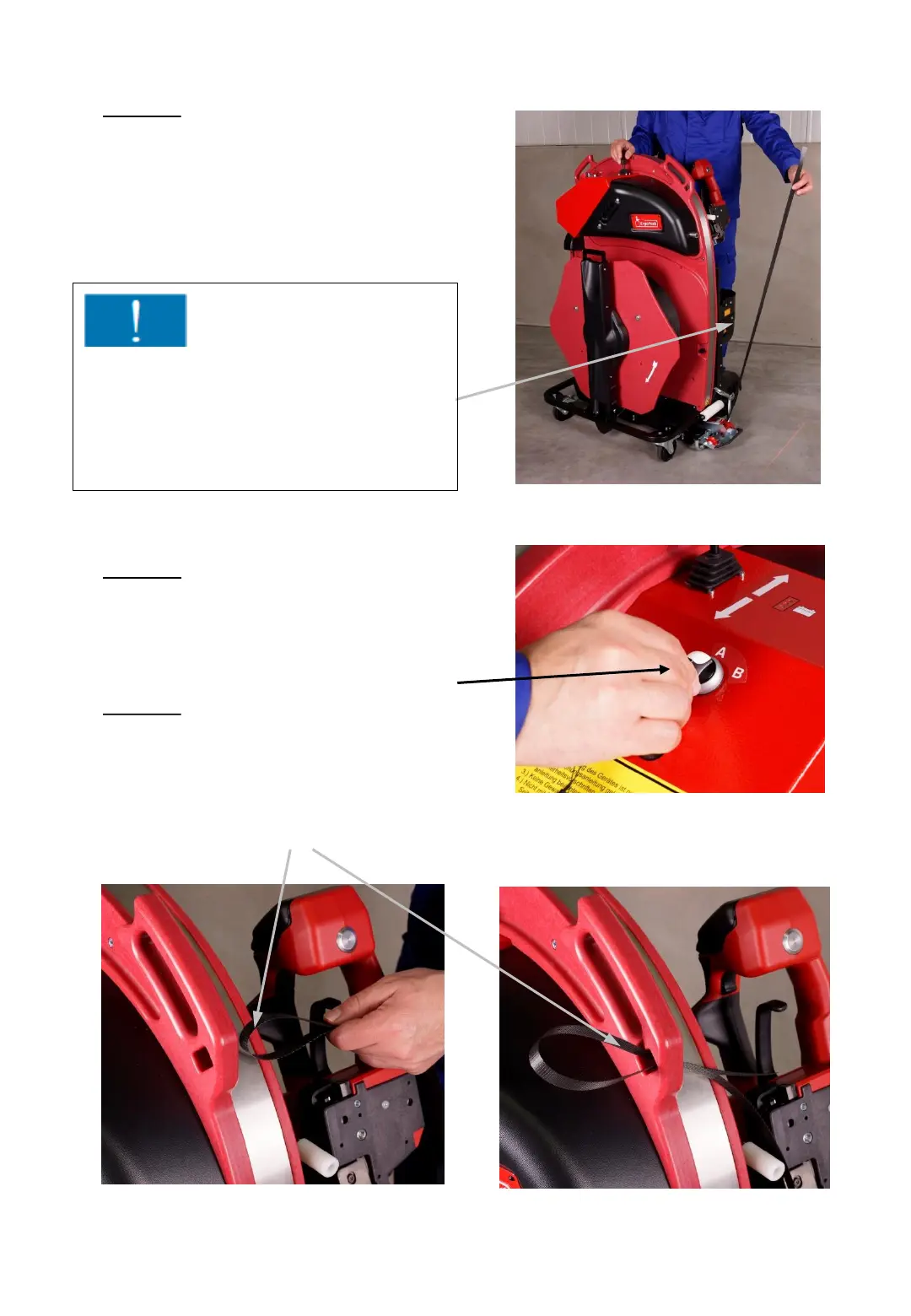
Move the ChainLance
completely backwards by
pushing the joystick again
in the “move in“ direction.
20. Step
Place the overlapping strap
as shown with a loop
through the small slot
underneath the left handle.
19. Step
Set the operating mode switch (3) to
position “A“
3
Fig. 45
Fig. 46
Fig. 47b Fig. 47a
- 40 -
Important !
Make sure that the strap remains
continuously tensioned while moving
back the ChainLance, to avoid the
strap being pushed into the strapping
system.



 To Next Page