BPage14 BEA--220265-EN-04
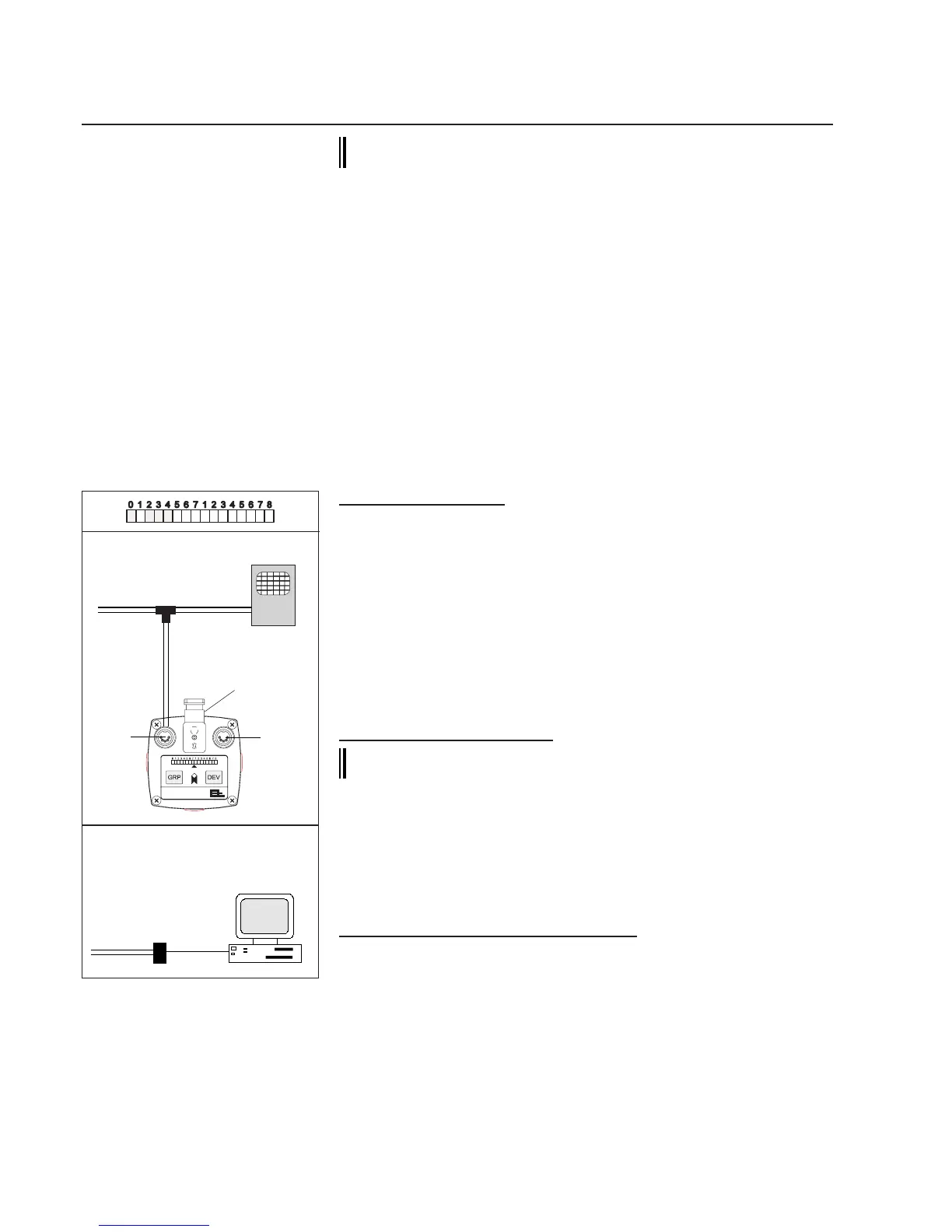
CCDarraycameraOptoLineOL80..
E+Ladapter
Oscilloscope
CANbus
Video-
signal
X4
X5
X11
PC
withE+L
CANMON
E+L
serialinterface
DI3...
CANbus
The camera must be precision set for difcult (poor) con-
trasts via parameter 27. To do so, proceed as follows:
➜callupsetupeditor.
➜enterthecameradevicenumberinparameter0.
➜enterthecameragroupnumberinparameter1.
➜callupparameter26*datarate(,notevalueinparameter26.
➜callupparameter27,valueinparameterindicatessetaperture
exposuretime.
➜setcameraaperturesothattheexposuretimeisbetweenthe
minimumexposuretime(0.9msec)andthevalueofparameter26
(defaultvalue5,0msec).
➜waitapprox.1minuteaftersettinguntilsetupmodeisterminated.
7.6.2 Focusing the camera
7.6.2.1 On the camera
➜PresstheGRPkeyonthecameracontrolelduntilLED0and1
abovetheGRPkeylightupalternately(approx.10seconds).
ThesetwoLED'sindicatethatthesetfocusingmodeisactivated.
Additionally,furtherLEDsmayalsolightup.
➜TurntheringorlenstosetthefocusingdepthuntilasmanyLEDs
aspossiblelightup.TheLEDsindicatethefocusingdepthset.
➜Terminatesetfocusingmode.Todoso,holddowntheGRPkey
untilLED0and1nolongerlightupalternately(approx.10sec-
onds).
7.6.2.2 With an oscilloscope
In difcult (poor) alternations in contrast, the focusing depth
may be set with the help of an oscilloscope.
➜SwitchtheoscilloscopeviaE+LadapterEK4030(mat.no.
220651)intotheCANbuslineabovetheGRPkey.
Thewebedgemaybedetected,dependingonthescanningmethod
anddirection,asanascendingordescendingankontheoscillo-
scope,seeillustrationbelow.
7.6.2.3 With the E+L CANMON program
➜SeeCANMONdescription
Focusingthecamera



 To Next Page