ESAB CUTMASTER 60i
INSTALLATION Manual 0-5488
3-2
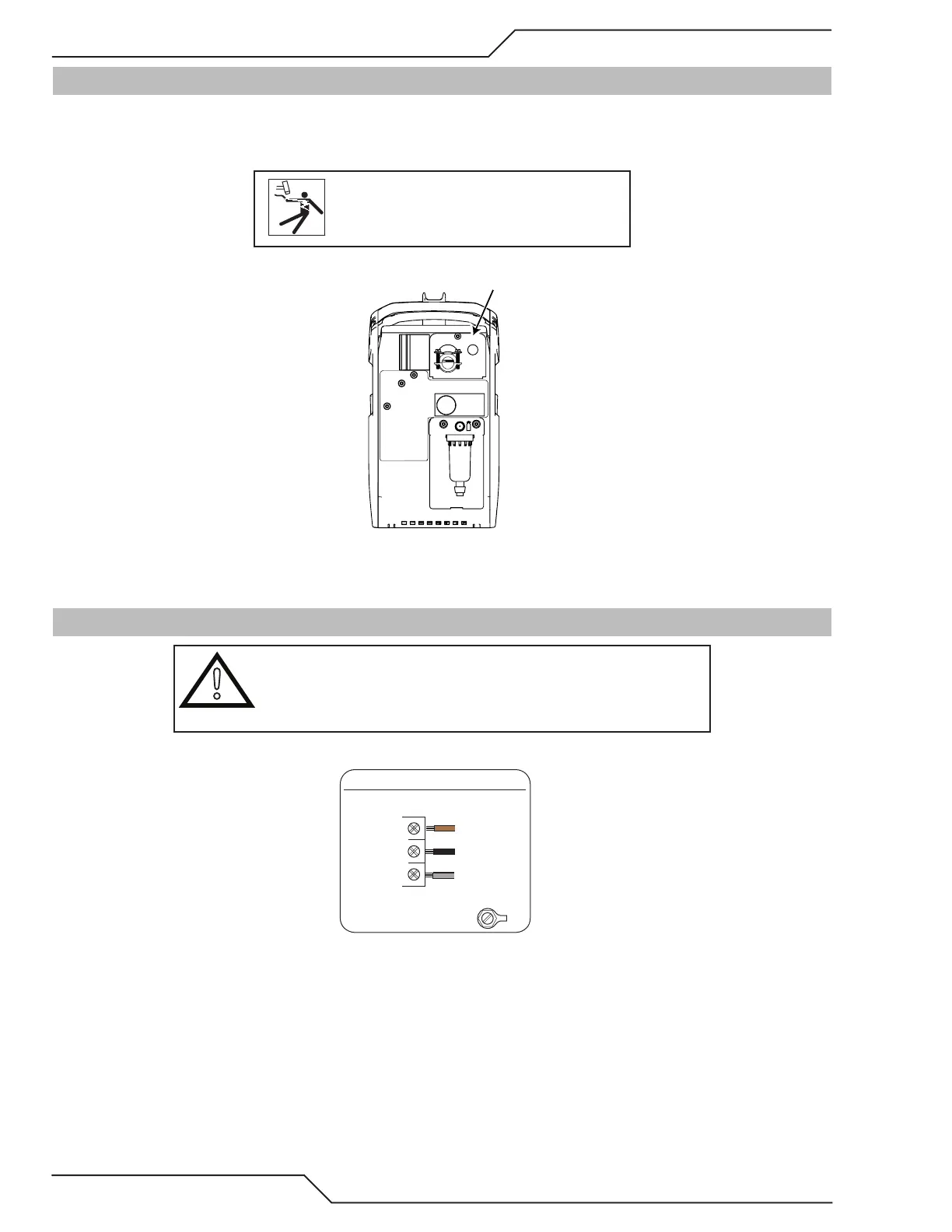
3.02 Opening the Main Switch Cover
Systems are configured for and come with power cord connected for three phase configuration. The input power
switch is located on the rear panel along the top. To access the input location, remove the screw at the top of the
cover and flip down.
WARNING
Disconnect power before removing the
cover.
Main Switch Cover
3.03 Primary Input Power Connections, THREE Phase
!
CAUTION
The primary power source, fuse, and any extension cords used must
conform to local electrical code and the recommended circuit protec-
tion and wiring requirements as specified in Section 2.
Line
GND
Three-Phase (3ø)
Power
Cord
Power Switch
Three Phase Input Power Wiring




 To Next Page