EasyManua.ls Logo

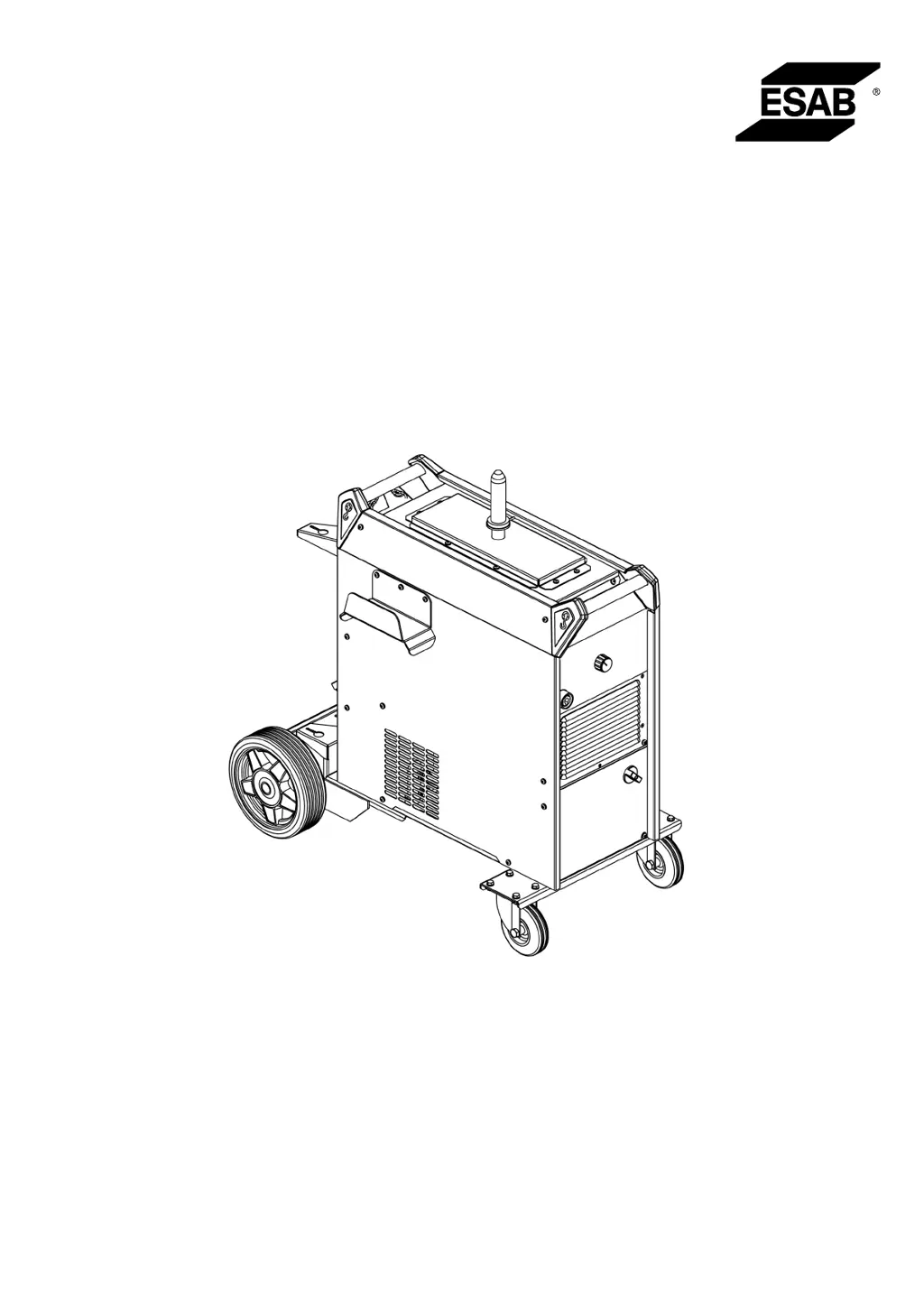
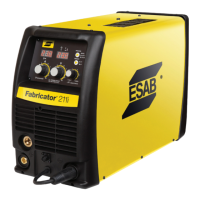
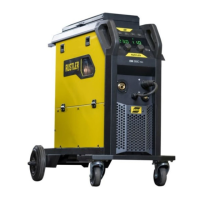
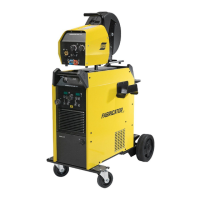
ESAB Fabricator EM 401i - User Manual

ESAB Fabricator EM 401i
32 pages
Print Icon
To Next Page IconTo Next Page
Loading...
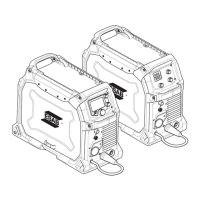
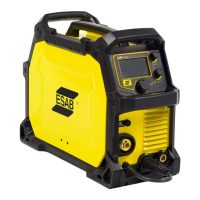
Fabricator EM 401i,
Fabricator EM 501i
Instruction manual
0446 455 001 GB 20210630
Valid for: Serial number:
OP110YY-XXXXXX

Questions and Answers

  • M
    Mark ClarkAug 18, 2025
    What to do if there is abnormal input power in my ESAB Fabricator EM 401i Welding System?
    • A
      Andrea DoyleAug 18, 2025
      If the ESAB Welding System experiences abnormal input power, ensure the input cables are properly connected and verify that all three input phases are present.
  • L
    Lindsay MartinezAug 20, 2025
    What to do if my ESAB Fabricator EM 401i shows output overcurrent?
    • V
      Valerie EdwardsAug 21, 2025
      If your ESAB Welding System shows an output overcurrent, verify that the output is not short-circuited or experiencing excessively high current.
  • M
    Michael Coleman DDSAug 23, 2025
    What causes input power fault in ESAB Fabricator EM 401i Welding System?
    • A
      Angela WhiteAug 23, 2025
      If your ESAB Welding System indicates an input power fault, verify that the input cables are properly connected and confirm that the input power is normal, checking for phase loss or imbalance.
  • J
    jennifer55Aug 26, 2025
    What causes output overvoltage in ESAB Welding System?
    • P
      Patrick SteeleAug 26, 2025
      If the ESAB Welding System displays an output overvoltage, verify that the input voltage is normal and that the output cables are connected correctly.
  • P
    petersonvanessaAug 27, 2025
    Why is my ESAB Fabricator EM 401i Welding System showing IGBT or diode over-temperature?
    • G
      gpotterAug 28, 2025
      If your ESAB Welding System reports IGBT or diode over-temperature, ensure you are not exceeding the rated duty cycle range. Also, check that the air vent is not blocked and the fan blades are free from obstructions.
  • V
    Victor JonesAug 30, 2025
    What to do if my ESAB Fabricator EM 401i shows primary side overcurrent?
    • A
      Anita AndersonAug 30, 2025
      If the ESAB Welding System indicates primary side overcurrent, verify that the output is not short-circuited.
  • C
    Courtney BartonSep 1, 2025
    What causes primary side overvoltage in ESAB Fabricator EM 401i?
    • J
      Jacob WolfeSep 1, 2025
      If your ESAB Welding System shows primary side overvoltage, verify that the input voltage is normal.
  • T
    Tanya FletcherSep 3, 2025
    Why is the output terminal of my ESAB Fabricator EM 401i Welding System overheating?
    • T
      Theresa SmithSep 4, 2025
      If the ESAB Welding System's output terminal is overheating, verify that the OKC terminal and welding cable are properly connected. Ensure you're using cables with the correct cross-sectional areas and suitable cable OKC. Also, check that the fan blades are not obstructed.
  • T
    Thomas CarlsonSep 6, 2025
    What causes overcurrent of wire feeder motor in ESAB Fabricator EM 401i?
    • J
      jeremybowersSep 6, 2025
      If the wire feeder motor of your ESAB Welding System experiences overcurrent, check whether the welding wire is blocked or jammed.
  • P
    paulsullivanSep 8, 2025
    What to do if there is a button error on my ESAB Welding System?
    • M
      Mark Anderson PhDSep 8, 2025
      If you are facing button error on your ESAB Welding System, check the button and make sure it does not stick.

Summary

Safety

Meaning of Symbols

Explains hazard warning symbols used in the manual for immediate attention and safety.

Safety Precautions

Covers general safety measures, electrical hazards, fumes, noise, and moving parts for safe operation.

Introduction

Equipment

Lists the components and accessories supplied with the welding power source.

Technical Data

Fabricator EM 401 i;EM 401 i with Cooling Unit Specifications

Details technical specifications for the Fabricator EM 401i models including voltage, current, and dimensions.

Fabricator EM 501 i with Cooling Unit Specifications

Details technical specifications for the Fabricator EM 501i model including voltage, current, and dimensions.

Duty Cycle and Enclosure Class Definitions

Explains duty cycle as a percentage of operation time and enclosure class (IP codes) for equipment protection.

Application Class Explanation

Explains the meaning of the 'S' symbol indicating suitability for use in areas with increased electrical hazard.

Installation

Location

Guidance on positioning the power source to ensure cooling air inlets and outlets are unobstructed.

Lifting Instructions

Provides safety instructions and weight limits for lifting the welding equipment safely.

Mains Supply

Information on connecting the power source to the correct supply voltage and protecting it with the correct fuse.

Operation

Connections and Control Devices

Identifies all external ports, connectors, and control panel elements of the welding machine.

Welding Control Mode

Explains different welding modes: 2-stroke, 4-stroke, and 4-stroke repeat for various welding tasks.

Connection of Welding and Return Cable

Details how to connect welding and return cables, including recommended cable sizes and current ratings.

Symbols and Functions

Explains the meaning of various symbols and icons found on the control panel and their functions.

Thermal Protection

Describes the overheating protection mechanism, its indicator lamp, and automatic reset.

Fan Control

Explains how the cooling fan speed is controlled based on welding current and operational status.

Usage of the Cooling Unit

Guidelines for using the cooling unit with different welding torches to prevent damage and wear.

Coolant Connection

Recommendations for connecting the coolant system and height considerations for optimal performance.

Coolant Pressure Controller

Explains the function of the coolant pump's pressure relief valve and potential causes of high pressure.

Maintenance

Maintenance

General warnings and notes regarding equipment maintenance, including safety and warranty considerations.

Routine Maintenance

Provides a schedule for regular maintenance tasks like cleaning weld terminals and checking cables.

Power Source Cleaning

Explains the importance and frequency of cleaning the power source to maintain performance and lifespan.

Cooling Unit Care

Addresses dust and swarf accumulation in the cooling unit and the coolant system for optimal cooling.

Filling the Coolant

Instructions on using the correct ESAB ready mixed coolant and proper filling procedures.

Troubleshooting

Error Code Reference

Lists welder error codes displayed on the screen, their causes, and recommended solutions for troubleshooting.

Fault Types and Corrective Actions

Provides specific corrective actions for common faults like no arc, interrupted current, or poor cooling.

Ordering Spare Parts

Appendix

Ordering Numbers

Lists product ordering numbers for power sources, manuals, and associated equipment.

Block Diagram

Illustrates the internal functional components of the welding power source and their interconnections.

Accessories

Lists available accessories such as wire feeders, connection sets, and coolant for purchase.

ESAB Fabricator EM 401i Specifications

General IconGeneral
Input Frequency50/60 Hz
Wire Diameter0.8-1.6 mm
Protection ClassIP23
Efficiency85 %
Power Factor0.93
ProcessMIG/MAG

Related product manuals