6 CONTROL PANEL
0463 772 001
- 22 -
© ESAB AB 2023
6.2 LED indicators description
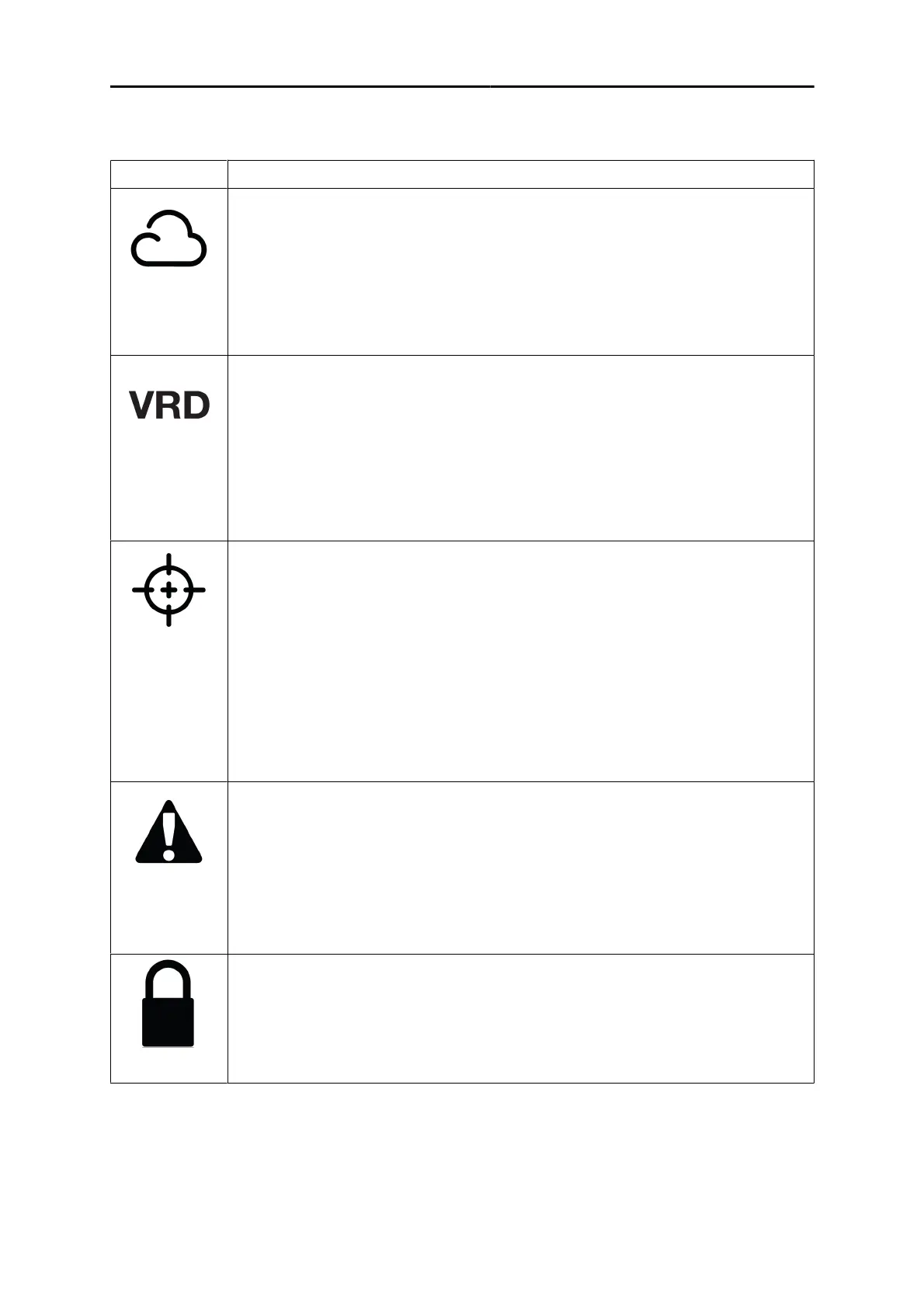
Indicator Description
WeldCloud
An online management system that connects welding power supplies to a software
platform that manages data to be analysed for maximum productivity.
WeldCloud productivity provides the production manager tools to improve welding
productivity and increase traceability by keeping track of each weld, operator, part
number and more.
The indicator is lit in green when it is connected.
VRD (Voltage Reducing Device)
The VRD function ensures that the open-circuit voltage does not exceed 35 V when
welding is not being carried out. The VRD function must be activated by a qualified
service technician, by means of Edge ESAT (ESAB Software Administration Tool, a
kit for technical service including a software to manage settings, update of software
etc.).
The VRD function is blocked when the system senses that welding has started.
When VRD function is active, the indicator is lit in green.
TRUEARC compensate
To achieve a good welding result, the arc voltage is a crucial factor. In MIG/MAG
welding, the power source is prepared to sense the arc voltage in the wire feeder.
Prerequisite for this functionality is that an ESAB wire feeder and an ESAB
interconnection cable is used.
In compensation mode, when the torch is triggered on the workpiece (avoid wire
contact), it measures the inductance and resistance to compensate for the voltage
drop in the interconnection cable, torch and return cable.
The indicator is lit in yellow when compensation is required and it blinks during the
compensation process. If the compensation process is a success, the indicator is lit
in green.
Warning/Error
• Warning
The indicator is lit in yellow and displays an "Err" message. If warning
occurs, completion of ongoing weld is possible, but start of a new weld
is prevented as long as the warning remains.
• Error
The indicator is lit in red and displays an "Err" message. The ongoing
welding is stopped as long as the error remains.
Lock
Green - This indicates when the system has limited access or Job limits are active.
Red - This indicates the system is locked, and to be able to use the system, it is
required to unlock.
Red (blink) - This indicates when the user is trying to access the restricted features.



 To Next Page