7.Web Settings
We can configure IP Phone more handy through web setting. Press OK button on the keypad of the
phone to enter the status page and find out the IP address of IP phone. Enter it (for example
http://192.168.0.200) into the address bar of web browser. The default login name and password
are both “root”.
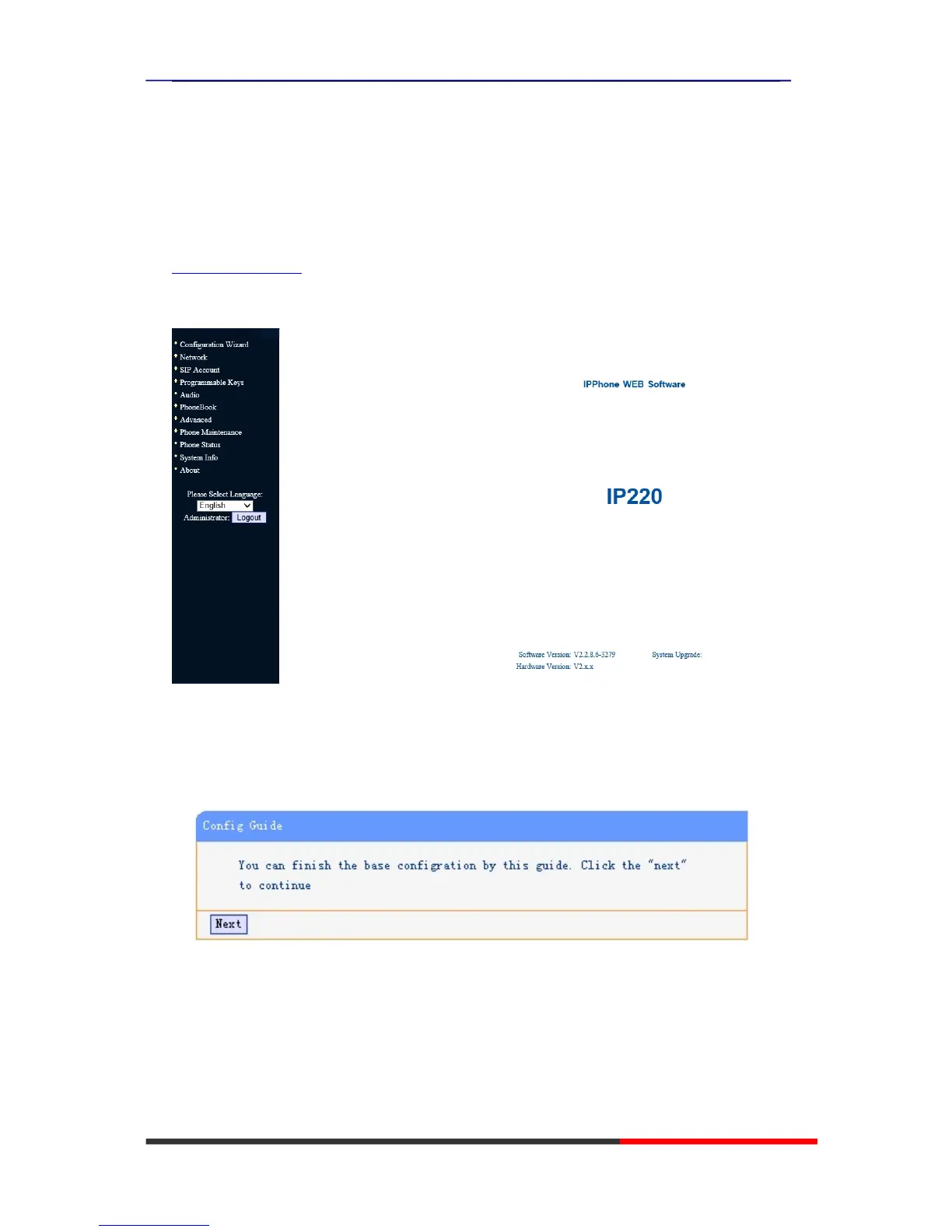
As below is an example picture.
Config Guide
You can finish the base configuration step-by-step by this guide.
When press ‘next’, you can configure the Network parameters for the phone,



 To Next Page