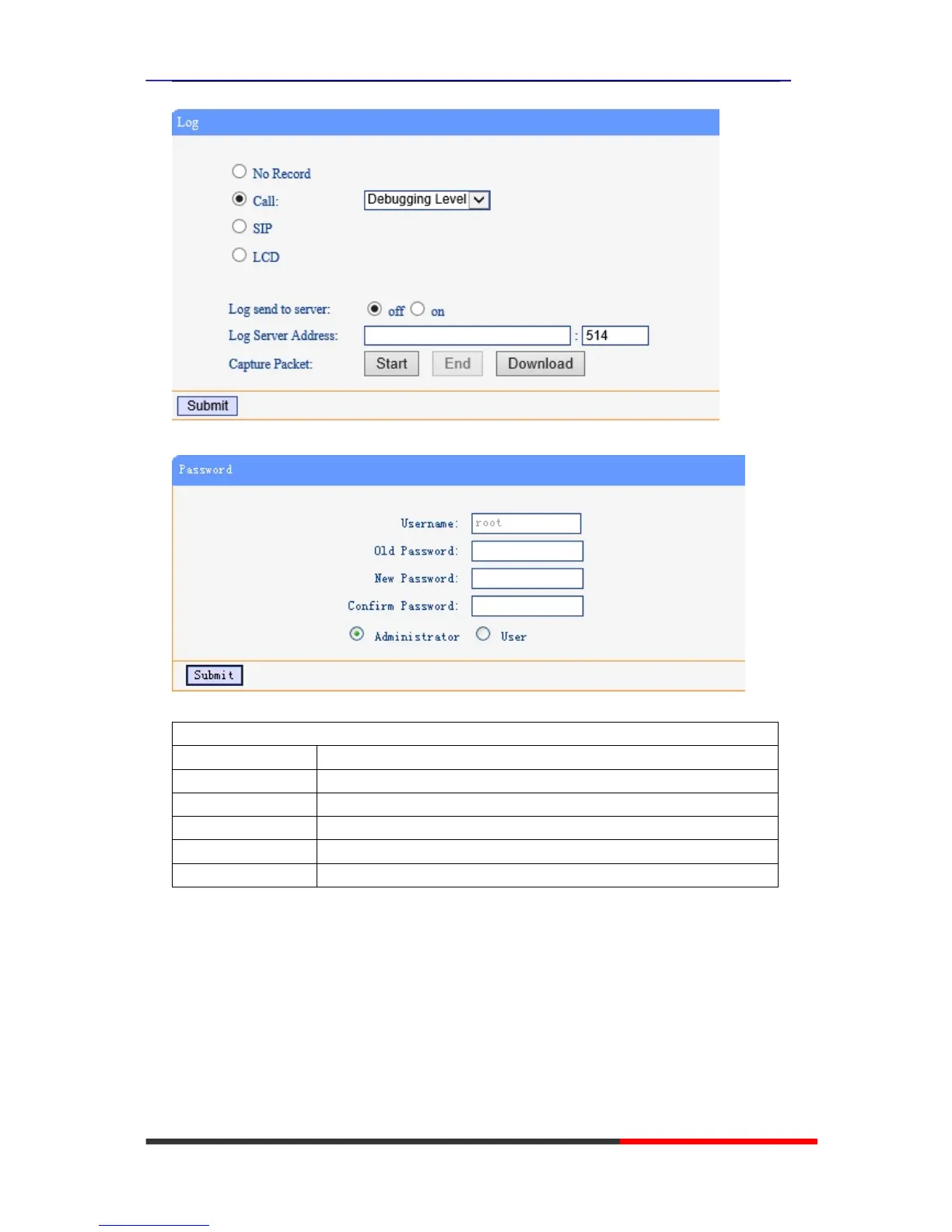
You can change the password used to login phone GUI in Password option.
In Password option, you can set several parameters as follow:
Password
Username The login username of the web page
Old Password The old password used to login of the web page
New Password The new password used to login of the web page
Confirm Password The new password used to login of the web page
Administrator Login phone web page used administrator privileged
User Login phone web page used general user privileged
Default Setting
You can load the phone to the factory default setting in default setting option.



 To Next Page