28
Combination of Dual Display Settings
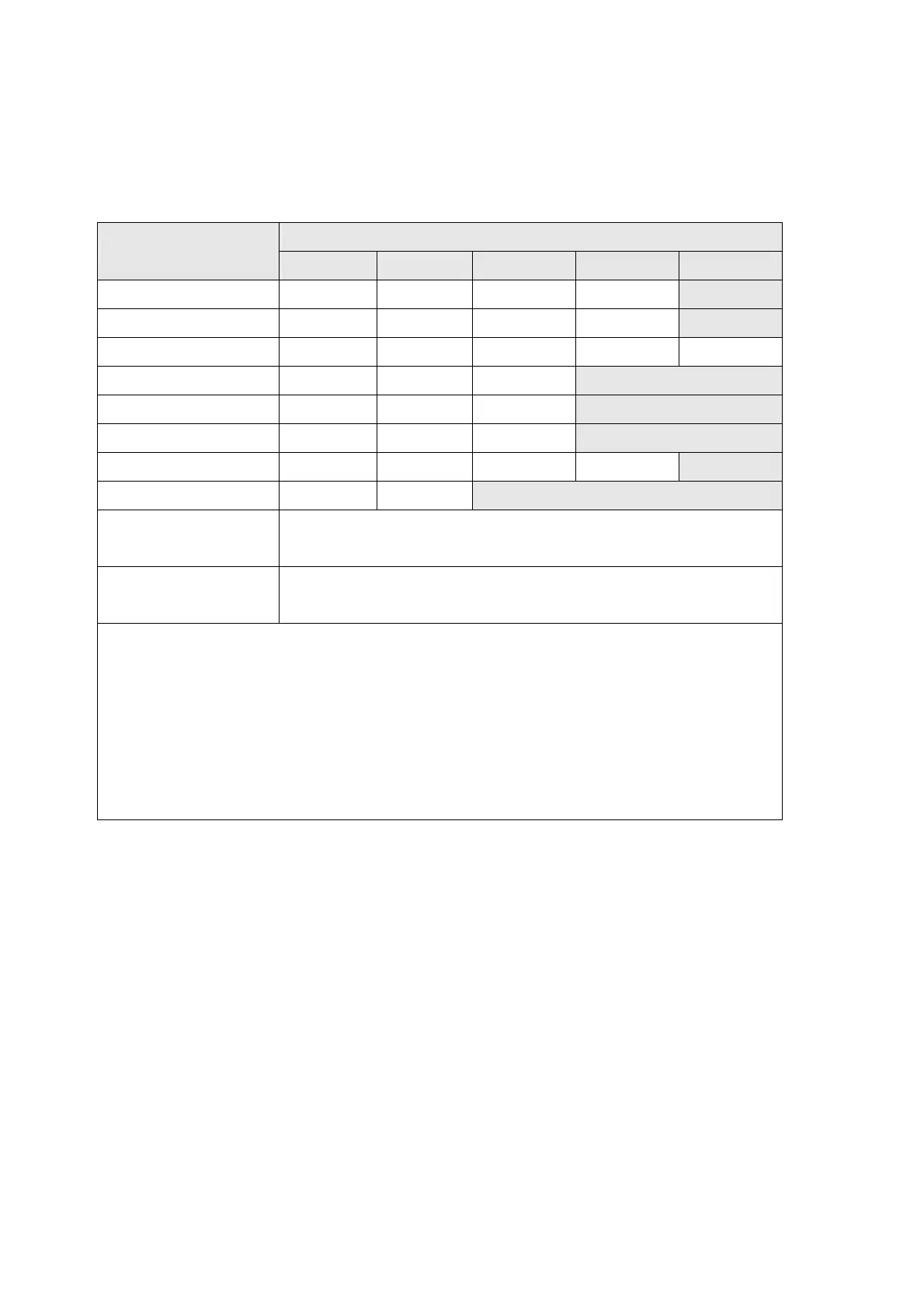
Table 3-4 provides the available combination of inputs for the primary
display and secondary display in the dual display mode.
Table 3-4 Descriptions for Combination of Dual Display
Secondary Display
Primary Display
Step1 Step 2 Step 3 Step 4 Step5
Vdc Hz Vac dBm
X
(2)
Vac Hz Vdc dBm
X
(2)
Vac + Vdc Hz Vac Vdc dBm
X
(2)
dBm Vac Vdc Vac + Vdc
Adc Hz Aac
X
(2)
Aac Hz Adc
X
(2)
Aac + Adc Hz Aac Adc
X
(2)
Hz
(1)
Vac/Aac Aac/Vac
COMP
(Measuring Value)
HI, LO, PASS
Percentage (%)
(Measuring Value)
%
(1) a.
The Frequency reading is corresponding to the current or voltage input signal,
respectively.
b. The frequency measurement is always working on auto-ranging mode. The Buttons
of AUTO, UP and DOWN are used to select the range of measuring signal.
c. If the current measurement is set before selecting Hz function, the step1 will show
Aac first, else show Vac.
(2)
The secondary display is blanking and the next step is step1.
Note: In DCV/A dual ACV/A, ACV/A dual DCV/A, (AC+DC) V/A dual DCV/A, (AC+DC) V/A dual
ACV/A mode, the ranges setting of both the primary and secondary display are
corresponding to the higher range of two displays (auto range mode), the ranges of
secondary display are same as the primary display (manual range mode).


 To Next Page