3.5 Initialization of Measurement Conditions
Power up default configuration Status:
When turning the meter on, it assumes its power-up configuration. The
power-up configuration set at the factory is shown in Table 3-2.
As configuration data for IEEE-488 address, RS-232 baud rate, data bit,
stop bit, parity, echo and so on are stored in the non-volatile memory, they
are not changed when power is cycled off and on until the configurations
are changed by the user.
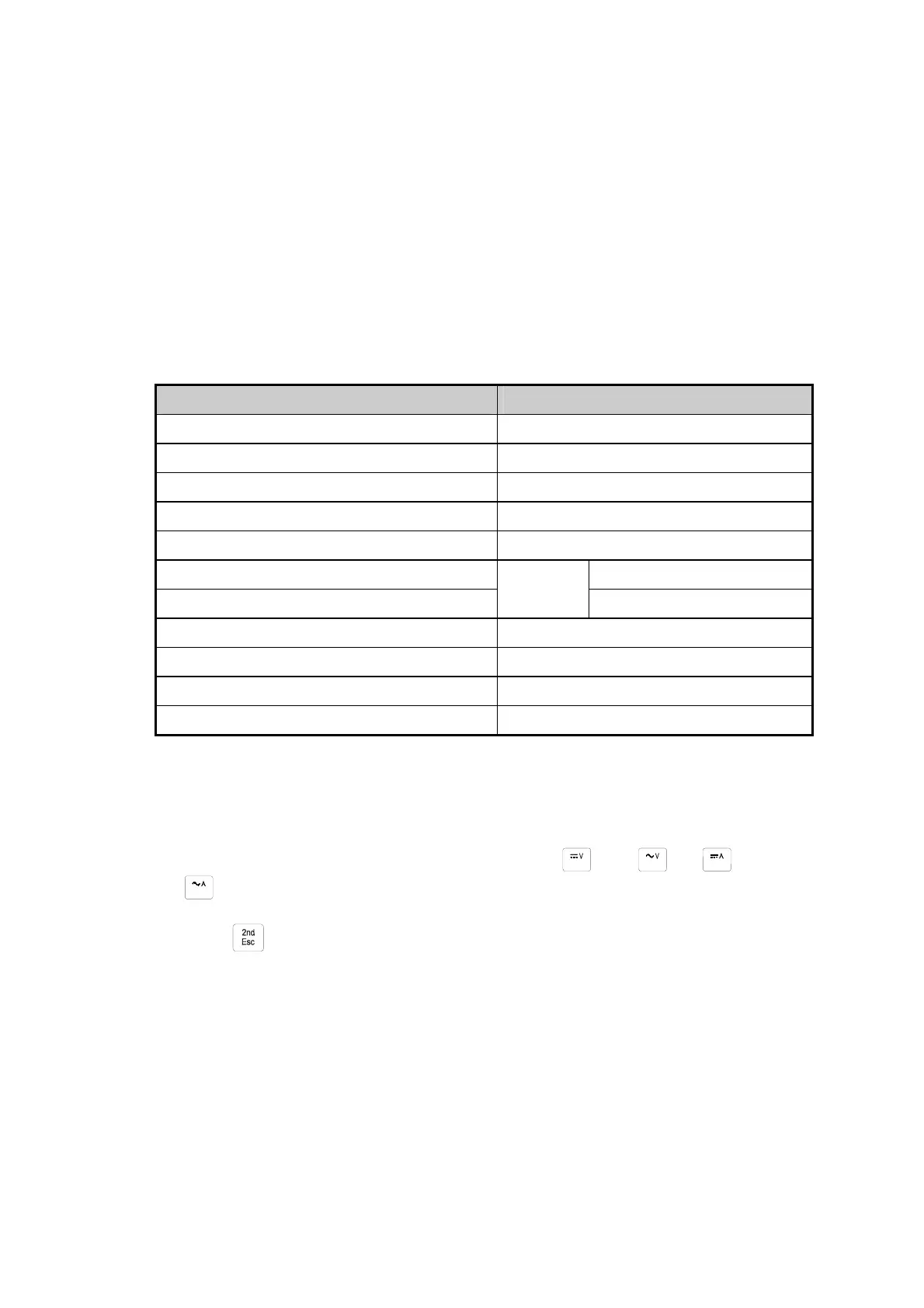
Table 3-2 Default configuration Status
Parameters Default Settings
Function DCV
Range Auto Range
Remote/Local Local
Data / Refresh Hold OFF
Trigger Type Internal
Compare mode HI: 10000(10000E+0)
Percentage (%)
OFF
LO: 00000(00000E+0)
Relative mode OFF
Dynamic Recording OFF
Secondary Display mode OFF
CAL mode OFF
3-6 Selecting A Measurement Function
Press a function button shown in Figure 3-3, to select a measuring function.
To select ac + dc total true RMS readings, press and or and
, simultaneously.
Press
toggling to turn the secondary display on and select the related
function.
The summary of ranges and scale values are shown in Table 3-3
23


 To Next Page