ESI-50L Administrator’s Manual Function 6: Recording
E.3
Function 63: Message-on-hold (MOH) programming
MOH can be:
• A live feed from an external music source connected to the MOH connector located on the side of
the cabinet.
• One of three default, generic MOHs pre-recorded by the factory.
• A custom MOH loaded into the system by using a cassette recorder plugged into the MOH connector.
Function 631: MOH source
This selects the source for the system that will be played to callers on hold.
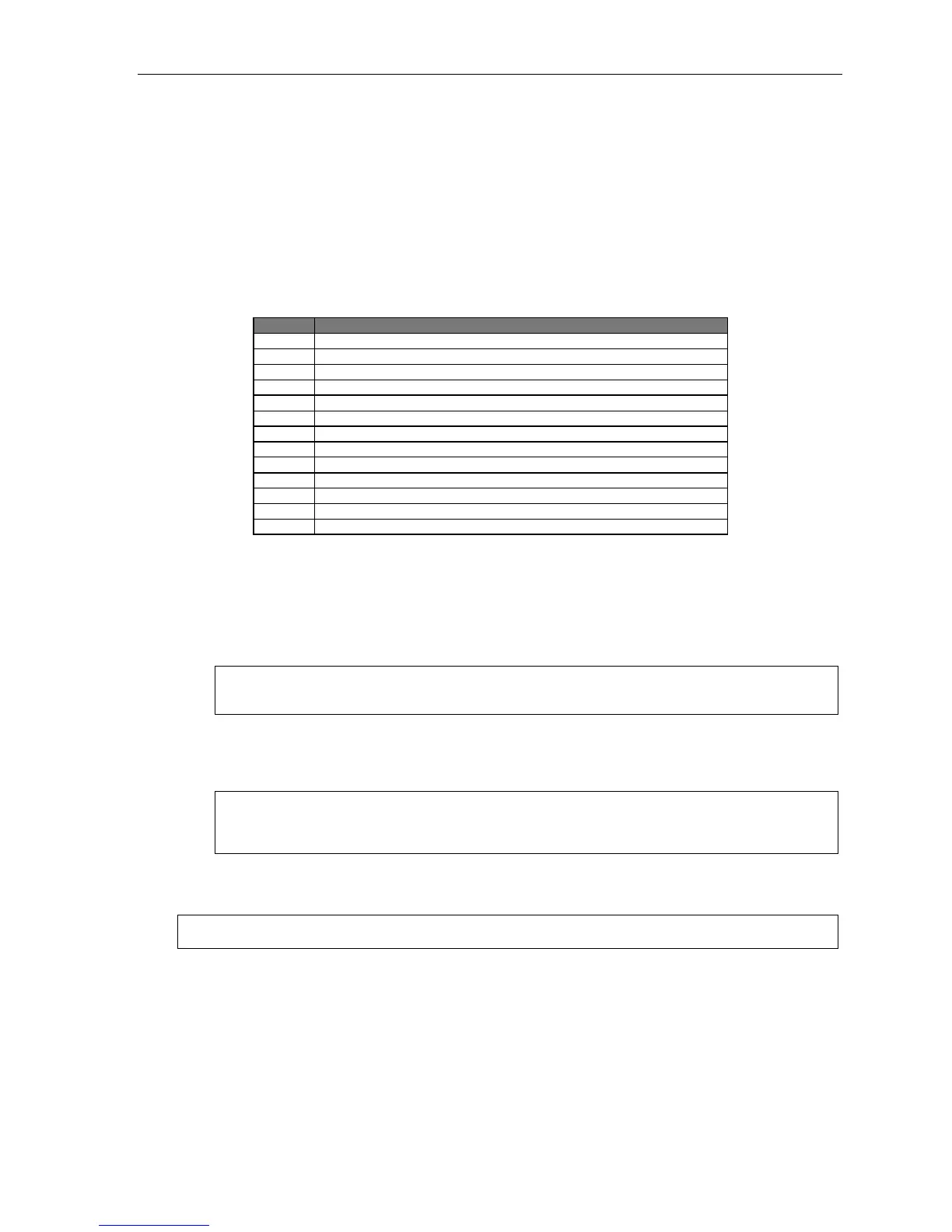
Code Source
590 Live external source*
591 Pre-recorded music
592 Pre-recorded with “please continue to hold”
593 Pre-recorded with “dial 0 or extension from hold”
594 Customer-recorded message on hold
595 Customer-recorded message on hold
596 Customer-recorded message on hold
597 Customer-recorded message on hold
598 Customer-recorded message on hold
599 Customer-recorded message on hold
600 Customer-recorded message on hold
601 Customer-recorded message on hold
602 Customer-recorded message on hold
* Dialing off-hold doesn’t work (can still dial off greetings and announcements).
Default: 592 (generic message-on-hold).
Function 632: MOH recording
1. Connect the message/music source to the MOH port on the side of the cabinet.
Note: The connector is monophonic-only — if you use a stereo source, you must either set it to output
mono, if possible, or use a stereo-to-mono conversion cable (or adapter).
2. Enter the prompt number to be recorded.
3. Press 1 to begin recording. To aid you in queuing, the source will be played through the
phone’s speaker.
Note: The recorded material should not have a “beginning” or “end” — so that playback can loop
continuously. The maximum record length is controlled by the amount of space available on the
Memory Module.
4. Press 1 when finished. The recording will play back so you can review it.
5. Press # to accept the recording.
Note: Once you have recorded a custom MOH, you delete it by recording one second of silence.



 To Next Page