1.2
Acceleration
Description
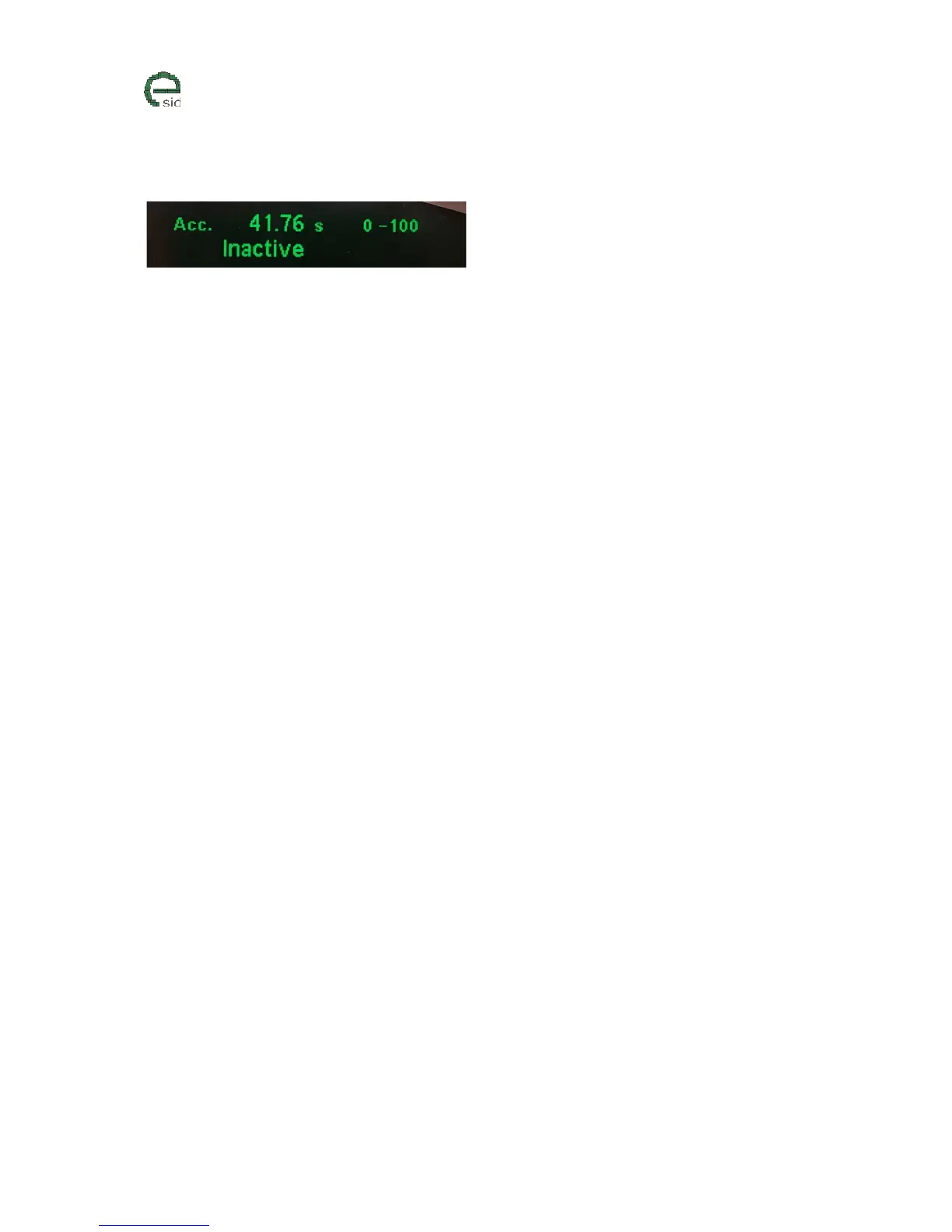
Acceleration shows the time from “Start” to “Stop” which is selected before it is started. “Stop” is
either a speed or a distance (201meter / 402meter). Acceleration has the following states:
1. Inactive – Idle/Finished. Function needs to be started to run again
2. Red.Spd – Function is started but speed is too high to start counting, please reduce it first.
3. Go! – Function is running and the clock is ticking.
Units
• Seconds
• Kmh / meter (Metric)
• Mph / miles (Imperial UK, US)
User Inputs
• INFO – Changes “Start/Stop” values. Will force the display function to Inactive state
• CLEAR – Resets the old acceleration time and restarts the function with the “Start/Stop”
values that are selected.



 To Next Page