1.2
User Interface
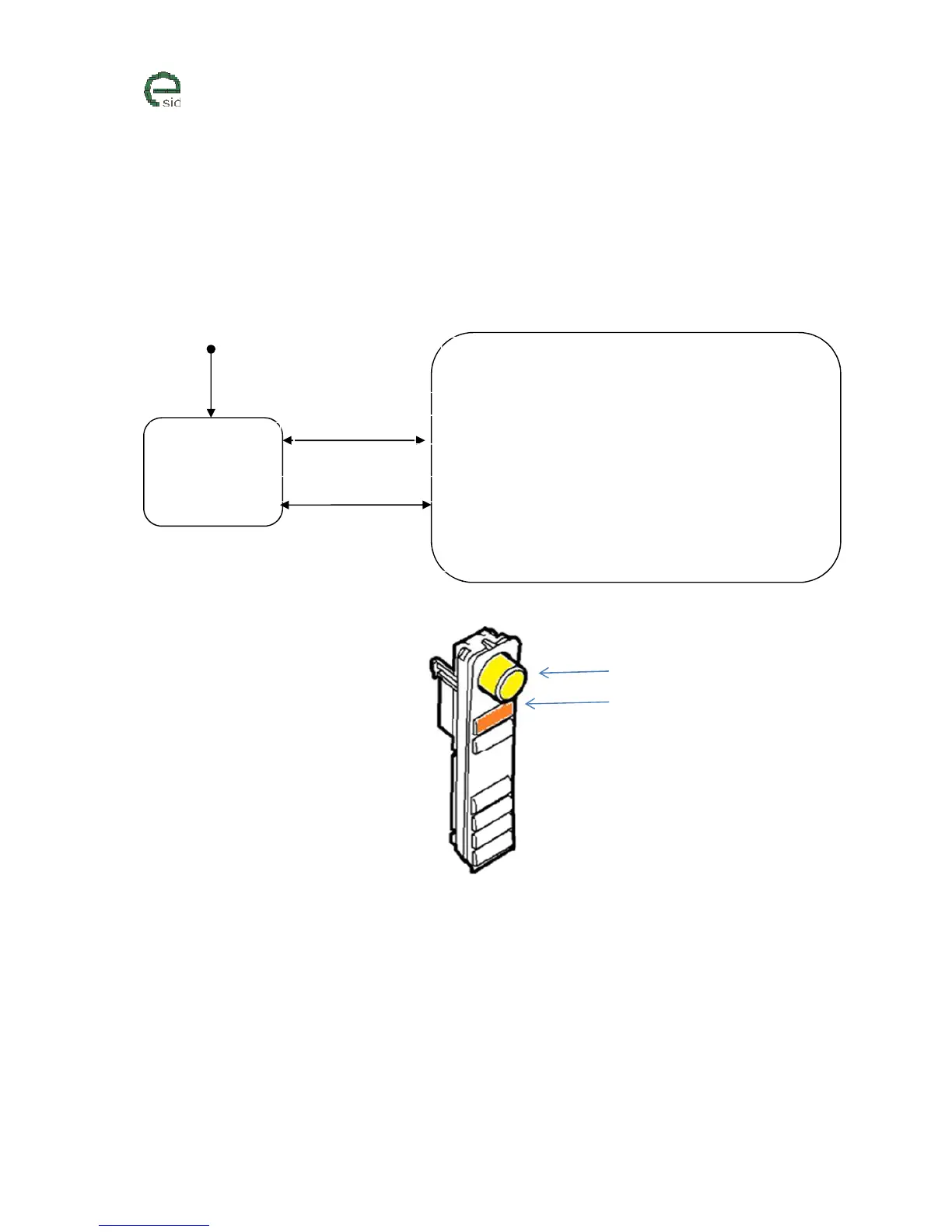
eSID has two major states:
1. Passive Normal vehicle display functionality active
2. Active Display is completely controlled by eSID
eSID Activation/Deactivation
• eSID will always start in last active display view and last active
display group
• Short press on INFO wheel to:
o Start/Activate function in active display view
o Enter display group (if on root level)
• Short press on CLEAR switch to:
o Leave display group and go back to root level (if in
display group)
• Long press on CLEAR switch to:
o Reset function in active display view



 To Next Page