1.2
Display Group: Diagnostics
Read DTC
Description
Read DTC function is able to read all the fault codes in the entire vehicle. The result is a list of codes
with ECU and code number. This code number is then needed to look up in Saab WIS (Workshop
Instruction System) before start of fault tracing.
This display function has the following states:
1. Disabled – When engine is running or when Ignition is not in RUN the function is disabled
2. Inactive – When engine is turned off and Ignition Key is in RUN position the functions is
Inactive and ready to be started
3. Running – eSID is reading all the fault codes in all nodes.
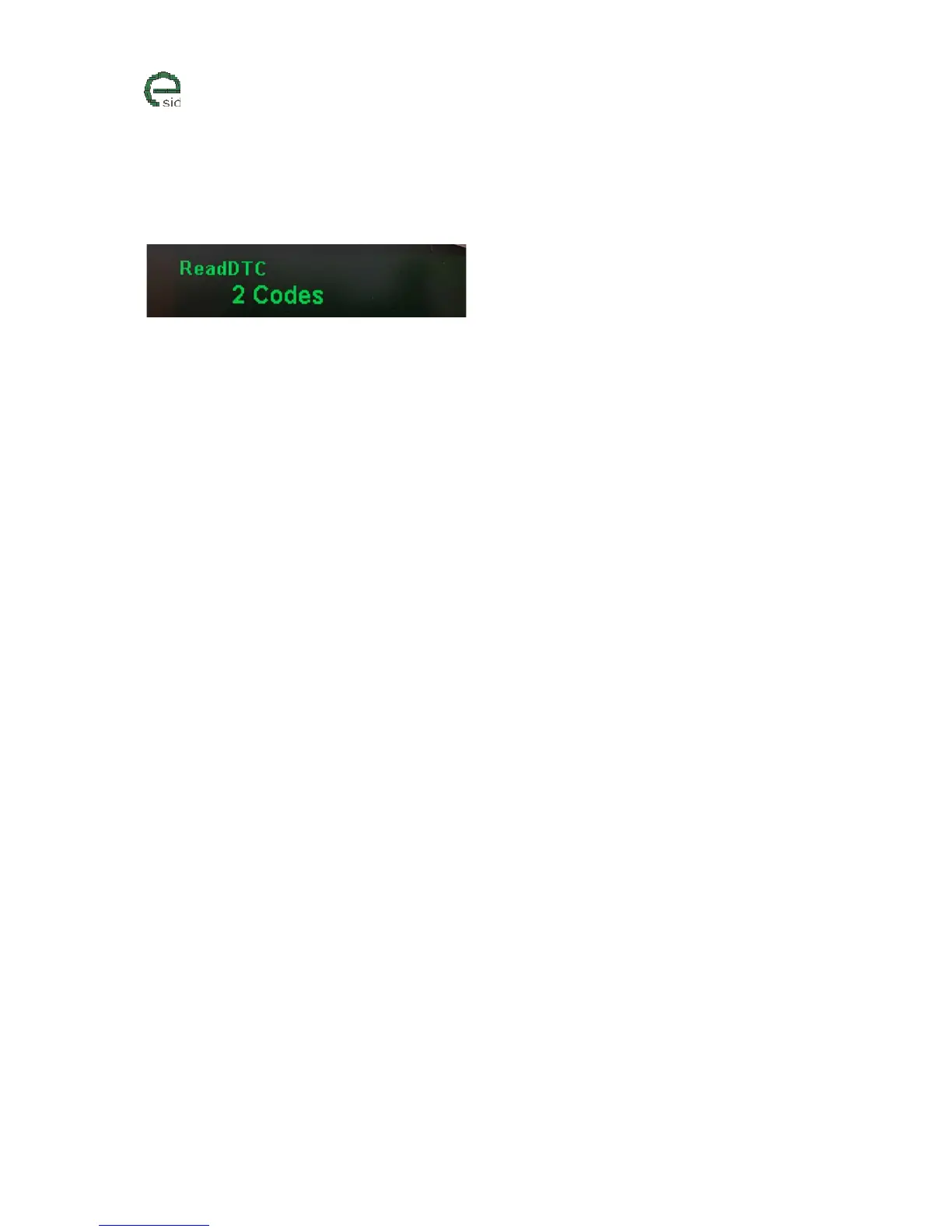
4. XXX Codes – eSID finished reading codes and found X number of codes to be displayed.
Note! eSID might find more codes then Tech2 (Genuine Saab dealers analyzing tool), and this is due
to the fact that Tech2 is hiding a large amount of fault codes from the customer due to various
reasons (might not work so good, or is unreliable). Please inform the eSID developers if such codes
are found.
Units
• N/A
User Inputs
• INFO – Start reading codes (if function is not disabled)
• RHEOSTAT +/- shows the next/previous code after it is finished



 To Next Page