1.2
Display Group: Settings
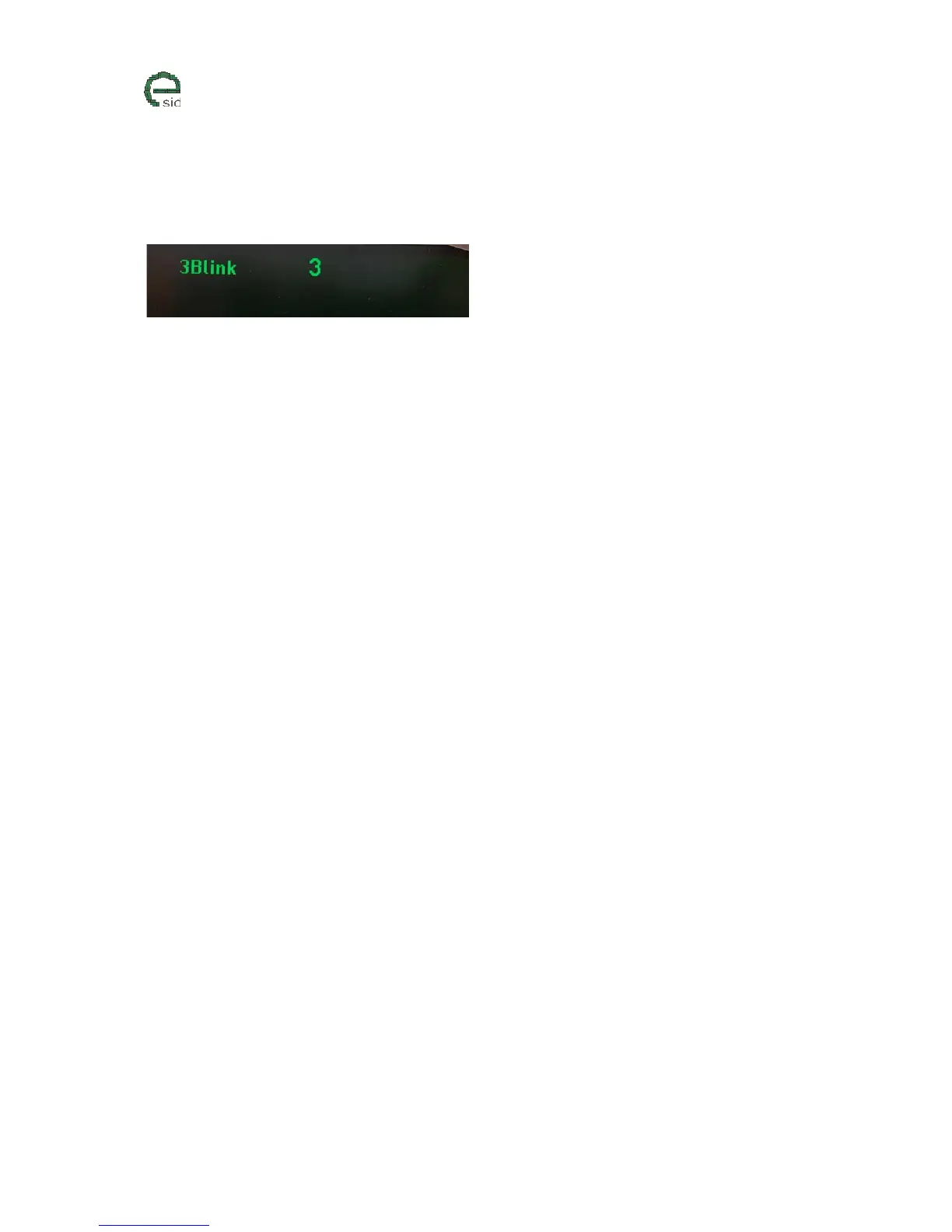
3 Blink
Description
When touching the direction indication stalk for a short amount of time (100-500ms), eSID will give a
selectable number of extra blinks in the same direction.
If the stalk activation time is shorter than 100ms or longer than 500ms, the function will not start.
If the driver interrupts the Three Blink function by using the stalk in left or right direction while its
active, then the function is disabled for three seconds (to avoid blinking back and forth)
User Inputs
• INFO – Triggers change to next settings (0=Off, 3-7 Blinks)



 To Next Page