MAGDUO Control Panel Engineering and Commissioning Manual
27
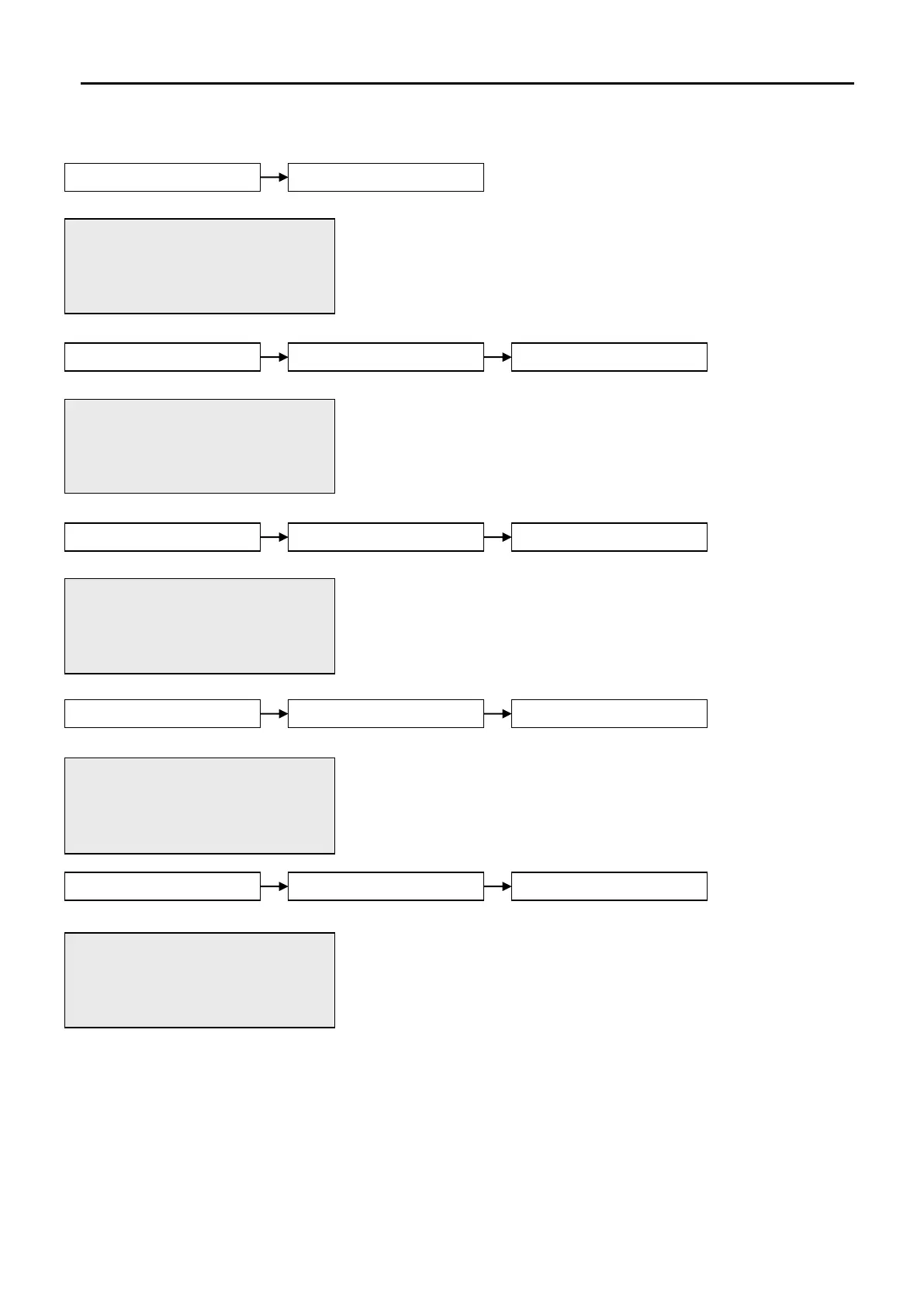
The Active Log will display any current warnings. These are displayed
in text format and may be scrolled through by pressing the UP and
DOWN keys. Press the ESC key to exit the menu.
The Test Display function causes the LCD screen to blacken and the
test LED to illuminate.
The Test LEDs function causes the panel LEDs to toggle on/off and will
illuminate to ensure correct operation. When this option is active, the
test light will be illuminated.
The Test Buzzer function toggles on and off to ensure correct buzzer
operation unless the buzzer has been disabled by fitting a jumper link
to LK1 on the PCB. The test light will illuminate while this action is
taken.
The Test Keyboard function enables the user to select each button to
ensure the correct function is shown on the screen. Press the ESC key
TWICE to exit the menu.
01/09/09 22:26 USER
Press <> OR Esc Key
01/09/09 22:26 USER
LEDs TESTING..
LEDs ON
Press Enter Key
01/09/09 22:26 USER
BUZZER TESTING..
BUZZER ON
Press Enter Key
01/09/09 22:26 USER
KEYBOARD TESTING..
ENTER key PRESSED.
Press Enter Key


 To Next Page