MAGDUO Control Panel Engineering and Commissioning Manual
31
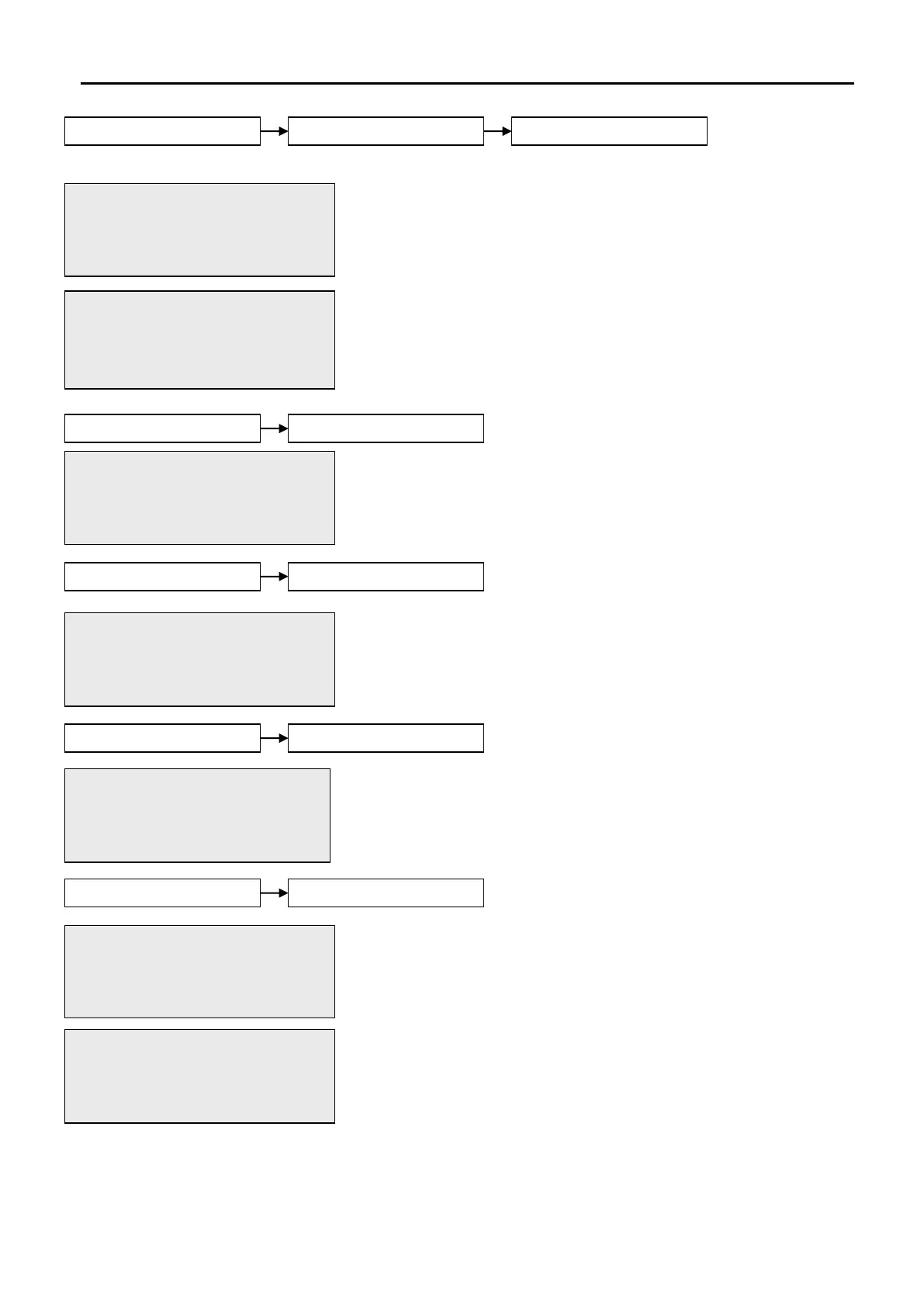
The System Test function allows the selection of one or more
detection-zones to operate in a ‘one-man walk test mode with local
sound’. On triggering a device, the device LED operates, the sounders
within that zone operate and the control panel indicates an alarm. After
approximately 5 seconds, the system will reset the device and another
may be tested. The control panel event log will indicate that a test
mode has been selected.
N.B. To put ALL zones into test enter 00 for the zone number.
This function allows the global disablement or enablement of all fire
outputs on the panel. The control panel will indicate that disablements
are present and a disablement event will be recorded to log.
This function allows the global disablement or enablement of all the
sounders on the system. The control panel will indicate that
disablements are present and a disablement event will be recorded to
log.
This function allows output delays to be temporarily turned off.
This function allows the disablement or enablement of a detection
zone. Thus, all the input devices (Manual Call Points, detectors and
inputs) within that detection-zone will be disabled. The control panel
will indicate that disablements are present and a disablement event will
be recorded to log Automatic Detection devices will not activate, MCPs
will activate but no event will be recorded to log and no programmed
actions will occur. The sounder within the devices will still operate if
triggered from elsewhere on the system.
01/09/09 22:26 SUPR
SYSTEM TEST (ZONES)
ENTER ZONE:00
Press Enter Key
01/09/09 22:26 SUPR
TEST ALL ZONES
1.START 2.END
Press <> OR Esc Key
01/09/09 22:26 SUPR
REMOTE FIRE:DISABLED
1.DISABLE 2.ENABLE
Press <> OR Esc Key
01/09/09 22:26 SUPR
SOUNDERS:DISABLED
1.DISABLE 2.ENABLE
Press <> OR Esc Key
01/09/09 22:26 SUPR
ZONE(ENABLE/DISABLE)
ENTER ZONE:00
Press Enter Key
01/09/09 22:26 SUPR
ZONE: ENABLED
1.DISABLE 2.ENABLE
Press <> OR Esc Key
01/09/09 22:26 SUPR
DELAYS: ENABLED
1.DISABLE 2.ENABLE
Press <> OR Esc Key


 To Next Page