MAGDUO Control Panel Engineering and Commissioning Manual
26-1649-03
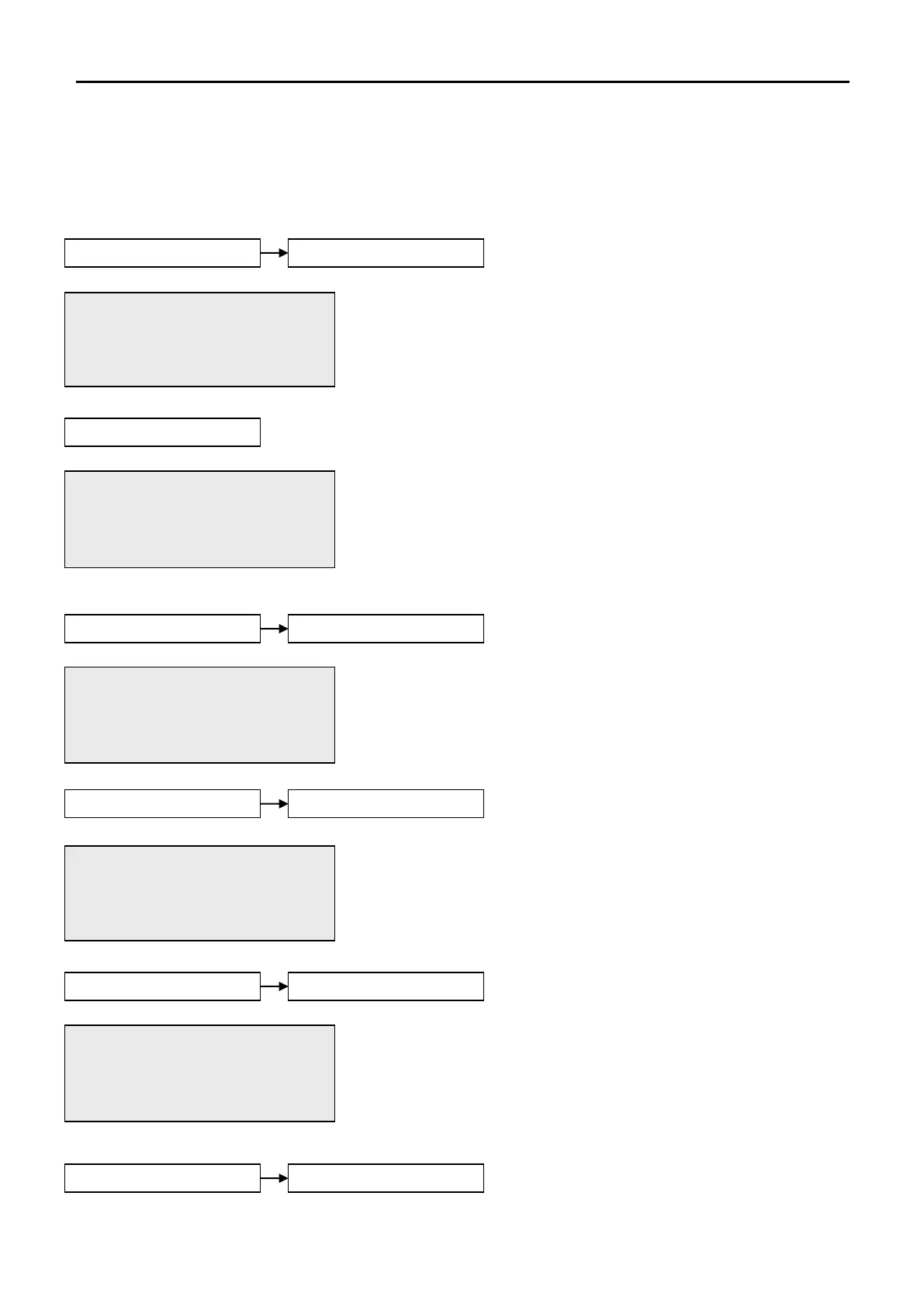
This allows the time and date to be adjusted. Use the UP and DOWN
keys to move the cursor between options and the alphanumeric
keypad to enter the code. Press the ENTER key to confirm the change.
Note that this system will not keep time with BST/Daylight saving but
will change date with leap years.
The Event Log stores 500 fire, fault and system events which may be
displayed in entirety, or displayed by category. These are displayed in
text format and may be scrolled through by pressing the UP and
DOWN keys. Press the ESC key to exit the menu.
The Fire Log will display a log of any fire conditions received by the
panel. These are displayed in text format and may be scrolled through
by pressing the UP and DOWN keys. Press the ESC key to exit the
menu.
The Fault Log will display a log of any fault conditions received by the
panel. These are displayed in text format and may be scrolled through
by pressing the UP and DOWN keys. Press the ESC key to exit the
menu.
.
01/09/09 22:26 ENGR
DATE: 01/09/09
TIME: 22:36:00
Press Enter Key
EVT 069 OF 069
Z00: NA
Engineer Mode 01/09/09
22:26:01
EVT 014 OF 014
Z01:
Heat/Smoke
01/09/09 22:28:01
EVT 012 OF 012
Z01:
EOL Missing 01/09/09
22:26:01
01/09/09 22:26 SUPR
PERIPH BUSS: OFF
2. OFF 2. ON
This allows the Peripheral Buss to be switched on or off.
Note: Ancillary equipment e.g. repeaters connected to
the peripheral bus do not meet EN 54-2 requirements.


 To Next Page