MAGDUO Control Panel Engineering and Commissioning Manual
49
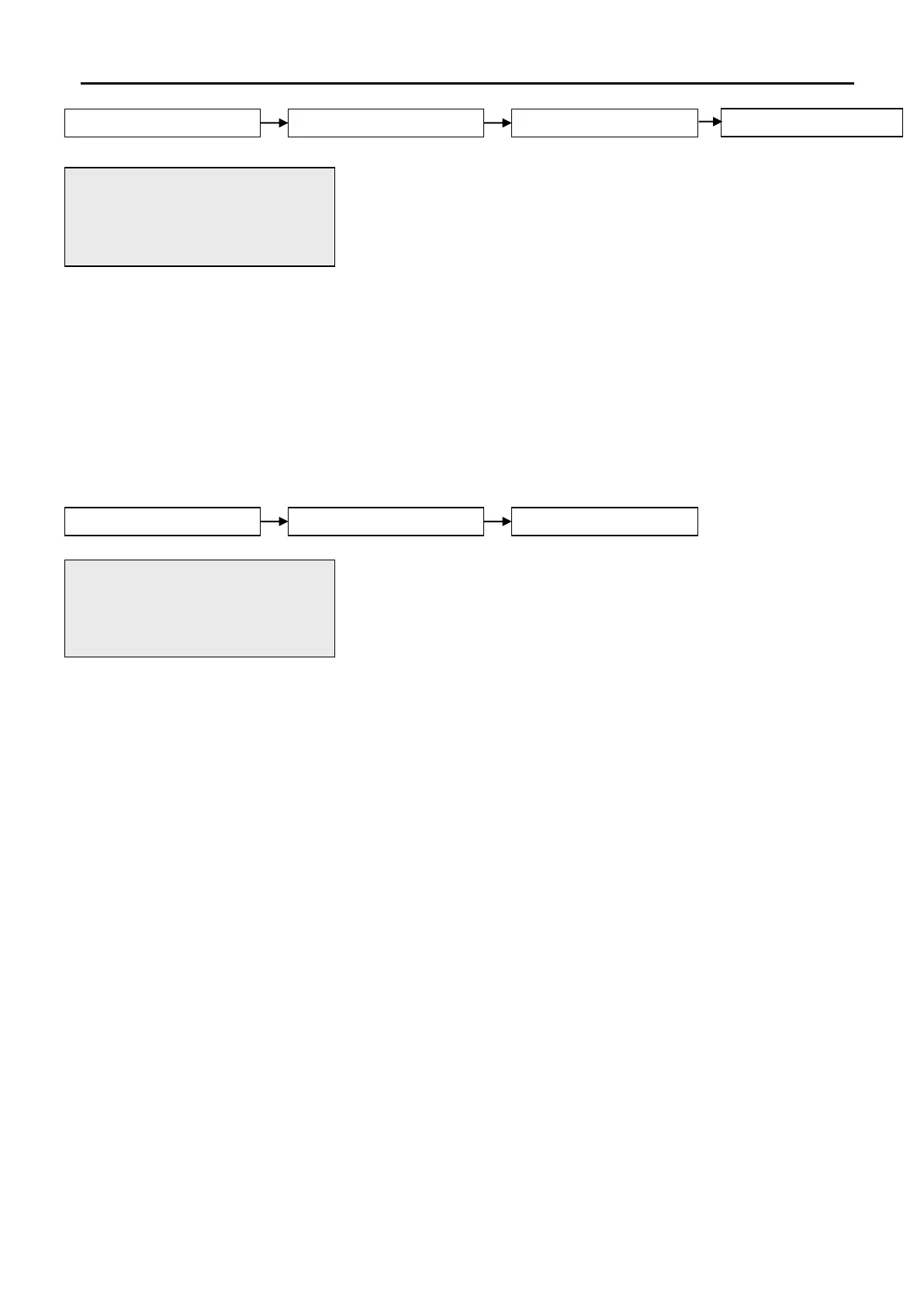
This active control will allow the engineer to view or change the
operation of the disablement event set for programmable input 1. Use
the UP and DOWN arrow keys to toggle through the following options.
To confirm the changes press ENTER.
1. DISABLE SOUNDERS – Operation of I/P 1 will disable
the sounders.
2. DISABLE REM.FIRE – Operation of I/P 1 will disable
all remote fire signals.
3. DIS SNDRS/REM FIRE – Operation of I/P 1 will disable
all sounders and remote fire
signals.
4. DISABLE BUZZER – Operation of I/P 1 will disable
all remote fire signals.
This option allows the engineer to change the text that will be displayed
on the panel when Programmable I/P 1 is activated. This is displayed
in text format and may be scrolled through by pressing the LEFT and
RIGHT keys. To change the text, highlight the character to be changed
and use the alphanumeric keypad to change that character. After
changing a character, the cursor will automatically move to the next
position. To confirm the changes press ENTER.
01/09/09 20:13 ENGR
1. DISABLE SOUNDERS
2. DISABLE REM.FIRE
Press Enter Key
01/09/09 22:26 ENGR
EDIT PROGRAMABLE IP1
NAME: PROG I/P 1
Press Enter Key


 To Next Page