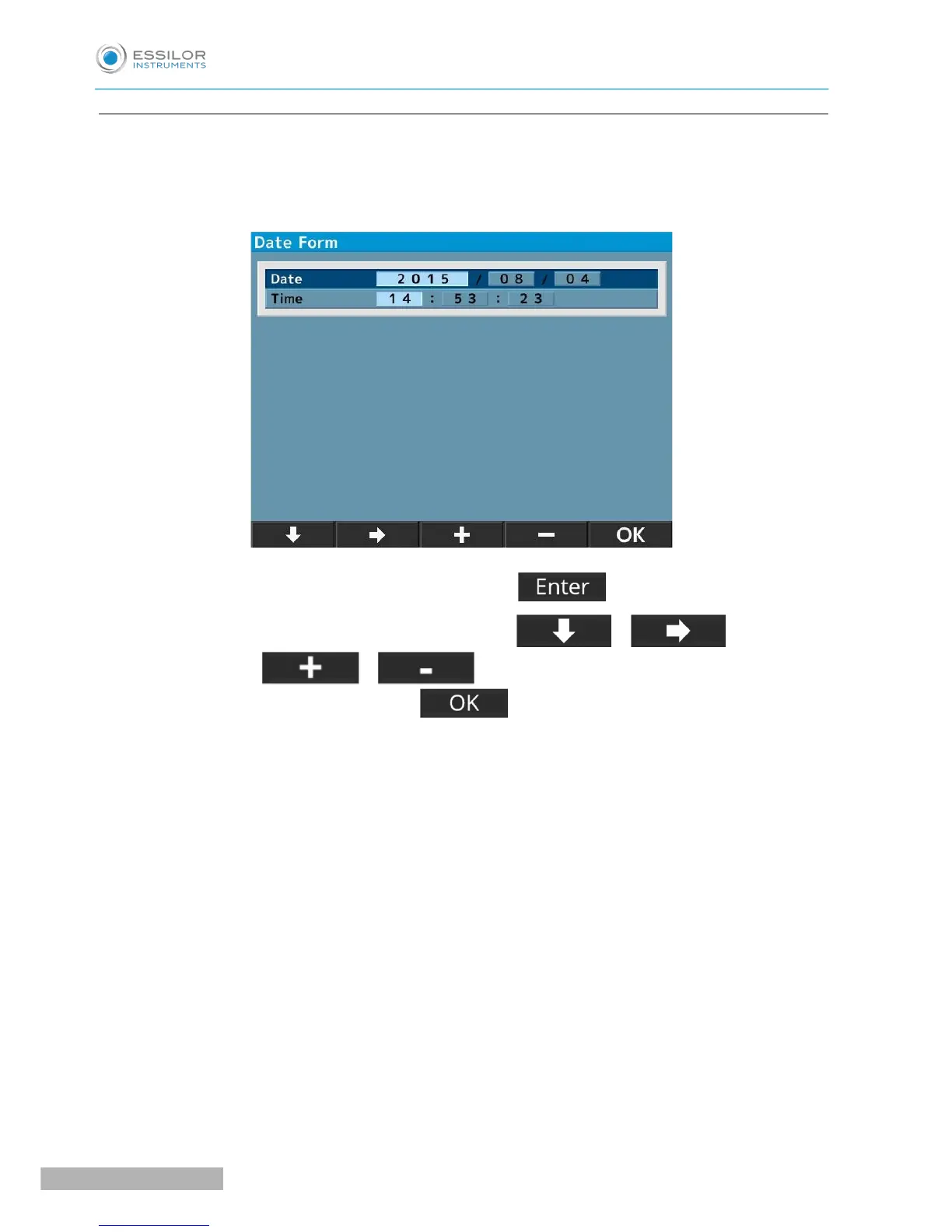
d. Date form
Select the display format of the date from the followings:
• YMD: Display the date as year/ month/day.
• DMY: Display the date as day/month/year.
• MDY: Display the date as month/day/year.
The screen above appears when selecting “YMD” and pressing .
1. Move the cursor to the item to be changed by pressing or and input the
date by pressing or .
2. Go back to the setup screen by pressing after finishing the setting.


 To Next Page
 Loading...



