e. Message
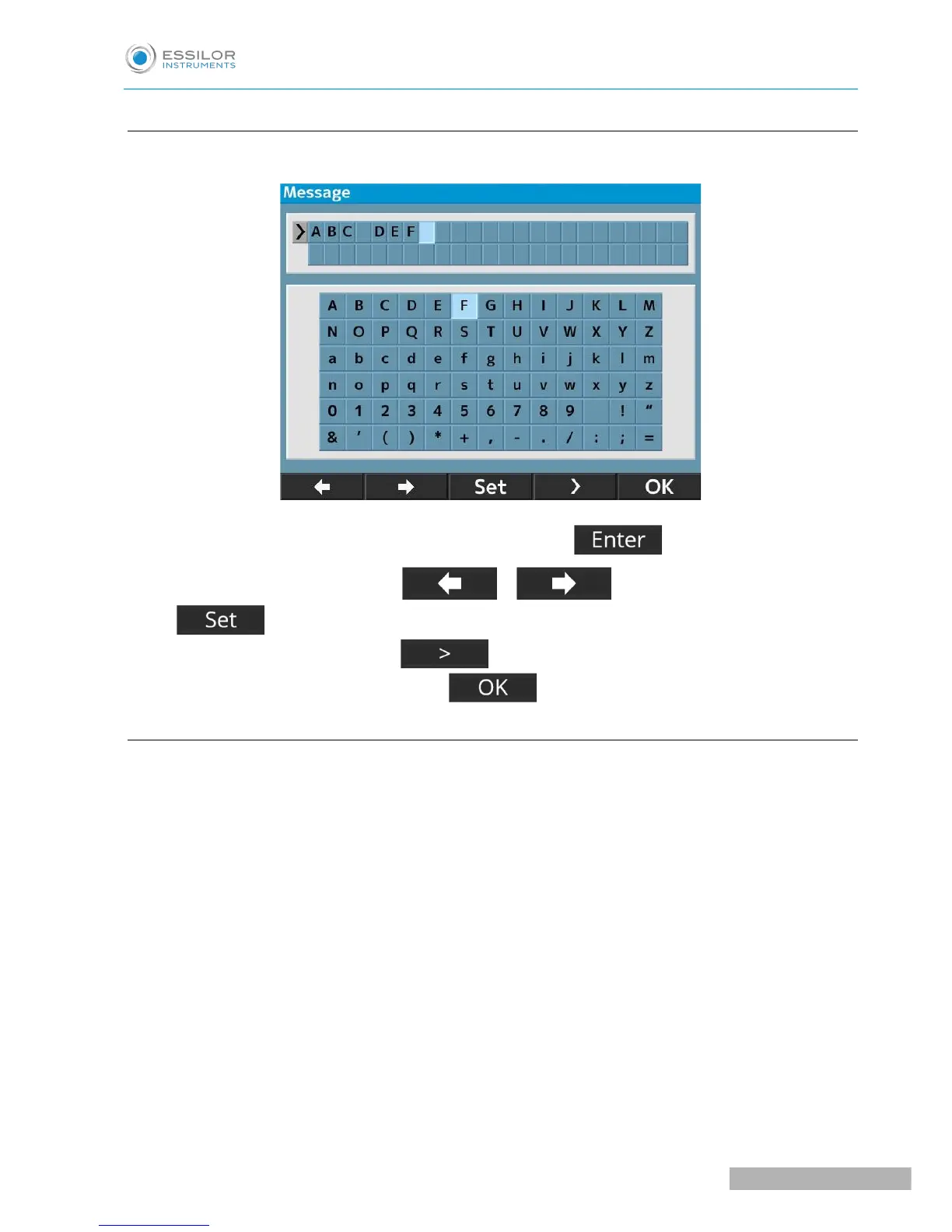
This function is to input the message in the range of 24 characters/line × 2 lines and output it.
The message input screen appears by selecting “On” and pressing .
1. Select the characters by pressing or and input them by pressing
.
A space can be input by pressing .
2. Go back to the setup screen by pressing after finishing the setting.
f. Default setting
Reset the settings to the factory setting.



 To Next Page
 Loading...


