28 Source Four LED Profile v1.7.0 User Manual
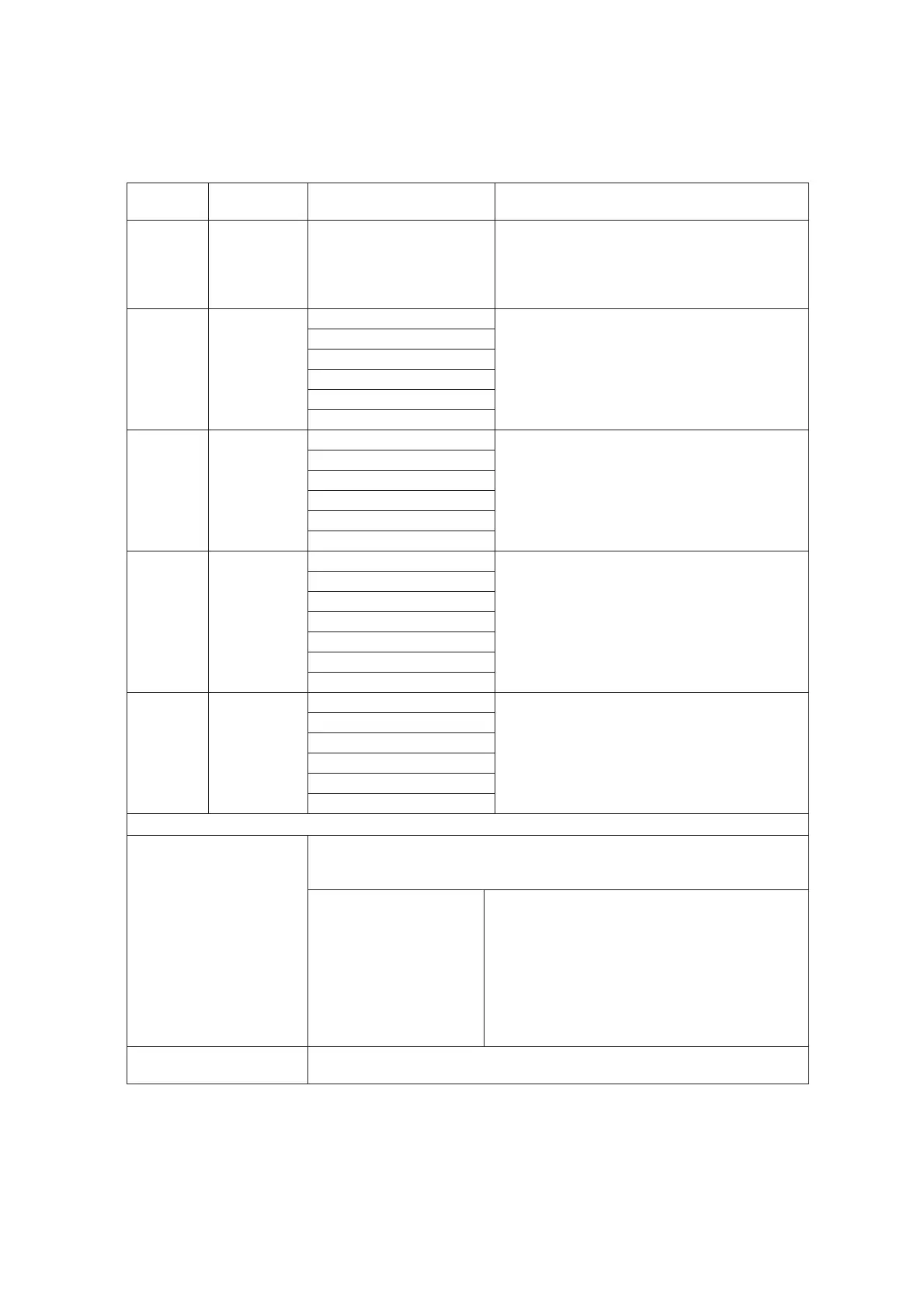
DMX Profile Tables
Lustr+, Series 2 Lustr, Series 2 Daylight HD, Series 2 Tungsten HD, and Studio HD
DMX
Profile
DMX
Channels
Channel Assignments Notes
Direct 10
See Channel assignments
in direct mode chart below
Direct control of each individual color with a
separate master intensity channel. Color
calibration of LEDs is not active in this mode.
The ten-channel profile will produce the highest
quality color cross fades.
RGB
6
(Ch. 4 not
used)
1-Red
Effectively addresses all seven colors via three
channels of control. RGB profile will produce
medium quality color cross-fades
2-Green
3-Blue
4 - n/a
5 - Strobe
6-Fan Control
HSI 6
1 – Hue (coarse)
High resolution hue (two channels), saturation,
and intensity control.
HSI mode will produce color cross-fades around
the color space.
2 – Hue (fine)
3 - Saturation
4 - Intensity
5- Strobe
6-Fan Control
HSIC 7
1 – Hue (coarse)
High-resolution hue, saturation, and intensity
control as above, with the addition of a color
point channel to adjust the color temperature of
the fixture in both white light and color. Color
cross-fade performance is the same as HSI.
2 – Hue (fine)
3 - Saturation
4 - Intensity
5 - Strobe
6 - Fan Control
7-Color Point (CCT)
Studio
6
(Ch. 4 not
used)
1 – Intensity
Controls fixture as a white light unit. If no DMX
is present, (i.e. console input), a fixture can be
adjusted for these three parameters on the U/I
at the back of the unit.
2 – Color Point (CCT)
3 - Tint
4 - n/a
5 - Strobe
6 - Fan Control
Additional profile options (on following page)
Plus 7
Seven additional color control channels are available in RGB, HSI, and HSIC
input profile settings. For example HSI with ‘Plus 7’ enabled becomes an 15-
channel profile:
See Plus7 profile options
chart below
The desired color and intensity are achieved by
using the HSI or RGB channels
Placing the Plus7 channel at a value over 51%
gives the fixture additional channels in its profile.
Channels 9-15 represent the native colors of the
fixture and allow the operator to adjust individual
color channels to fine tune the color output.
Strobe
Variable strobe control: 0% is no strobe. The fixture output will strobe more
rapidly as the strobe channel value approaches 100%.












 To Next Page