3 Operation 43
Advanced Settings
The Advanced Settings menu is for experienced users or for applications that entail very
carefully defined performance parameters. You can make individual adjustments of all
fixture settings for customized control.
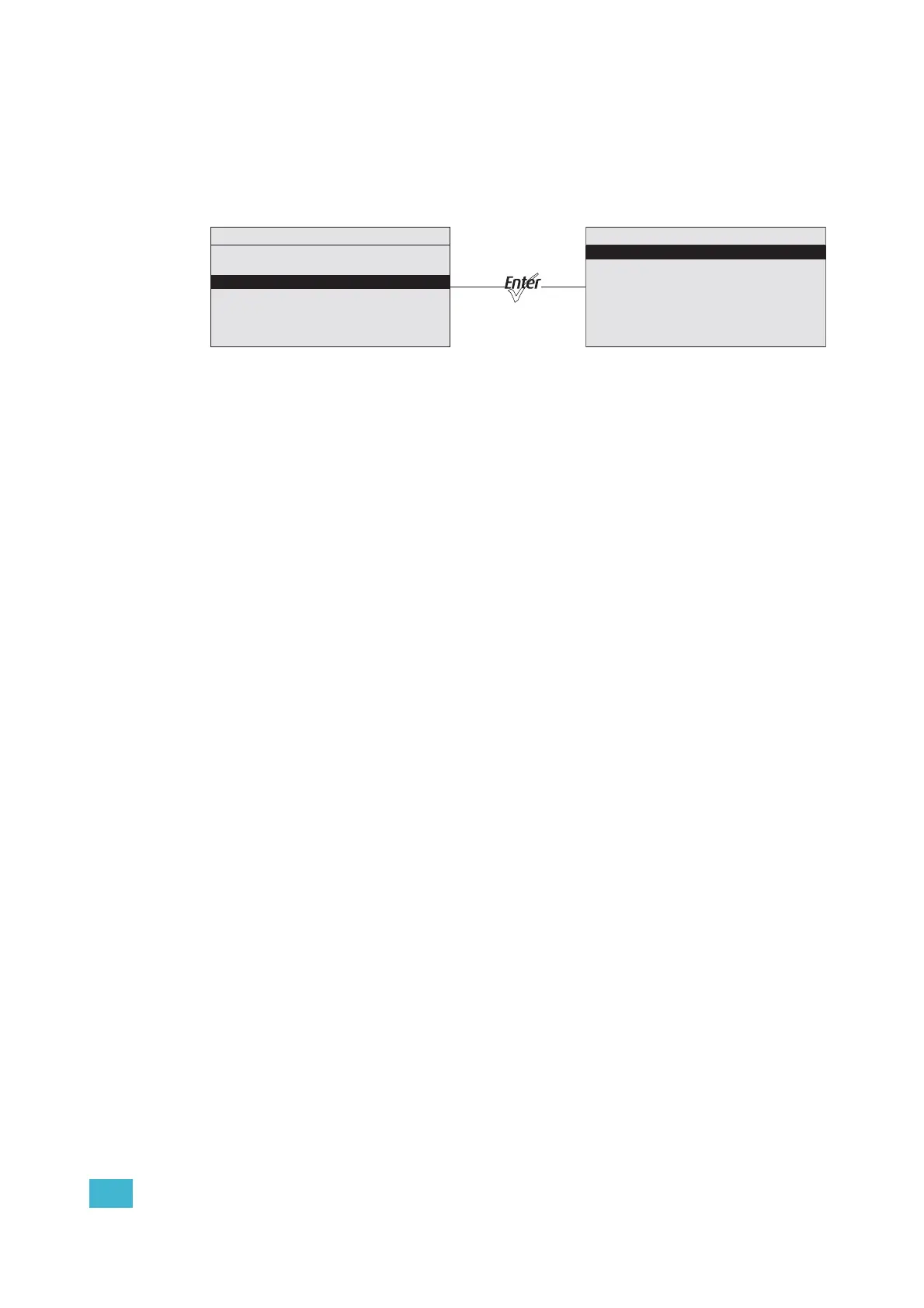
Figure-3.3 Advanced Menu from the Main Menu.
When opening Advanced Settings, all fixture settings remain at their most recent values
until readjusted. The fixture automatically goes into Advanced Settings when any settings
are altered from one of the preset Quick Setups. Copy All Settings appears on the screen
only when DMX is not present.
Main Menu
DMX Start Address: 001
Quick Setups
Advanced Settings
Advanced Menu
DMX Settings
LED Settings
Presets and Sequences
Diagnostics
Local Settings
Copy All Settings












 To Next Page