3 Operation 45
DMX Profile
The current DMX profile is displayed on the DMX Settings menu. You can customize the
setting by selecting a different profile. For detailed information about each profile, see
Profiles, page 23.
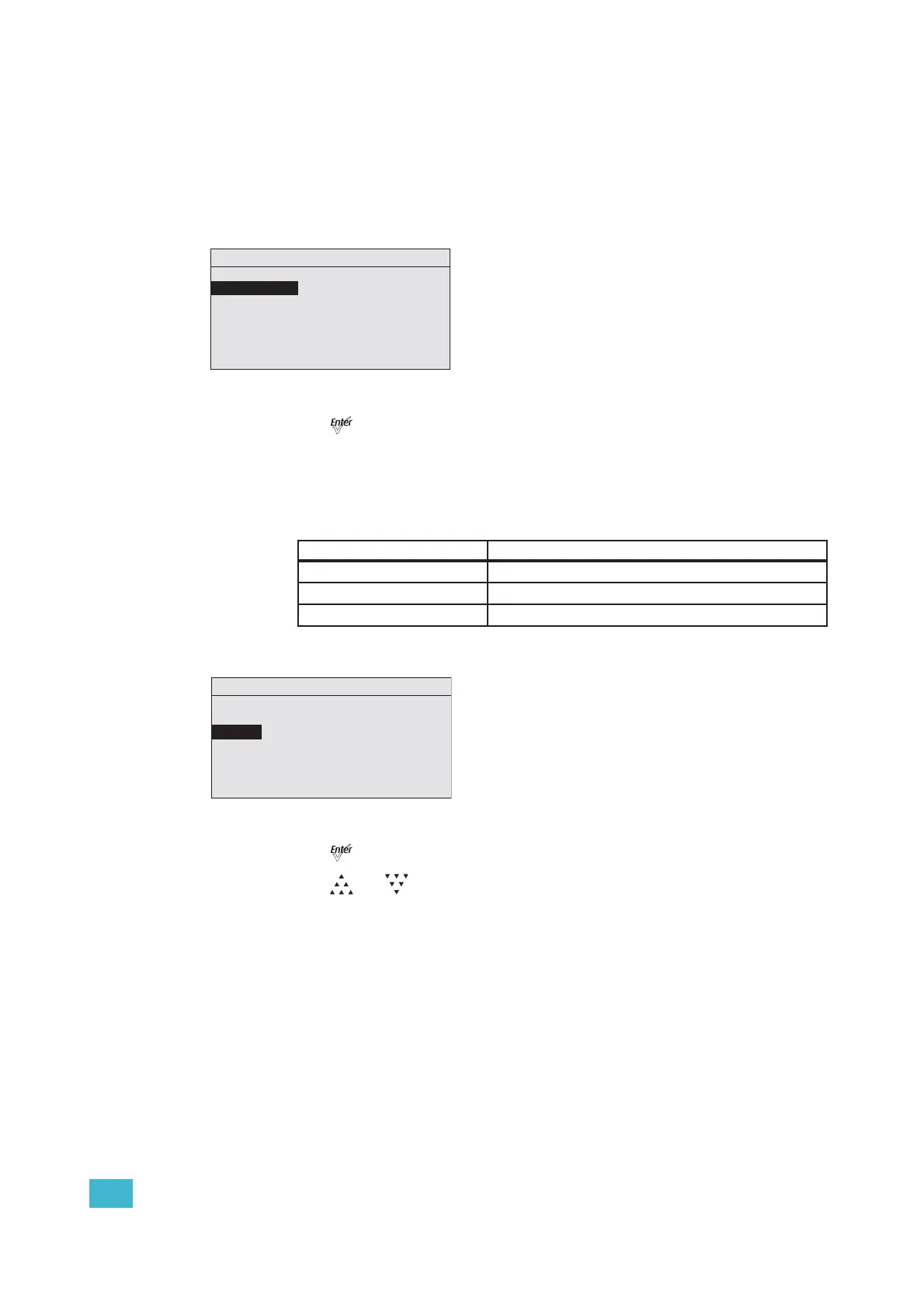
Step 1: On the DMX Settings menu, scroll to DMX Profile.
Figure-3.5 Selecting DMX Profile on the DMX Settings Menu.
Step 2: Press [] to set the desired profile.
Strobe
Strobe adds another DMX channel of control at channel 5 (or channel 9 when operating in
Direct Control profile). When enabled, the Strobe channel controls the fixture output as
follows.
Step 1: On the DMX Settings menu, scroll to Strobe.
Figure-3.6 Enabling Strobe on the DMX Settings Menu.
Step 2: Press [] to toggle between On and Off.
Step 3: Press [] or [] to commit the option.
DMX Value Strobe Effect
0 Full on
1 to 254 Variable rate from slow to fast
255 Full on
DMX Settings
DMX Start Address: 101
DMX Profile: HSIC
Strobe: Enabled
Data Loss: Instant
Plus Seven: Enabled
DMX Profile: 6 chan
3/15 Saturation
DMX Settings
DMX Start Address: 101
DMX Profile: HSIC
Strobe: Enabled
Data Loss: Instant
Plus Seven: Enabled
DMX Profile: 6 chan
5/15 Strobe












 To Next Page