64 Source Four LED Profile v1.7.0 User Manual
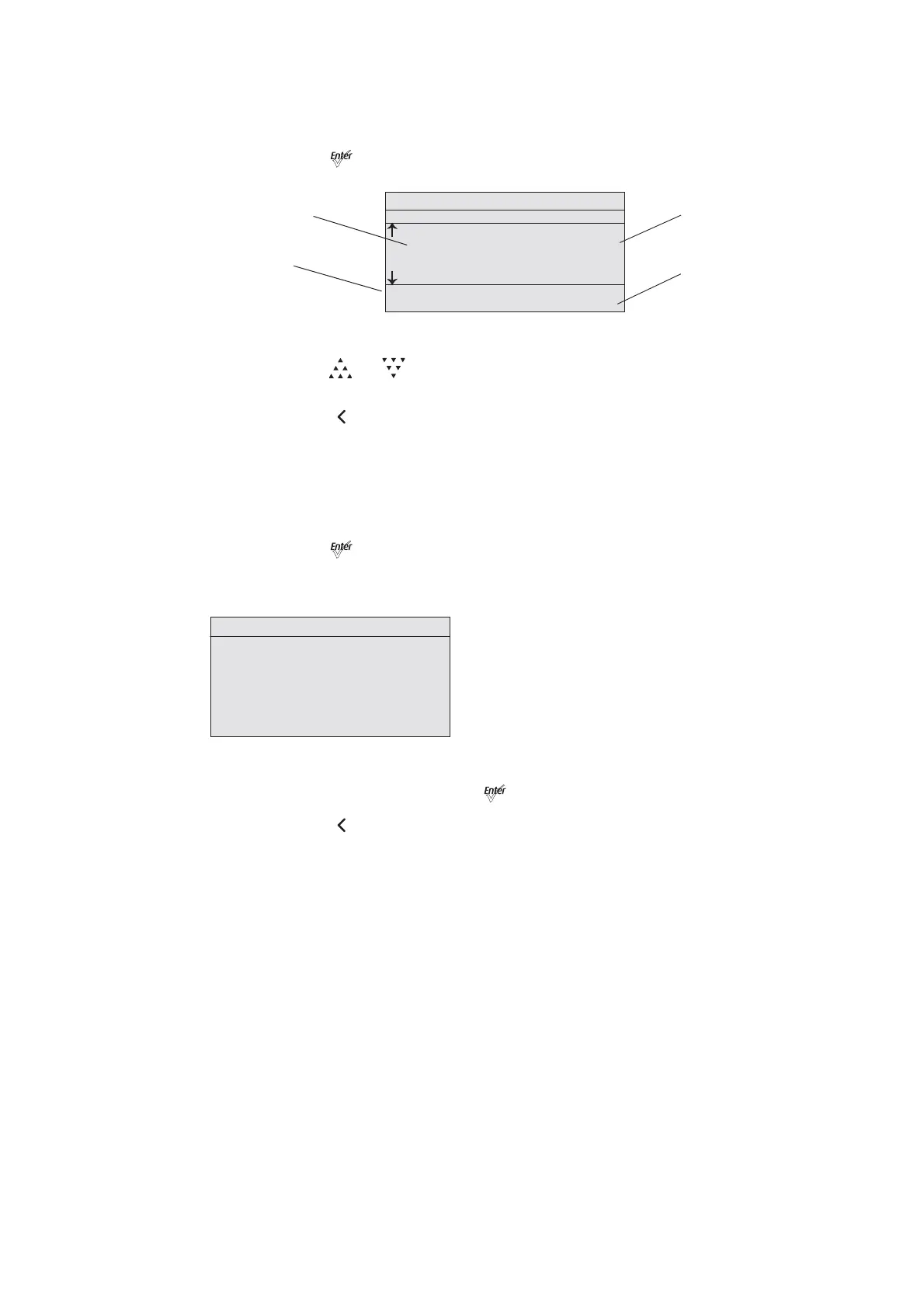
Step 1: On the Diagnostics screen, scroll to Current DMX In.
Step 2: Press [].
Figure-3.32 Current DMX In Screen with Dynamic Values.
Step 3: Press [] or [] to scroll through the channels. Arrows on the left indicate that
you can scroll up or down.
Step 4: Press [] to return to the Diagnostics screen.
Network Statistics
The Network Statistics screen displays the statistics of the network. The DMX input values
dynamically change. This screen is read-only.
Step 1: On the Diagnostics screen, scroll to Network Statistics.
Step 2: Press [].
When you access the screen, the dynamic values start at 0 and continue to
increase.
Figure-3.33 Network Statistics Screen with Dynamic values.
Step 3: To reset the counters, press [].
Step 4: Press [] to return to the Diagnostics screen.
Current DMX In
DMX Ch Level
2 107
3 14
4 82
5 0
G O R A O R I
11 02 00 10 00 00 01
DMX channel
DMX value
Brightness
LED series
Diagnostics
Breaks: 15490
Network Statistics
Overruns: 0
Received: 47835
Bad Starts: 0
DMX Starts: 27120
RDM Starts: 0












 To Next Page