ETC Quick Guide
Source 4WRD II Version 1.1.2
DMXDimming
When dimming via DMX, consider the following:
When using DMX over Cat5, use Cat5e or better.
Cable distance for full DMX daisy chain must not exceed 300m
(1000ft).
Up to 32 fixtures can be connected together into a daisy chain.
The fixture cannot be controlled via Ethernet protocols and should not
be directly connected to an Ethernet system.
When DMX data is lost, the LEDemitters turn off.
The fixture uses a single DMXchannel for intensity control.
Line-dimming
For the most current information on additional dimmer performance testing
for both ETC and non-ETC dimmers, please visit the ETC website:
https://support.etcconnect.com/ETC/Fixtures/Source_Four/Source_
4WRD%2F%2FSource_4WRD_PAR/Dimmer_Settings_for_Use_with_Source_
4WRD
Configure the Fixture
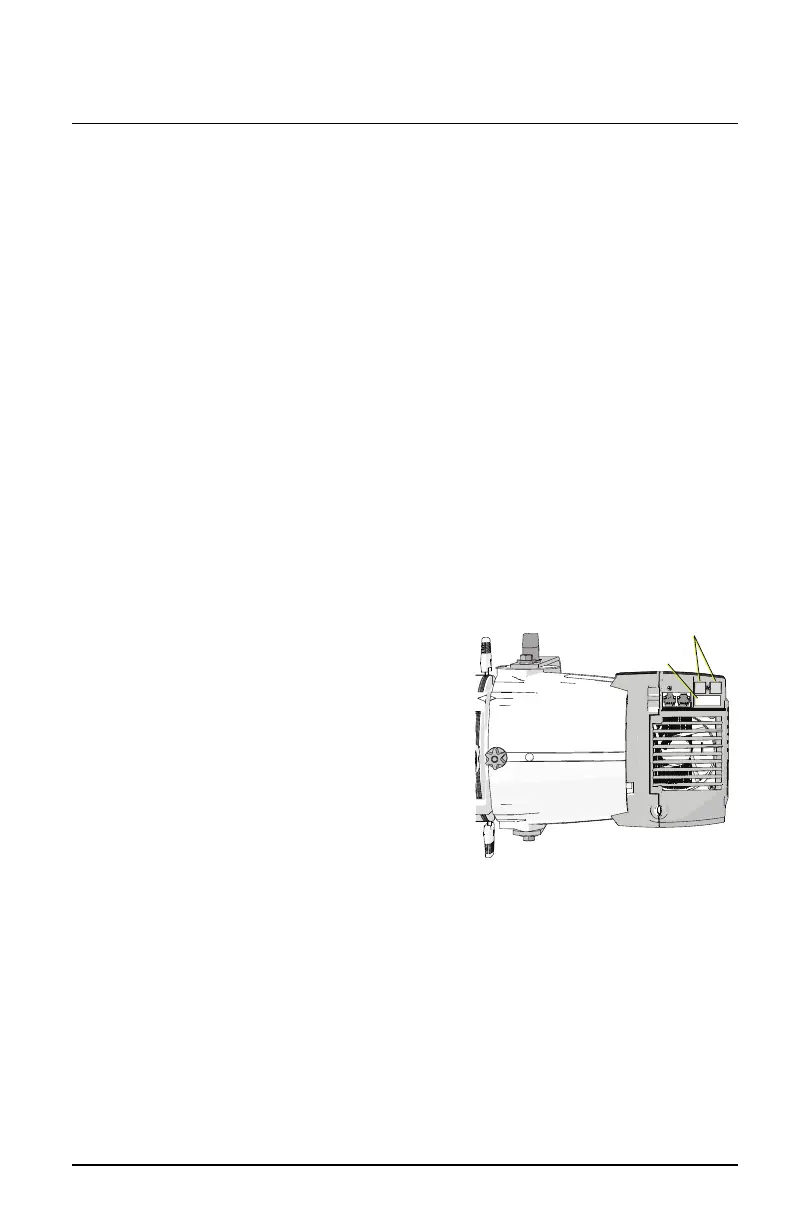
Up and down
navigation buttons
User interface
The two-button, seven-segment display
shows the DMXaddress, ACmode, or
the manually-set level. Use the up and
down navigation buttons to configure
the fixture.
Set a DMX address: Use the up
and down arrows to navigate to
thedesired DMX address number
(1–512).
Set the fixture to use line-
dimming (ACmode): Use the
down arrow to navigate one number
below DMX address 1. The display will read AC.
Manually set a level: Use the down arrow to navigate one number
below AC. The display will read L.FL (Level = Full). Usethe down arrow
to decrease the level to a percentage of full (L.99 = 99%, L.98 =
98%, etc.). You can set levels from 0%–100% (full).
Source 4WRD II Page 7 of 8 ETC














 To Next Page