32E40-22
Menu Adjustments
Audio Settings
Note: When adjustments are completed, you may select another menu by pressing the Menu button.
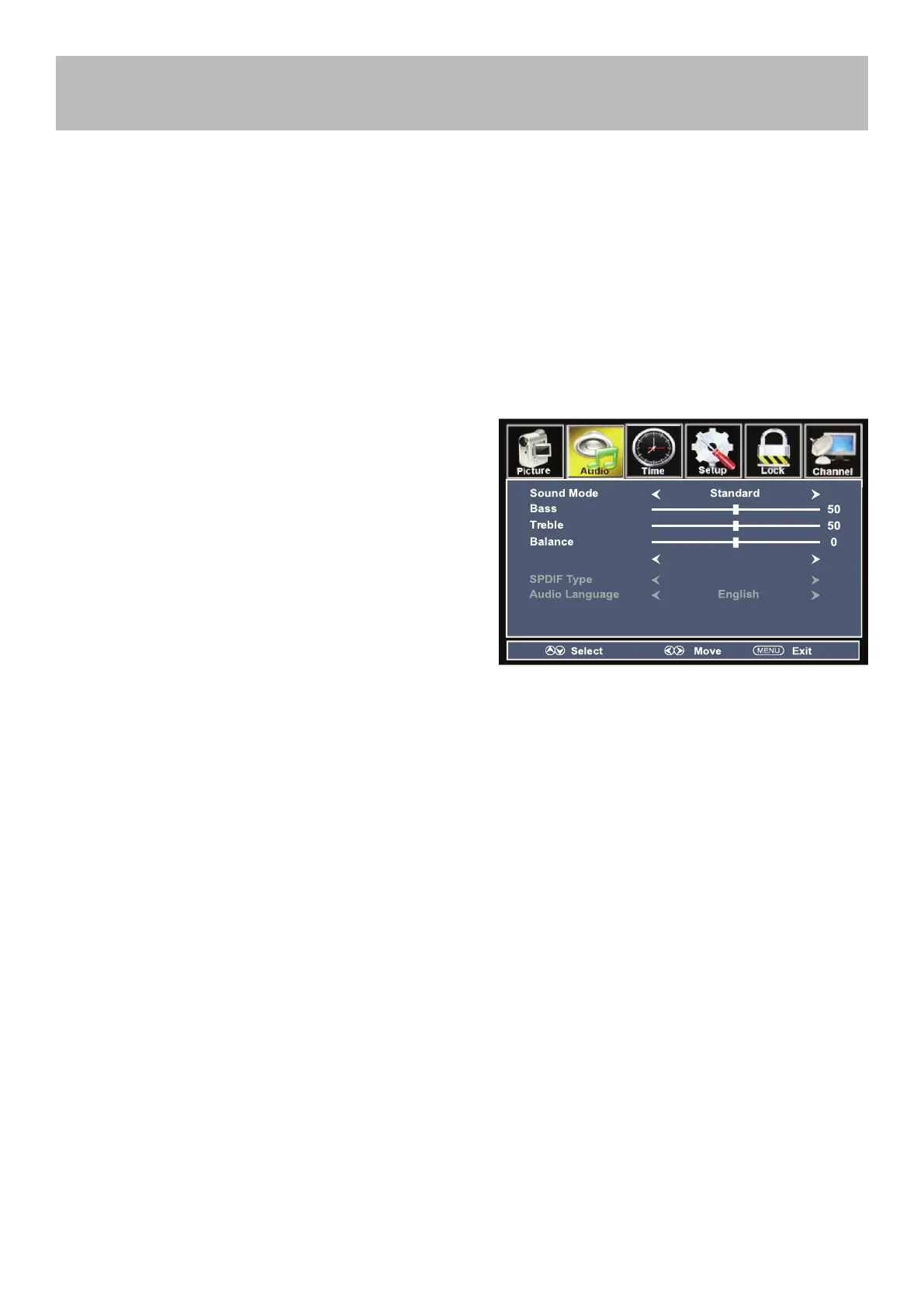
The Audio menu offers options to make sound enhancements while listening through the built-in speakers.
How to Navigate:
Press the MENU button on the remote control. Navigate using arrow buttons to select Audio. Press the arrow
button to highlight Sound Mode, then press the arrow button to select your sound preference from 4 factory op-
tions: User > Standard > Music > Movie.
To make more critical adjustments based on your own preferences in User
Press down arrow button to highlight Bass. Navigate using
the arrow buttons to increase or decrease low frequency
intensity.
Press down arrow button to highlight Treble. Navigate using
the arrow buttons to increase or decrease high frequency
intensity.
Press down arrow button to highlight Balance. Navigate us-
ing the arrow buttons to adjust sound towards the left or
right speaker.
Press down arrow button to highlight Surround. Navigate us-
ing the arrow buttons to turn surround sound effect from
built-in speakers on or off.
Press down arrow button to highlight SPDIF Type. Navigate
using the arrow buttons to select between PCM (Ana-
logue Audio) > RAW(Digital Audio).
Press down arrow button to highlight Audio Lan-
guage. Navigate using the arrow buttons
to select to listen to an alternative language broad-
c a s t ( i f a v a i l a b l e ) E n g l i s h > S p a n i s h > F r e n c h .
NOTE: You may select an alternative language using the
remote control by pressing MTS)
• Bass
• Treble
• Balance
• Surround
• SPDIF Type
• Audio Language



 To Next Page