Generator G11 2
Generator G11 Operator’s Manual
Chapter 1 - General Information
Indications
The Generator G11 provides radiofrequency power to drive ENSEAL electrosurgical instruments that are used during open or laparoscopic
general and gynecological surgery to cut and seal vessels and to cut, grasp, and dissect tissues� In addition, the generator provides power to
drive HARMONIC
ultrasonic surgical instruments that are indicated for soft tissue incisions when bleeding control and minimal thermal injury
are desired�
ENSEAL and HARMONIC instruments, when used with the Generator G11, have not been shown to be effective for sterilization procedures
or tubal coagulation� Do not use these instruments for these procedures�
Contraindications
• The use of the Generator G11 and the attached instruments are contraindicated when, in the judgment of the physician, radiofrequency or
ultrasonic surgery would be contrary to the best interest of the patient�
• The instruments are not indicated for incising bone�
Device Description
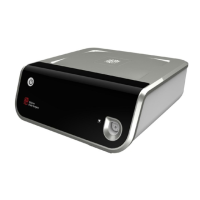
The Generator G11 supplies energy to the HARMONIC and ENSEAL surgical instruments� The generator uses a touchscreen display interface
and has a unique receptacle port that accepts either a HARMONIC or an ENSEAL instrument� Connectors (HGA11 for HARMONIC and
EGA11 for ENSEAL) are used to enable the generator to power legacy instruments�
How Supplied
The Generator G11 is supplied in a semi-ready-to-use state� The shipping box contains the Generator G11, power cord and Operator’s Manual�
The disposable Ethicon ENSEAL or HARMONIC instruments are not included in this packaging and must be purchased separately� The
HARMONIC instrument connector (HGA11), ENSEAL instrument connector (EGA11), footswitch (FSW11) and cart (CRT11) are also
available separately�
Illustration and Nomenclature
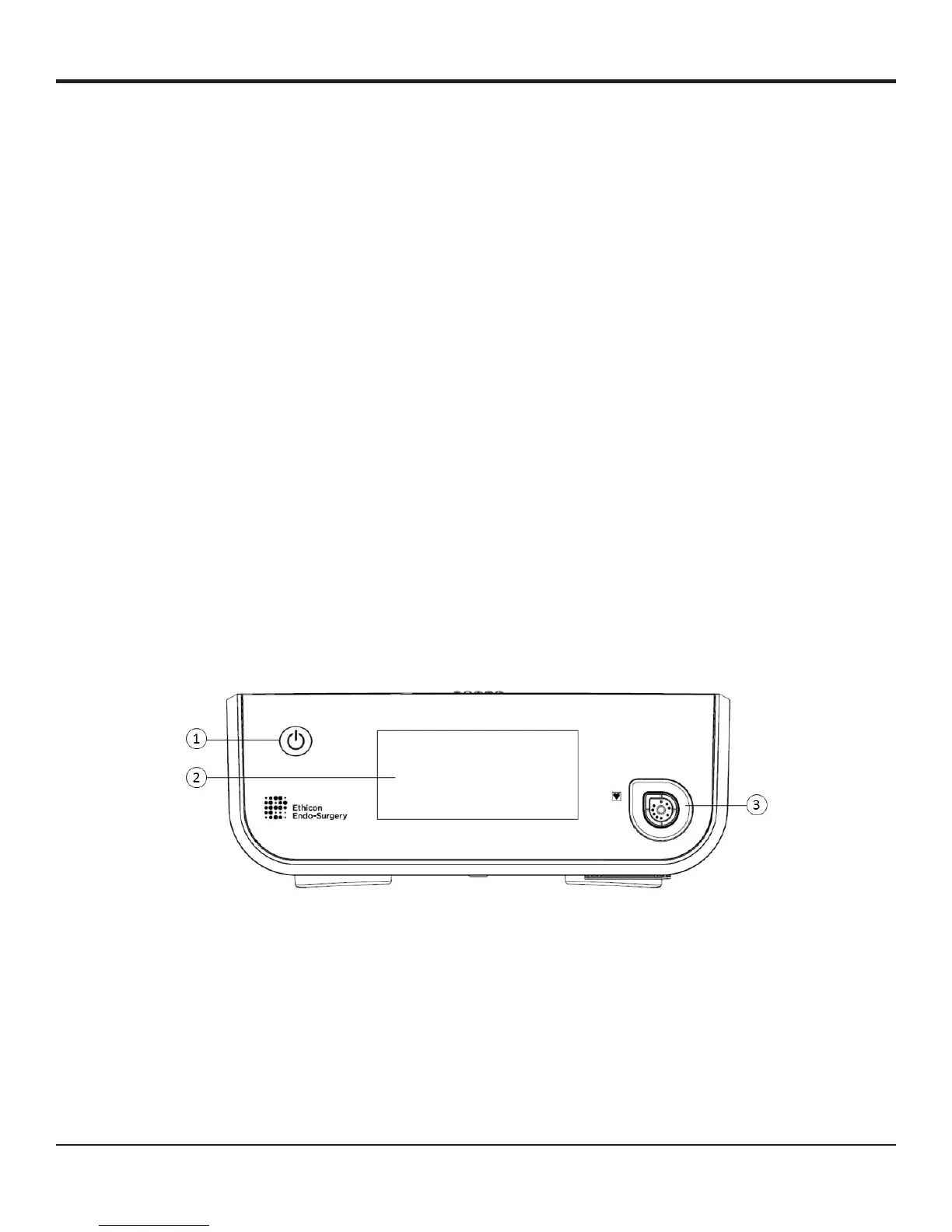
Front Panel of the Generator
Figure 1
1 POWER ON/OFF
SWITCH
Glows green when the generator is powered up�
2 DISPLAY/TOUCH
SCREEN
Displays system information and serves as interface for adjusting controls and settings�
3 CONNECTOR/
INSTRUMENT
RECEPTACLE
Receptacle used to attach the connectors or instruments to the generator�


 To Next Page