PROTEUS user manual
Issue C
50
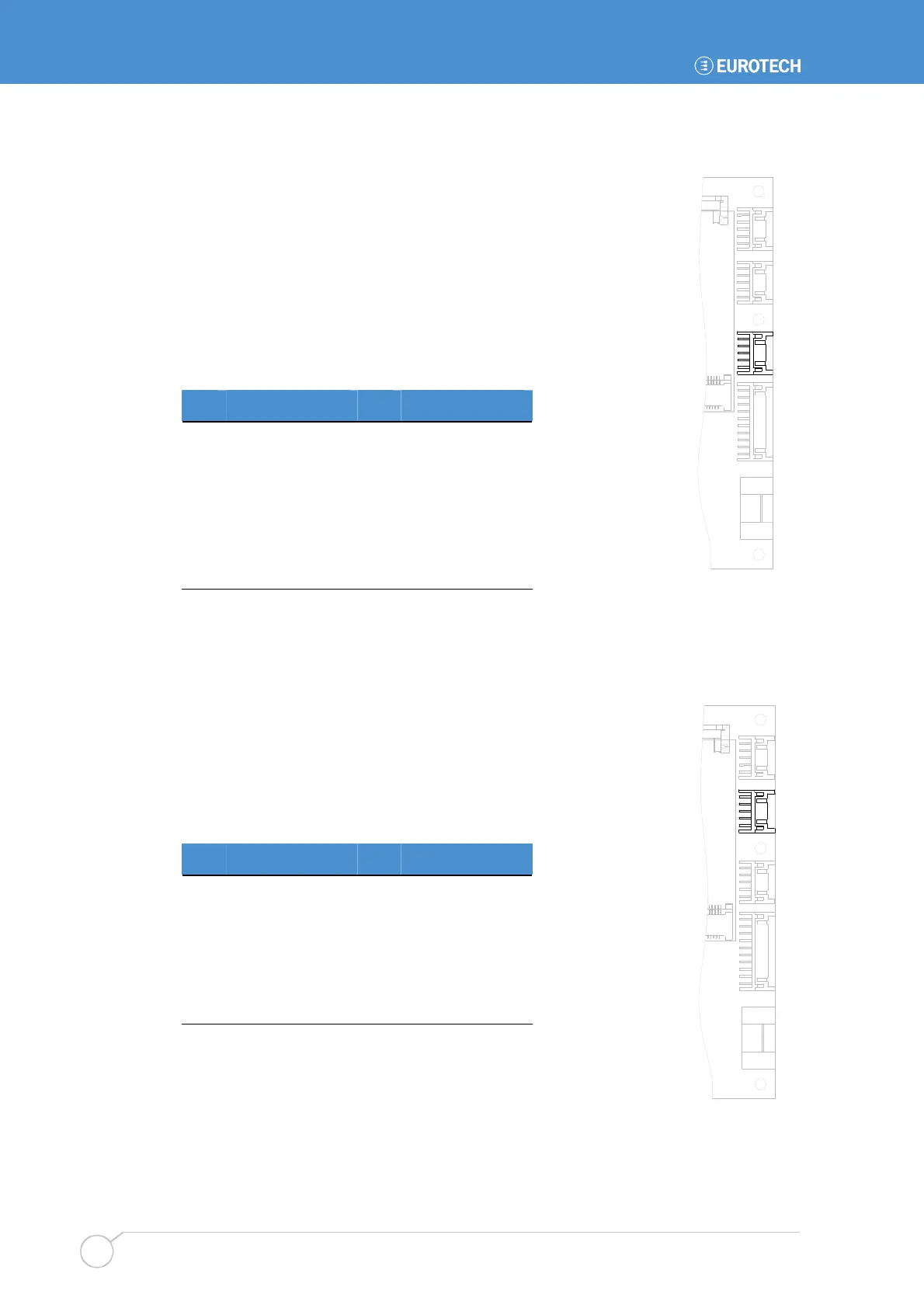
J7 - USB0/2 header
J7 is connected to SCH USB ports 0 and 2. High level on Pin 9
change HOST USB port 2 to USB CLIENT mode (The mode needs
to be enabled in BIOS too). If Pin 9 is low then USB port 2 is
running in HOST mode.
Connector: HIROSE DF11-10DP-2DS(24).
Housing: 10Way HIROSE Housing (DF11-10DS-2C) or
equivalent.
Crimps: Crimps for HIROSE Housing (DF11-2428SCA) or
equivalent.
Pin Signal name Pin Signal name
1 +5V USB0 2 +5V USB2
3 D- (USB port 0) 4 D- (USB port 2)
5 D+ (USB port 0) 6 D+ (USB port 2)
7 GND 8 GND
9
Port 2:
Host/Client#
10 GND
J8 - RS232 header
J8 is connected to COM1 serial port via an RS232 transceiver.
Connector: HIROSE DF11-10DP-2DS(24).
Housing: 10Way HIROSE Housing (DF11-10DS-2C) or equivalent.
Crimps: Crimps for HIROSE Housing (DF11-2428SCA) or
equivalent.
Pin Signal name Pin Signal name
1 DCD (in) 2 DSR (in)
3 RXD (in) 4 RTS (out)
5 TXD (out) 6 CTS (in)
7 DTR (out) 8 RI (in)
9 GND 10 GND
1
J7
1
J8



 To Next Page