Set-Pro Control Operating Manual
Metal Clay version – Nov. 2014
Page 18 of 21
Use your Smart-phone to scan this QR code to watch Set-Pro how-to Programming Videos!
Set-Pro Display Conditions
Display Alternating Between IdLE (Idle) and Temperature
Program is not running: kiln chamber temperature is displayed.
Display Reading Temperature
Program is running and is ramping to temperature: kiln chamber temperature is displayed.
Display Alternating Between Time Value and Temperature
Program is running and is holding at temperature: kiln chamber temperature is displayed along with the time value counting down remaining hold time.
Dot Displayed between the 10’s and 100’s Digits
Indicates the value being displayed is a time value.
Dot Displayed to the Right of the 1’s Digit
Indicates that a Celsius temperature is being displayed. If no dot is displayed the Set-Pro is displaying in Fahrenheit.
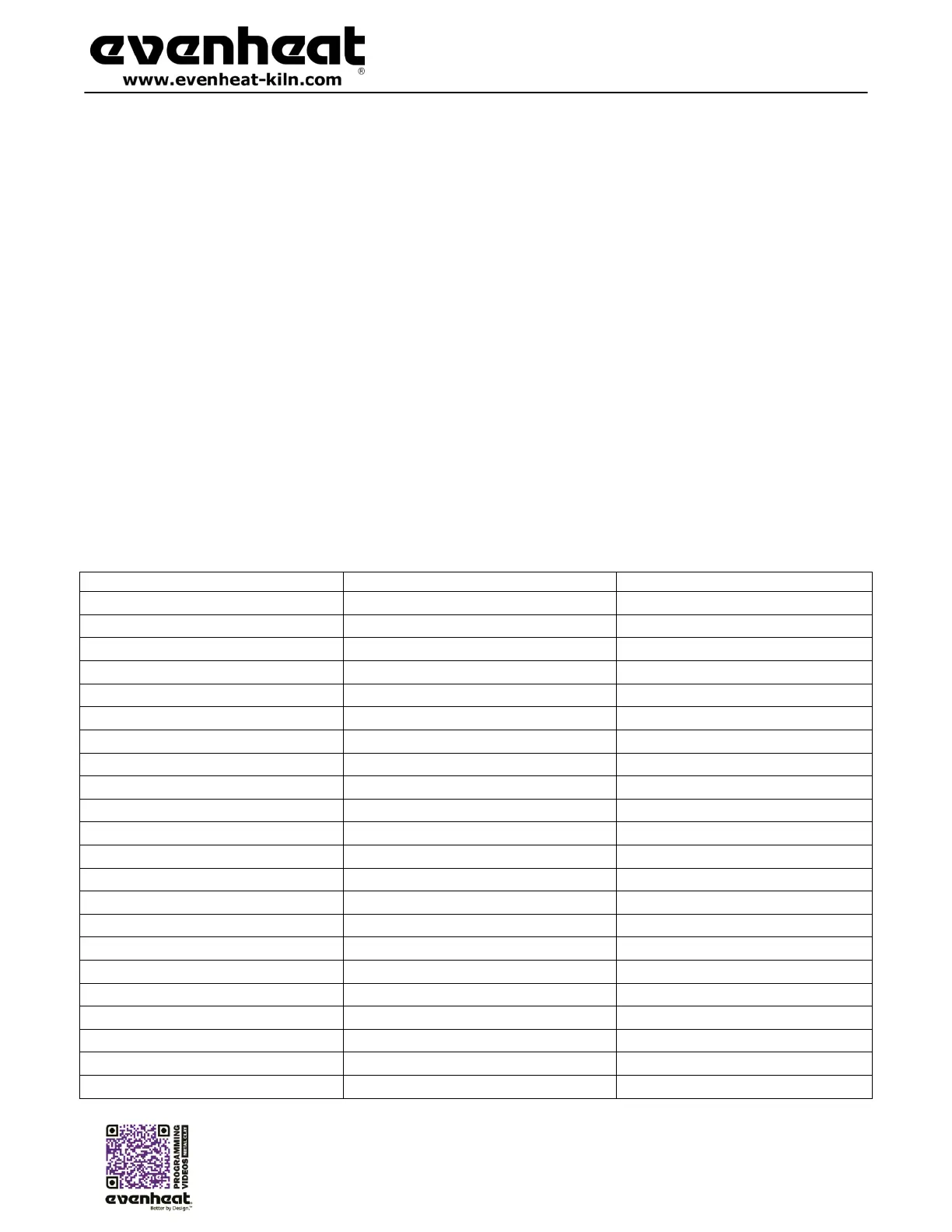
Set-Pro Display Messages
Bead Annealing Load-n-Go, N/A
Beginning Process Alarm, page 14
Both Beginning and End Alarms, page 14
Fast Fire BRONZclay™, page 9
Stage 1 firing for White COPPRclay™, page 9
Prometheus Bronze, page 10
Art Clay Silver Standard, page 9
Celsius (Centigrade), page 17
Art Clay Silver Standard Slow Dry, page 9
Glass Express Mode, pages 9 & 11
Ceramic Express Mode, pages 9 & 11
Art Clay Silver 650/1200 Low Fire, page 9
Art Clay Silver 650/1200 Low Fire Slow Dry, page 9
Prometheus Copper, page 10
Metal Clay Express Mode, page 9 & 11
Thermocouple Failure, page 19
Firing Complete, pages 10 & 12



 To Next Page