Set-Pro Control Operating Manual
Metal Clay version – Nov. 2014
Page 8 of 21
Use your Smart-phone to scan this QR code to watch Set-Pro how-to Programming Videos!
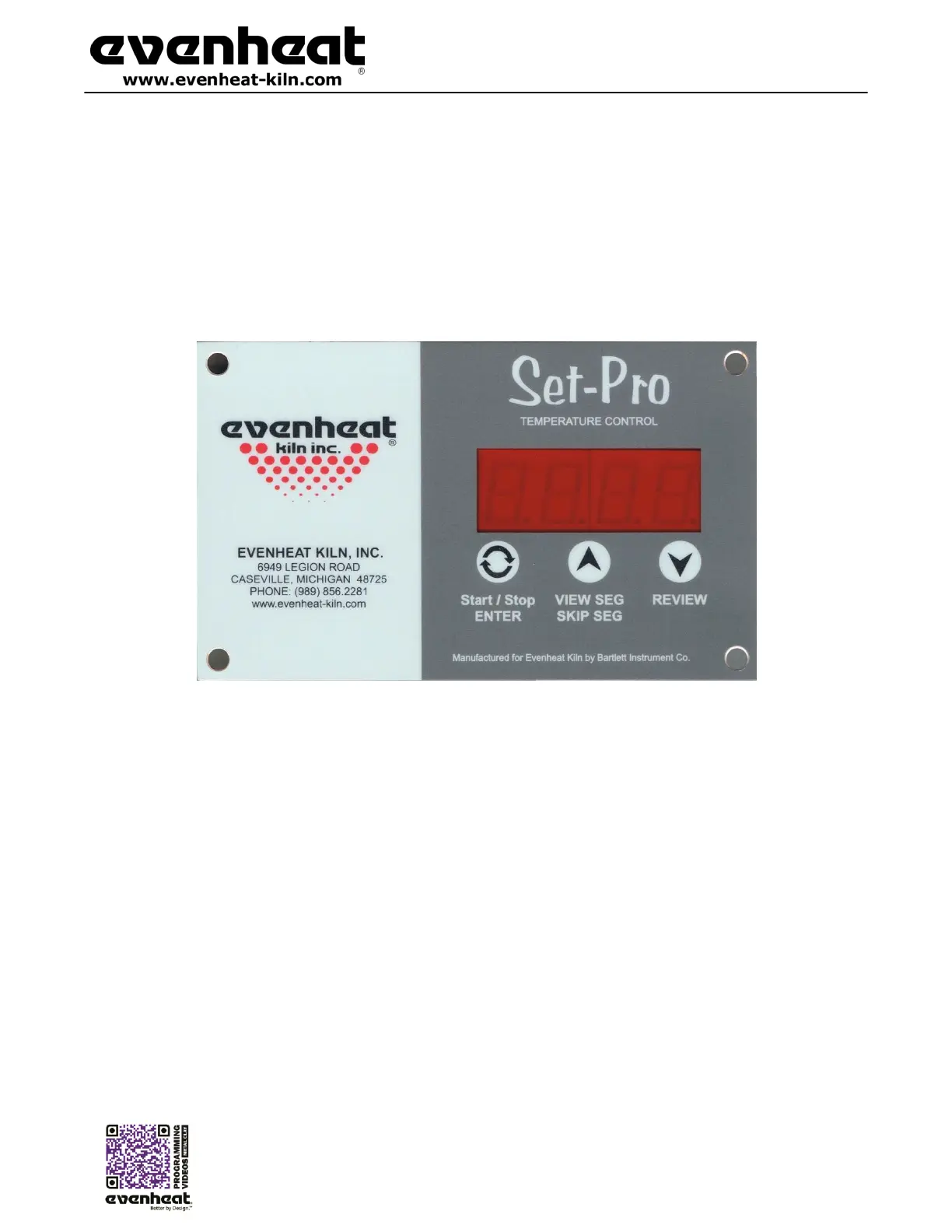
Set-Pro Key Layout & Key Descriptions
Start/Stop - Enter
The Start/Stop key starts and stops the firing process. It’s also used to enter or store firing program information during the programming process.
UP Arrow – VIEW SEG – SKIP SEG
Used to select values when programming and allows for Viewing the current running segment as well as performing the Skip Ahead feature.
Down Arrow – REVIEW
Used to select values when programming and allows for the Review program feature.
See the Set-Pro Key Function Table on page 19, for more detailed key information.
Display -Large, bright LED display
can be seen from a distance.
F or °C -The Set-Pro can be set to display
in either Fahrenheit or Celsius.



 To Next Page