EKB500_ma_en_rev1.5_3.doc 20
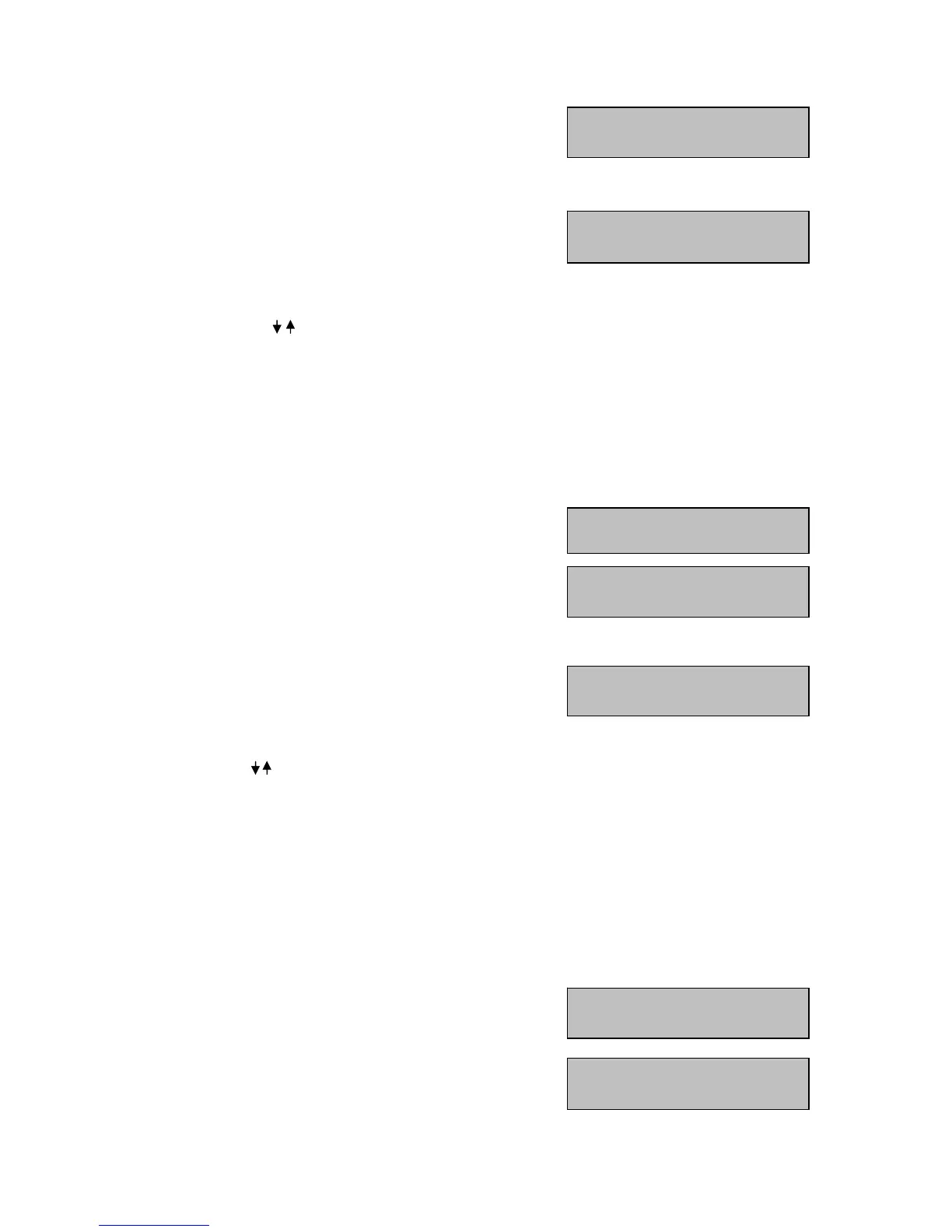
Name DVR Mon
005 004 02
<
Name RS485
004 1- 023 <
Total 008 DVRs
[ ENT ] to view list
Del DVR : 004
[ ENT ] to delete.
Del Monitor: 004
[ ENT ] to delete.
Allow Operation w/o
list [ ↑ ↓ ] to toggle
No Operation w/o
list [↑ ↓] to toggle
After pressing the
E
E
E
N
N
N
T
T
T
E
E
E
R
R
R
key, the first monitor is displayed.
Displays: Name: monitor number
DVR: DVR to which the monitor is connected.
CH: DVR monitor output
Press
E
E
E
N
N
N
T
T
T
E
E
E
R
R
R
to delete the monitor.
Press
E
E
E
N
N
N
T
T
T
E
E
E
R
R
R
again to delete the monitor and return
to monitor list.
Press
E
E
E
S
S
S
C
C
C
to return to monitor list without deleting.
Use the
J
J
J
O
O
O
Y
Y
Y
S
S
S
T
T
T
I
I
I
C
C
C
K
K
K
for monitor switching.
Press
E
E
E
S
S
S
C
C
C
to cancel.
6.3.6 DVR List & Delete
This menu contains a list of all installed DVRs as well as their settings. Furthermore, DVRs can be deleted
here.
M
M
M
E
E
E
N
N
N
U
U
U
> DEVICE SETTING >
DVR LIST & DELETE >
E
E
E
N
N
N
T
T
T
E
E
E
R
R
R
After pressing the
E
E
E
N
N
N
T
T
T
E
E
E
R
R
R
key, the first DVR is displayed.
Displays: Name: DVR number
RS-485: port number - RS-485 address
Press
E
E
E
N
N
N
T
T
T
E
E
E
R
R
R
to delete the DVR.
Press
E
E
E
N
N
N
T
T
T
E
E
E
R
R
R
again to delete the monitor and return
to monitor list.
Press
E
E
E
S
S
S
C
C
C
to return to monitor list without deleting.
Use the joystick for DVR switching.
Press
E
E
E
S
S
S
C
C
C
to cancel.
6.3.7 Non-listed devices
This function is currently not supported by EKB-500.
Use this menu to approve / disapprove the control of devices not defined in the menu.
M
M
M
E
E
E
N
N
N
U
U
U
> DEVICE SETTING > NON-LISTED-DEVICE >
E
E
E
N
N
N
T
T
T
E
E
E
R
R
R
Keep the default setting “No Operation w/o list” at any time,
as this function is reserved for future applications only.



 To Next Page