e
Lock password
set and enabled.
6.4.3 Lock password
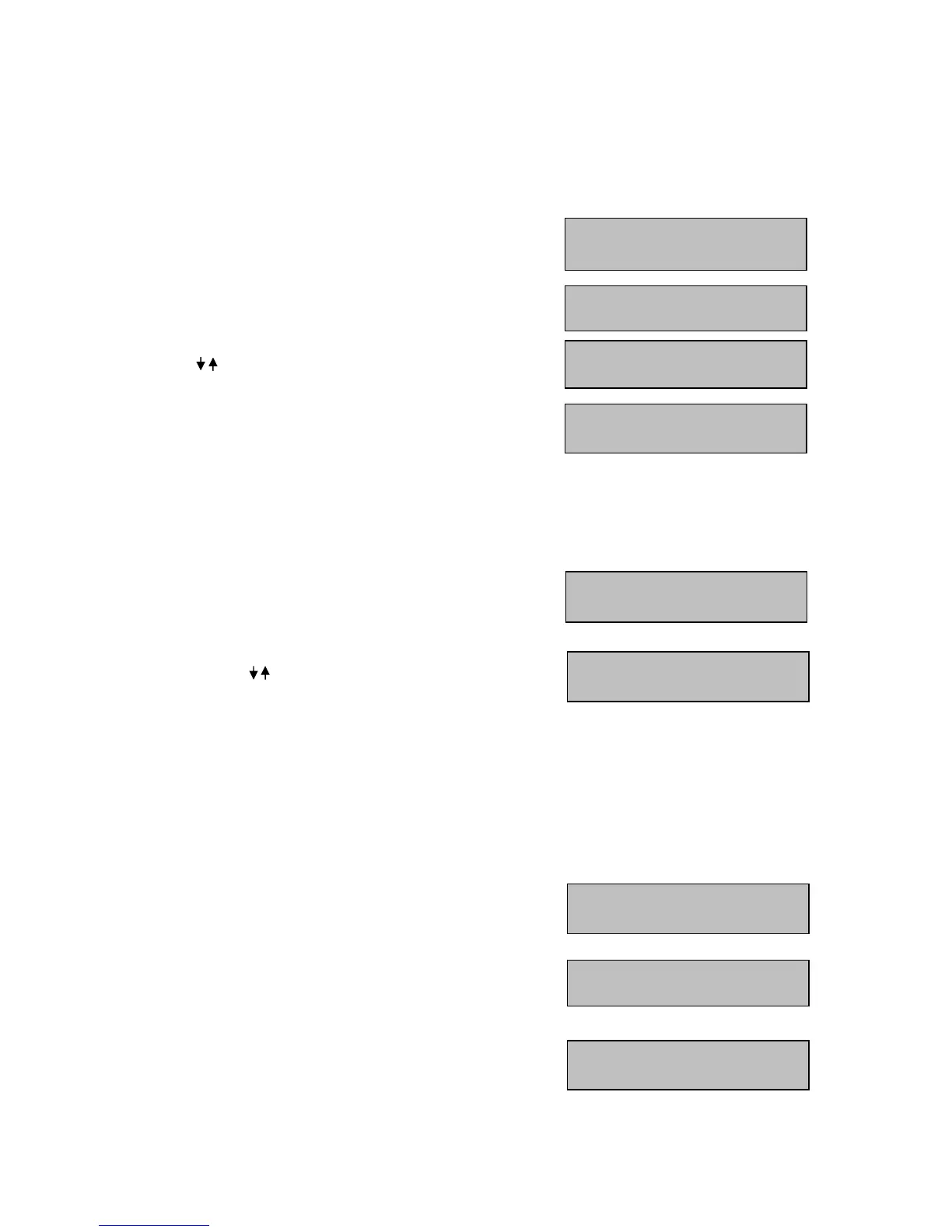
If this password is activated, the keyboard will lock after 30 seconds with no keyboard operation.
Any key press after locking will display a password inquiry at the LCD display.
M
M
M
E
E
E
N
N
N
U
U
U
> KEYBOARD SETTING > LOCK PASSWORD >
E
E
E
N
N
N
T
T
T
E
E
E
R
R
R
Enter a max. 8-character password.
Press
E
E
E
N
N
N
T
T
T
E
E
E
R
R
R
to confirm.
Repeat the password.
Press
E
E
E
N
N
N
T
T
T
E
E
E
R
R
R
to confirm.
For activating the password protection, use the
Joystick to select "YES"
and press
E
E
E
N
N
N
T
T
T
E
E
E
R
R
R
to confirm.
Lock password is active.
6.4.4 Buzzer ON/OFF
M
M
M
E
E
E
N
N
N
U
U
U
> KEYBOARD SETTING > BUZZER ON/OFF >
E
E
E
N
N
N
T
T
T
E
E
E
R
R
R
Activate / deactivate buzzer.
Use the joystick for selection and press
E
E
E
N
N
N
T
T
T
E
E
E
R
R
R
to confirm.
6.4.5 Joystick calibration
M
M
M
E
E
E
N
N
N
U
U
U
> KEYBOARD SETTING > JOYSTICK CALIBRATION >
E
E
E
N
N
N
T
T
T
E
E
E
R
R
R
Use this menu for joystick calibration.
Keep the joystick in idle position and press the
E
E
E
N
N
N
T
T
T
E
E
E
R
R
R
key.
Move the
J
J
J
O
O
O
Y
Y
Y
S
S
S
T
T
T
I
I
I
C
C
C
K
K
K
towards all end stops including the
third axis (left/right rotation).
For all X, Y, Z displays, the end stop message must be “OK".
Press
E
E
E
S
S
S
C
C
C
to return to menu.



 To Next Page