93
Fresh Water System
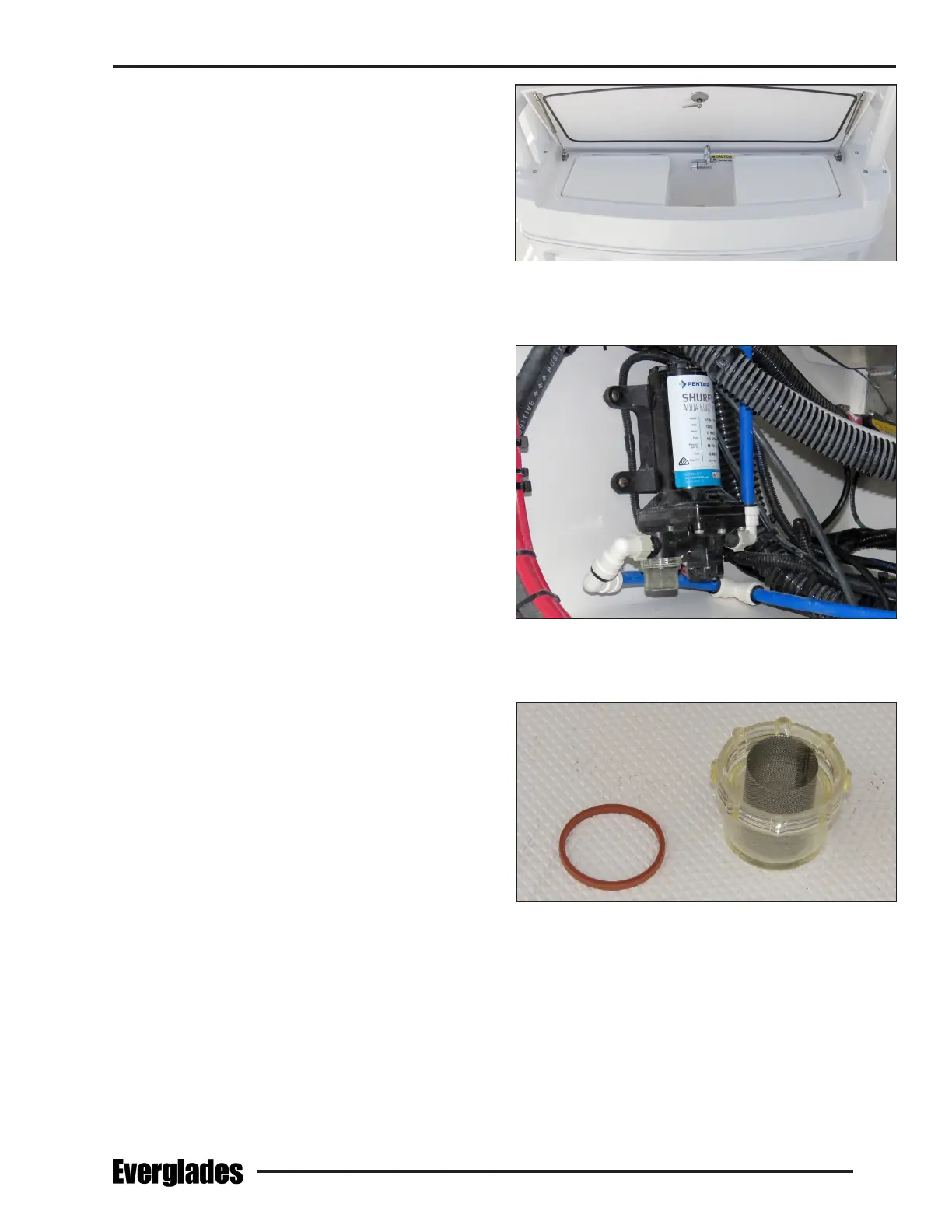
Workstation Sink (Optional)
The sink in the optional cockpit workstation is
supplied by the fresh water system. The faucet
pivots and folds down to allow the hatch to close.
To use the sink, open the hatch and rotate the
faucet outlet up. Make sure the Fresh Water
switch is on. Open the freshwater faucet to supply
fresh water to the sink.
7.3 Fresh Water System Maintenance
Information supplied with water system compo-
nents by the equipment manufacturers is included
with this manual. Refer to this information for
additional operation and service data.
Routine Maintenance
The following items should be done routinely to
maintain your fresh water system:
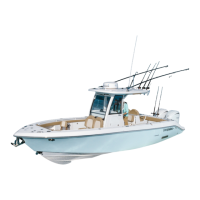
• Periodically remove and clean the water strainer
located near the intake side of the fresh water
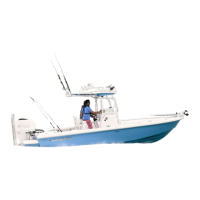
pump. To clean the strainer, make sure the
Fresh Water switch is o. Rotate the strainer
bowl counterclockwise to release it. Remove
and clean the screen with fresh water. Lubricate
the O-ring lightly with Teon or silicone grease
and reinstall the strainer bowl.
• Remove the lter screens from spray heads
and eliminate any accumulation of debris. A
build up of debris can cause the pump to cycle
excessively.
• Periodically spray the fresh water pump and
metal components with a metal protectant.
• The batteries must be properly maintained and
charged. Operating the pressure pump from a
battery with a low charge could lead to pump
failure.
• Add a commercially available potable water
conditioner to the water tank to keep it fresh.
Notice:
The fresh water system must be properly
winterized prior to winter lay-up. Refer to
the section on winterizing for more informa-
tion.
Workstation Sink
Fresh Water Pump & Strainer
Typical Fresh Water Pump Strainer Removed for Cleaning



 To Next Page