24
ENGLISH
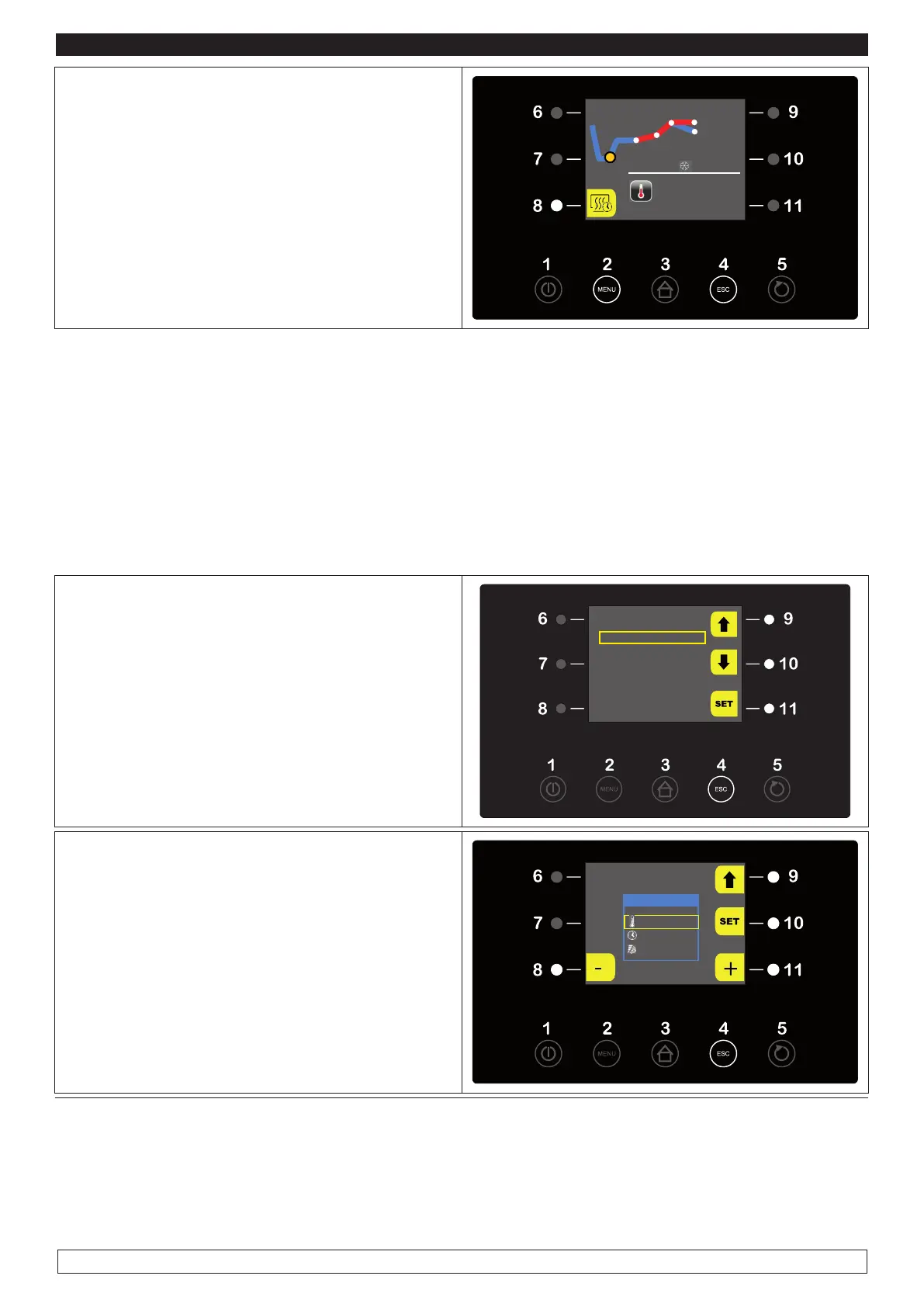
► The display will show the status of the current
PHASE, the end-of-cycle date and the tempera-
ture.
► To deactivate the DELAYED BAKING phase
press the (8) key
At the end of the program the machine stops au-
tomatically in STAND-BY
PHASE 1
25 °C
END CYCLE THU 08/01 17:47
During the implementation of an AUTOMATIC CYCLE press the MENU key (2) to view the following
options:
- SETPOINT
- ALARMS LIST
- INTERNAL VALUES
- END-OF-PHASE TIME
- MANUAL DEFROSTING
- LIGHT
► Press the MENU key (2) to modify the
SETPOINT during a working AUTOMATIC
CYCLE and select with the UP-DOWN keys (9-
10) the SETPOINT item then press the SET key
(11)
OPTIONS
SETPOINT
ALARM LIST
INTERNAL VALUES
END OF PHASES TIME
MANUAL DEFROST
LIGHT
15:14 07/01/15
► Press the – and + keys (8-11) to modify the de-
fined SETPOINT
► Press the 9 button to move to the next phase
► When the operation is over either press the ESC
key (4) to go back to the OPTIONS menu
PLEASE NOTE: The fans speed adjustment fun-
cton is disabled as it is automatically set.
PHASE 1
-5 °C
04:32 h:m
100 %








 To Next Page