110
View Events
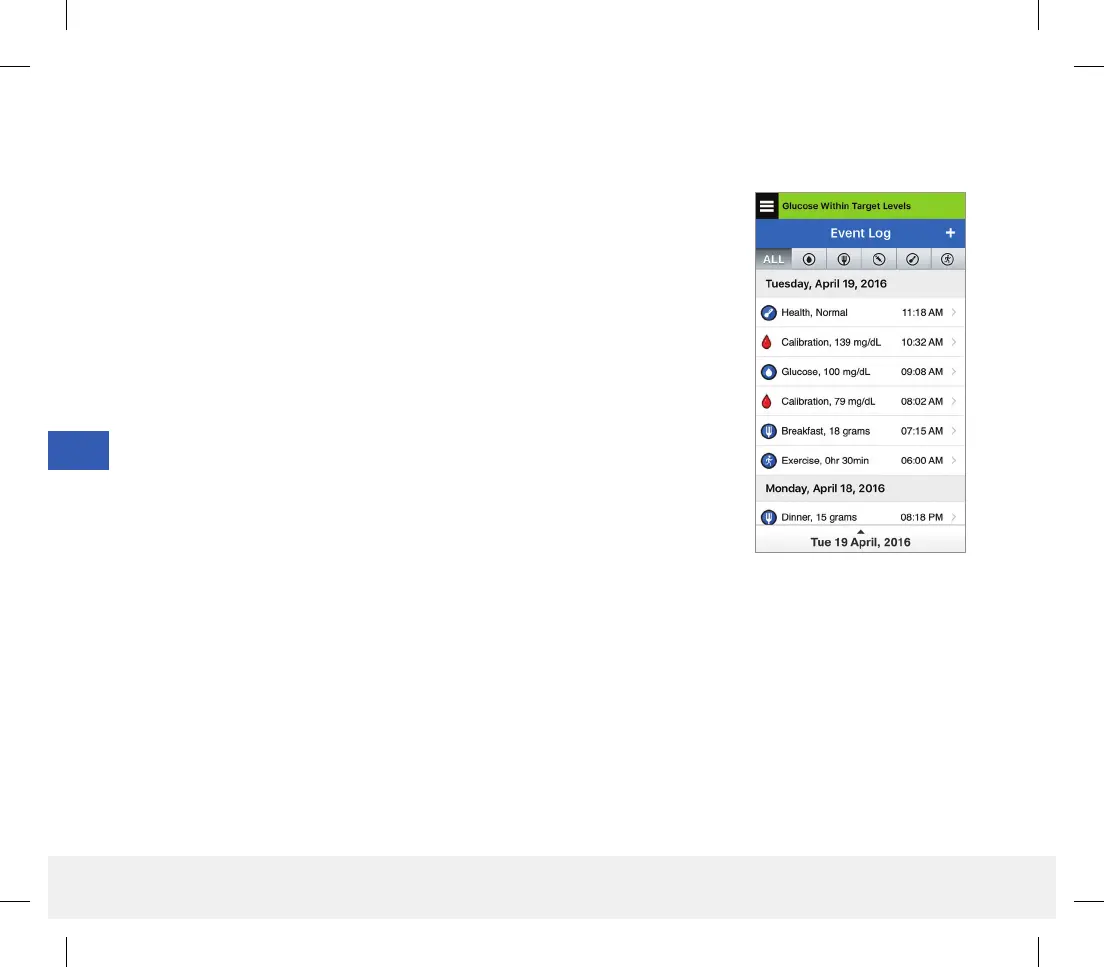
You can view past events entered from the EVENT LOG screen.
1. Tap Menu > Event Log.
The EVENT LOG screen will appear.
2. All your entered events will be listed.
You can also select specific event types to view by tapping a selected
event type.
• Tap ALL, then tap icons on top of the screen to select only the types
of events you want displayed.
LBL-1602-01-001 Rev N_Eversense User Guide_mgdL_R1.indd 110LBL-1602-01-001 Rev N_Eversense User Guide_mgdL_R1.indd 110 2/26/20 12:59 PM2/26/20 12:59 PM



 To Next Page