91
Alert History
The ALERT HISTORY screen lists alerts and notifications you have received.
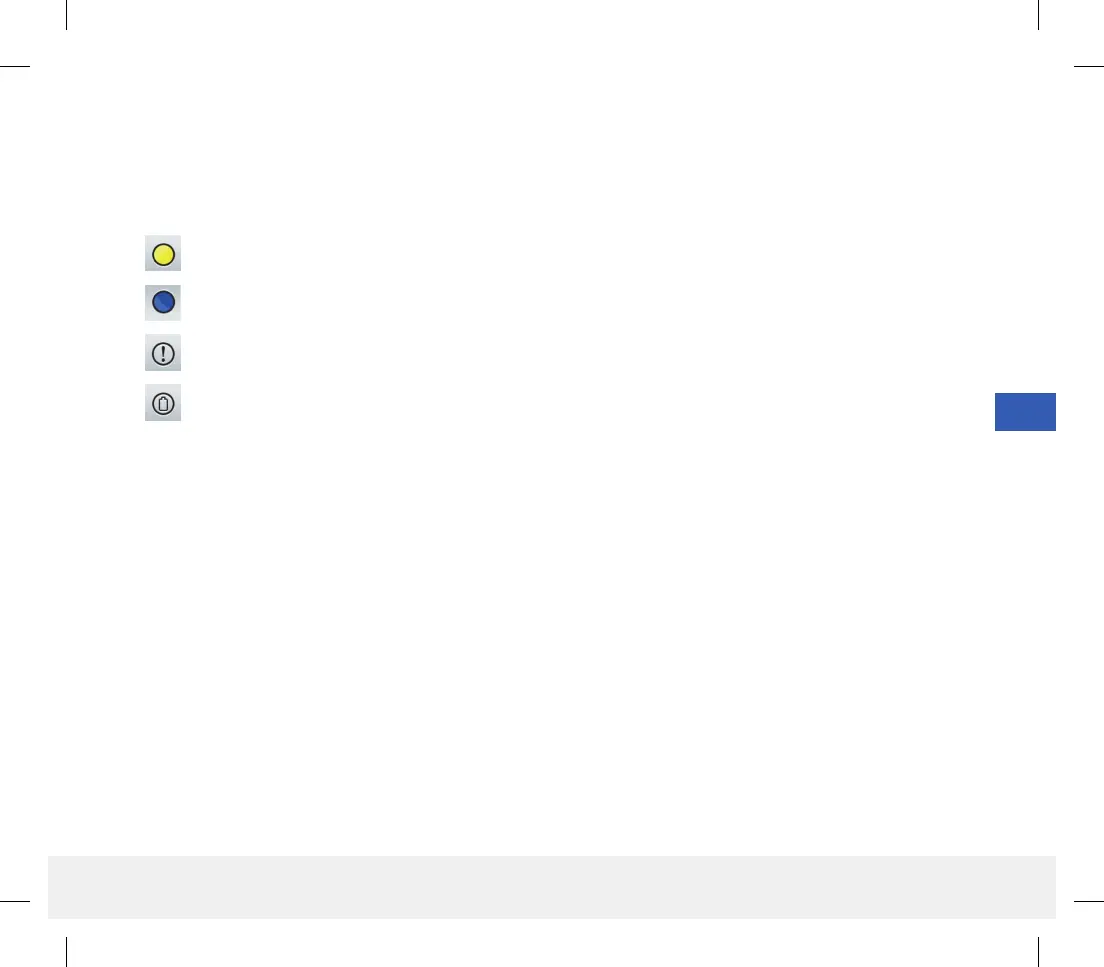
The following icons are used to indicate the severity level of messages.
Alerts
Notifications
Glucose-related alerts
Battery Alerts
Note: When you receive 2 or more alerts that have not been acknowledged, the app will display an option to
Dismiss All. This can happen when your mobile device has been out of range of your smart transmitter and then
re-syncs. You can review each alert in Alert History.
LBL-1602-01-001 Rev N_Eversense User Guide_mgdL_R1.indd 91LBL-1602-01-001 Rev N_Eversense User Guide_mgdL_R1.indd 91 2/26/20 12:59 PM2/26/20 12:59 PM



 To Next Page