71
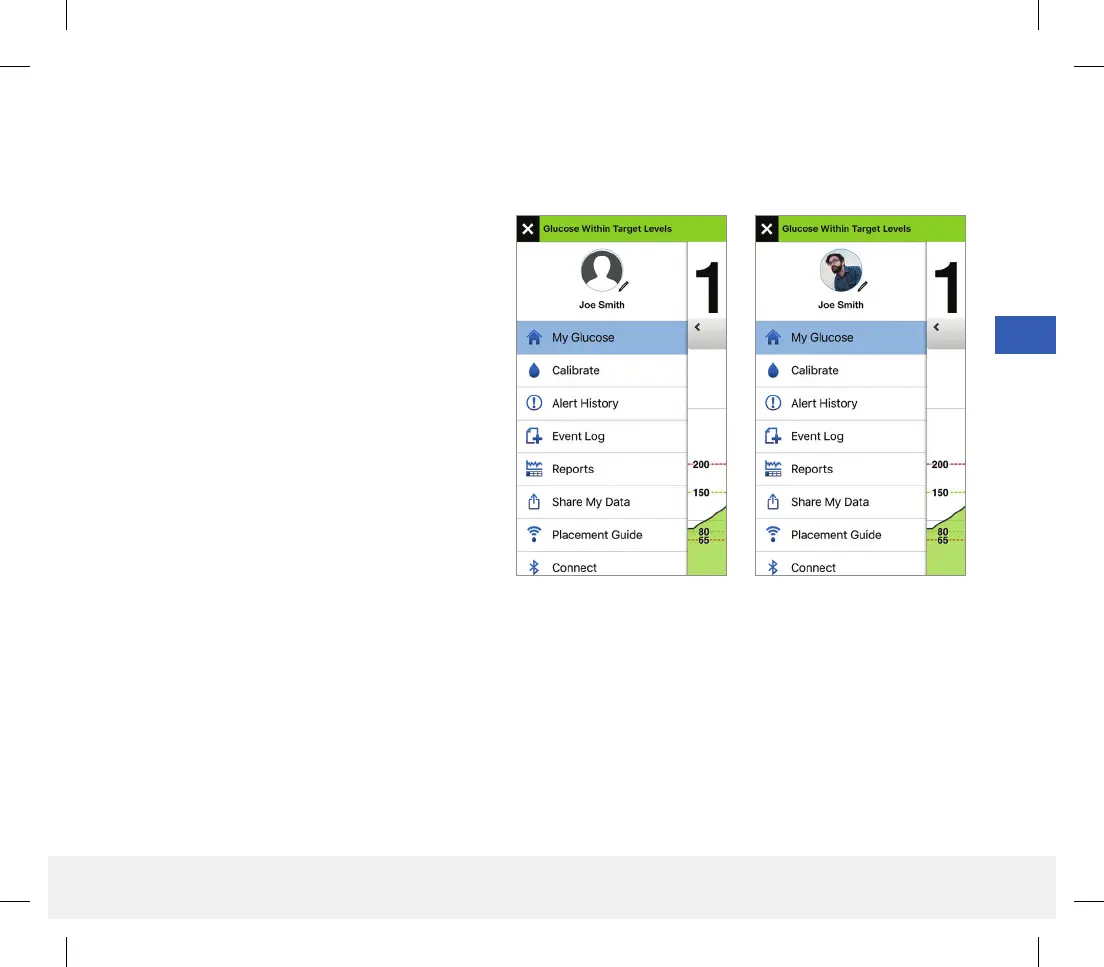
Profile Picture
You can add or change the profile picture in your Eversense account, which will be displayed in your Eversense CGM
Mobile App and in your Eversense DMS account.
• Go to the Main Menu and tap on the picture
of the silhouette.
• Follow the prompt to either take a new photo
or choose an existing photo that is saved on
your device.
• The photo you select will be displayed on the
Main Menu screen.
Note: You can also change your profile picture
from your Eversense DMS account. See the
Eversense DMS User Guide for more information.
LBL-1602-01-001 Rev N_Eversense User Guide_mgdL_R1.indd 71LBL-1602-01-001 Rev N_Eversense User Guide_mgdL_R1.indd 71 2/26/20 12:59 PM2/26/20 12:59 PM



 To Next Page