42
LED Status Indicators
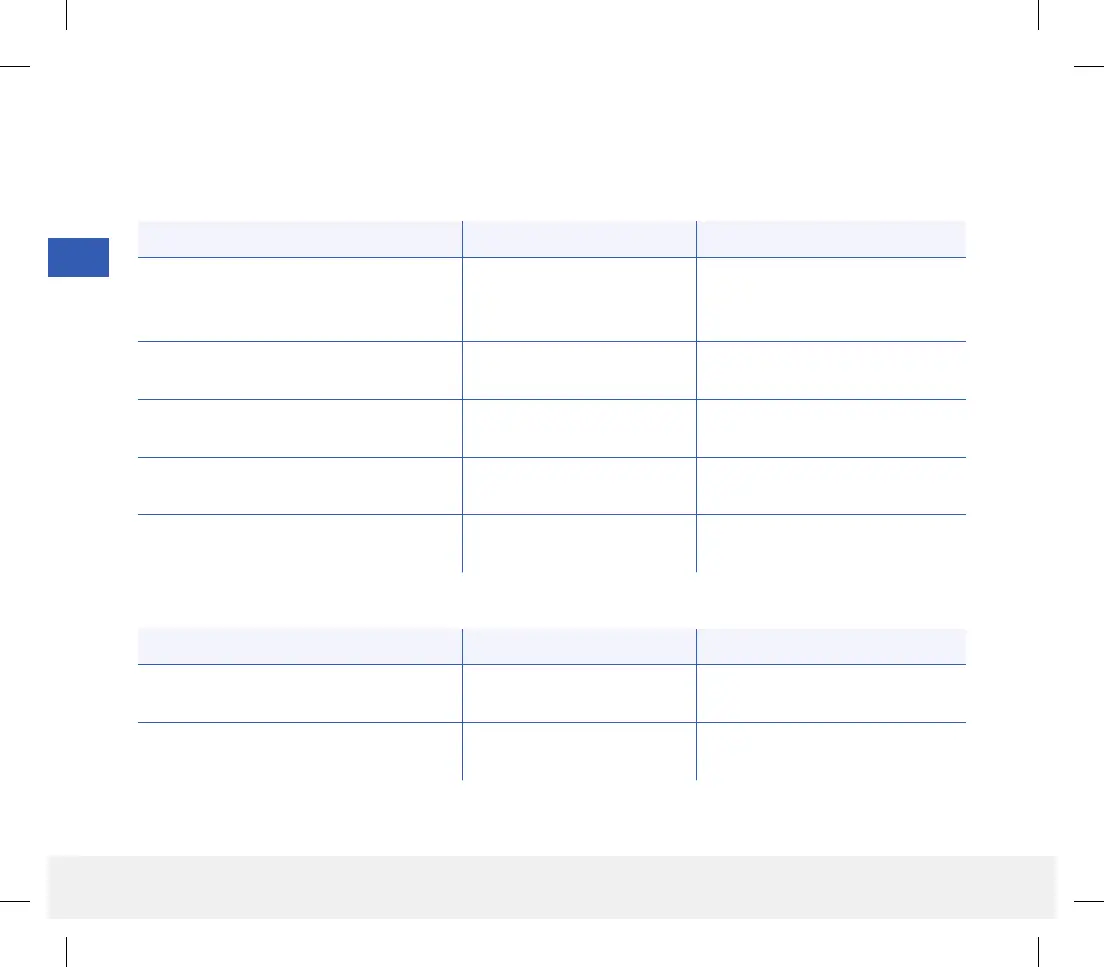
The smart transmitter communicates several dierent states based upon the color of the LED.
• During smart transmitter charging:
LED Status Battery Status Action
Solid or flashing orange when connected
to the USB cable
0% - 65% charged
Charge for 15 minutes before
disconnecting from power supply
Solid green when connected to the
USB cable
65% - 100% charged
Charge for 15 minutes before
disconnecting from power supply
LED Status Status Action
Alternating green and orange when
power button is pressed 3 times in
5seconds
Discoverable mode
Pair smart transmitter with
mobile device
Does not blink when power button
is pressed
Smart transmitter o
Hold down power button for
5seconds to turn on
Blinks green (once) when power button
is pressed
10% - 90% battery power No immediate action required
Blinks orange (once) when power button
is pressed
Low battery, less than 10%
battery power remaining
Charge battery soon
LED is orange for one minute An alert has been triggered
Check the app on your mobile
device to understand the alert
• During smart transmitter use:
5
LBL-1602-01-001 Rev N_Eversense User Guide_mgdL_R1.indd 42LBL-1602-01-001 Rev N_Eversense User Guide_mgdL_R1.indd 42 2/26/20 12:58 PM2/26/20 12:58 PM



 To Next Page