31
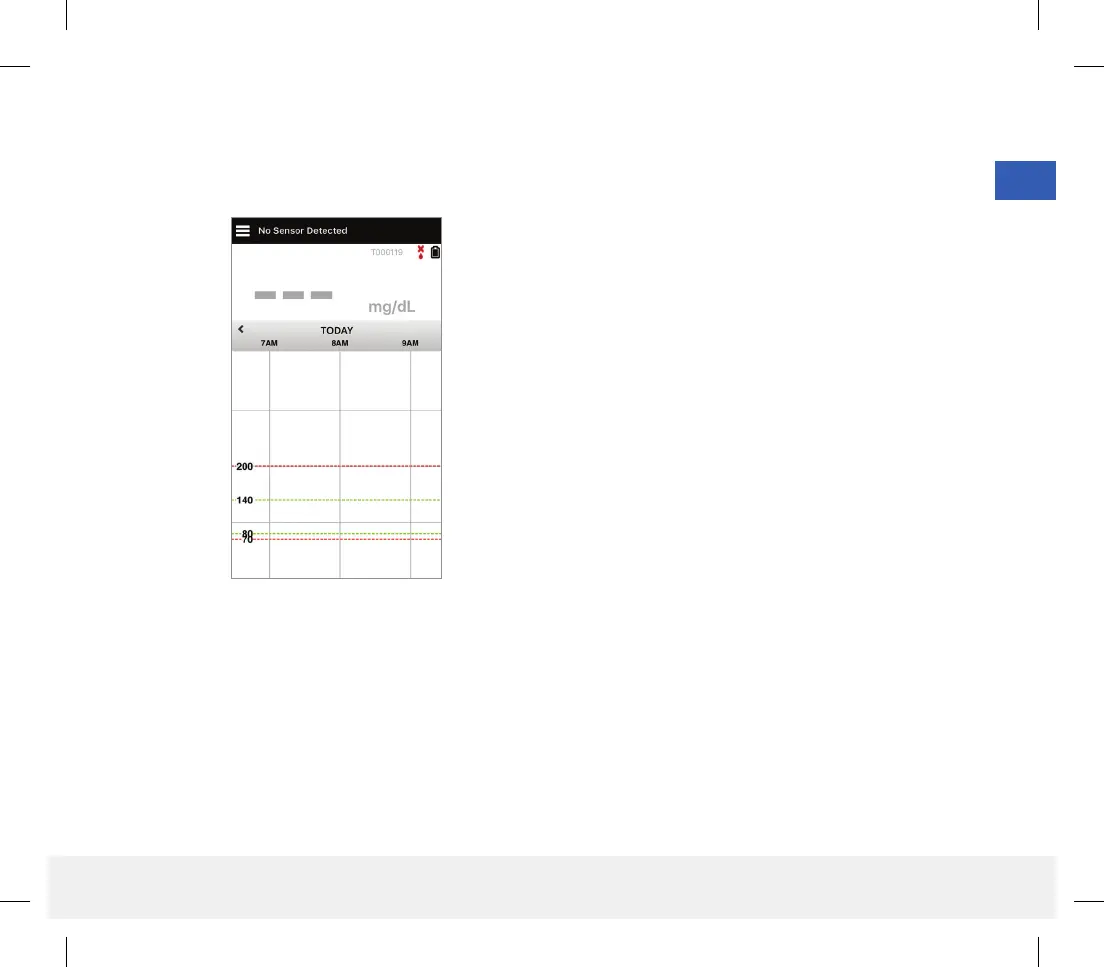
13. Next, the MY GLUCOSE screen appears.
The screen will not have any glucose data to
display at this time.
Note: Once the sensor is linked to the smart transmitter,
the red blood drop with the X will no longer appear and a
black blood drop with signal bars will be displayed.
Once the sensor is inserted by your health care provider
and the 24-hour Warm-Up Phase is completed, you can
begin calibration. If you have not yet had your sensor
inserted, you can review this User Guide to become
familiar with the app and its features.
LBL-1602-01-001 Rev N_Eversense User Guide_mgdL_R1.indd 31LBL-1602-01-001 Rev N_Eversense User Guide_mgdL_R1.indd 31 2/26/20 12:58 PM2/26/20 12:58 PM



 To Next Page