39
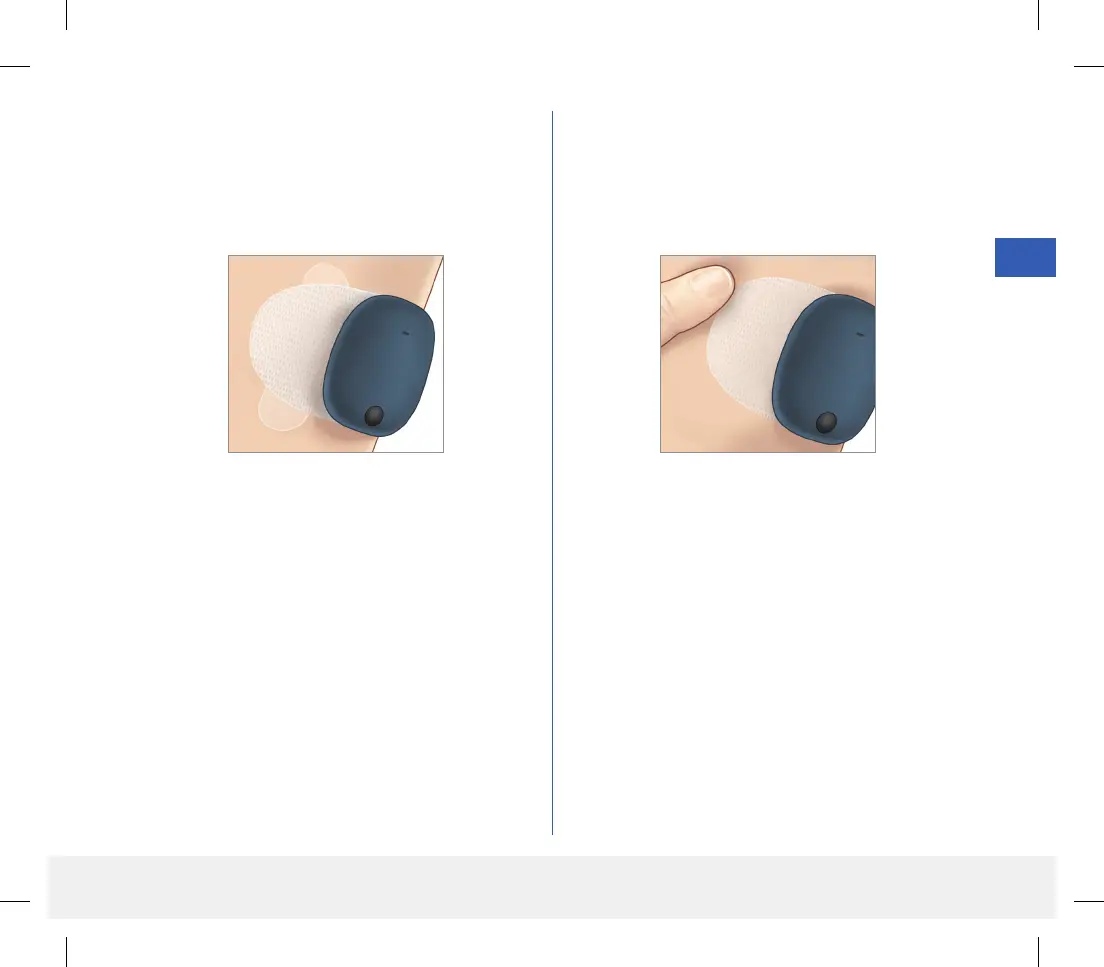
5. Press the adhesive patch firmly on skin surface over
the sensor.
• The smart transmitter should be positioned so
that the patch wings lay horizontally on the arm.
6. Use the tab to pull o the remaining clear liner.
• Smooth the adhesive onto the skin. Make sure the
patch is flat on the skin surface.
LBL-1602-01-001 Rev N_Eversense User Guide_mgdL_R1.indd 39LBL-1602-01-001 Rev N_Eversense User Guide_mgdL_R1.indd 39 2/26/20 12:58 PM2/26/20 12:58 PM



 To Next Page