50
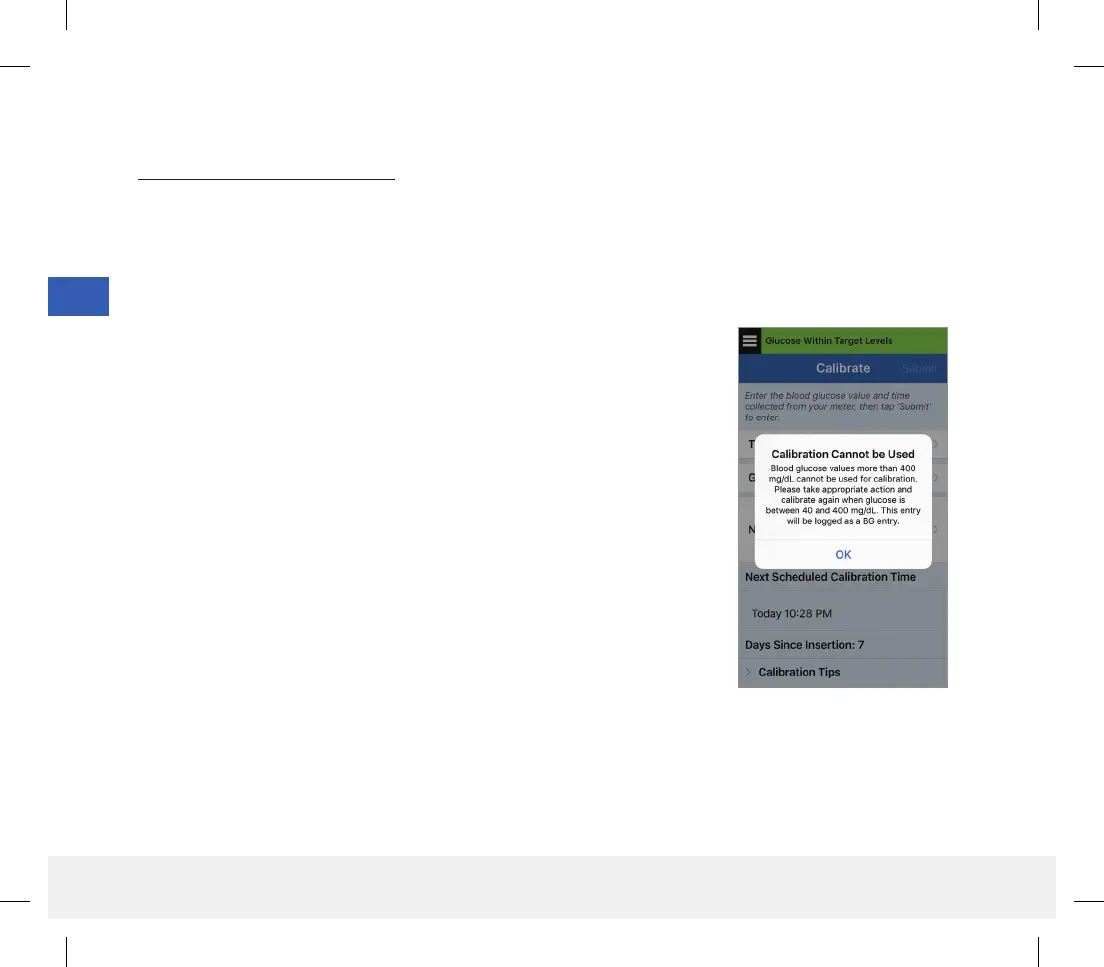
Note: There may be conditions when your calibration result is NOT accepted.
Calibration will NOT be accepted if:
Blood glucose meter reading is less than 40 mg/dL.
Blood glucose meter reading is greater than 400 mg/dL.
Your smart transmitter was removed or could not collect sensor glucose data during the 15 minutes after you
entered your calibration value.
The glucose value entered will be logged as a manual BG entry.
The blood drop icon on the trend line will be blue.
6
LBL-1602-01-001 Rev N_Eversense User Guide_mgdL_R1.indd 50LBL-1602-01-001 Rev N_Eversense User Guide_mgdL_R1.indd 50 2/26/20 12:58 PM2/26/20 12:58 PM



 To Next Page