62
When to NOT make a treatment decision:
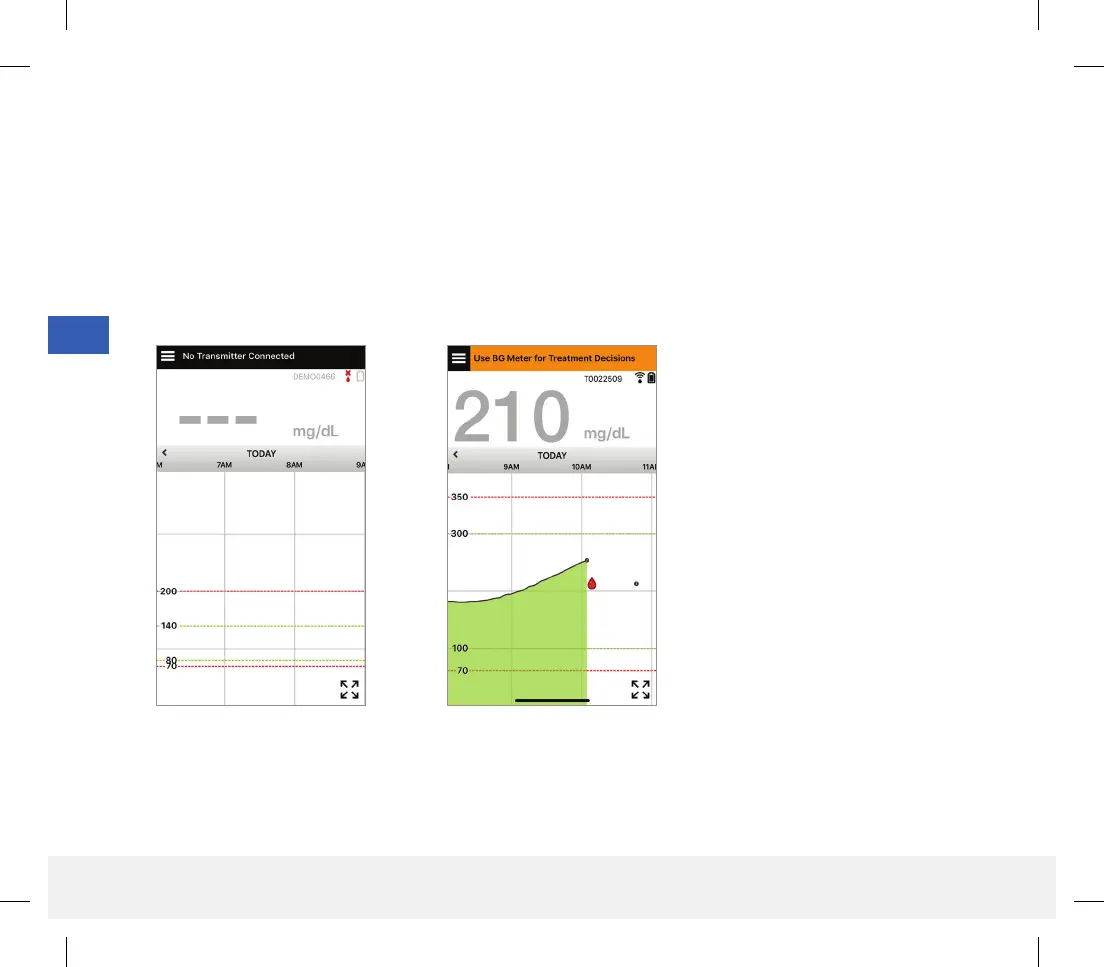
• No glucose value is displayed.
• No trend arrow is displayed.
• Your symptoms do not match the glucose information displayed.
• The current sensor glucose value is displayed in grey.
• The status bar is displayed in orange.
• You are taking medications of the tetracycline class.
Note: Always refer to the glucose information on your Eversense CGM App on your smartphone to make treatment
decisions. Do not use a secondary display like the Apple Watch or Eversense NOW.
LBL-1602-01-001 Rev N_Eversense User Guide_mgdL_R1.indd 62LBL-1602-01-001 Rev N_Eversense User Guide_mgdL_R1.indd 62 2/26/20 12:59 PM2/26/20 12:59 PM



 To Next Page