86
The Temp Profile selections cannot be
changed when the duration has been started.
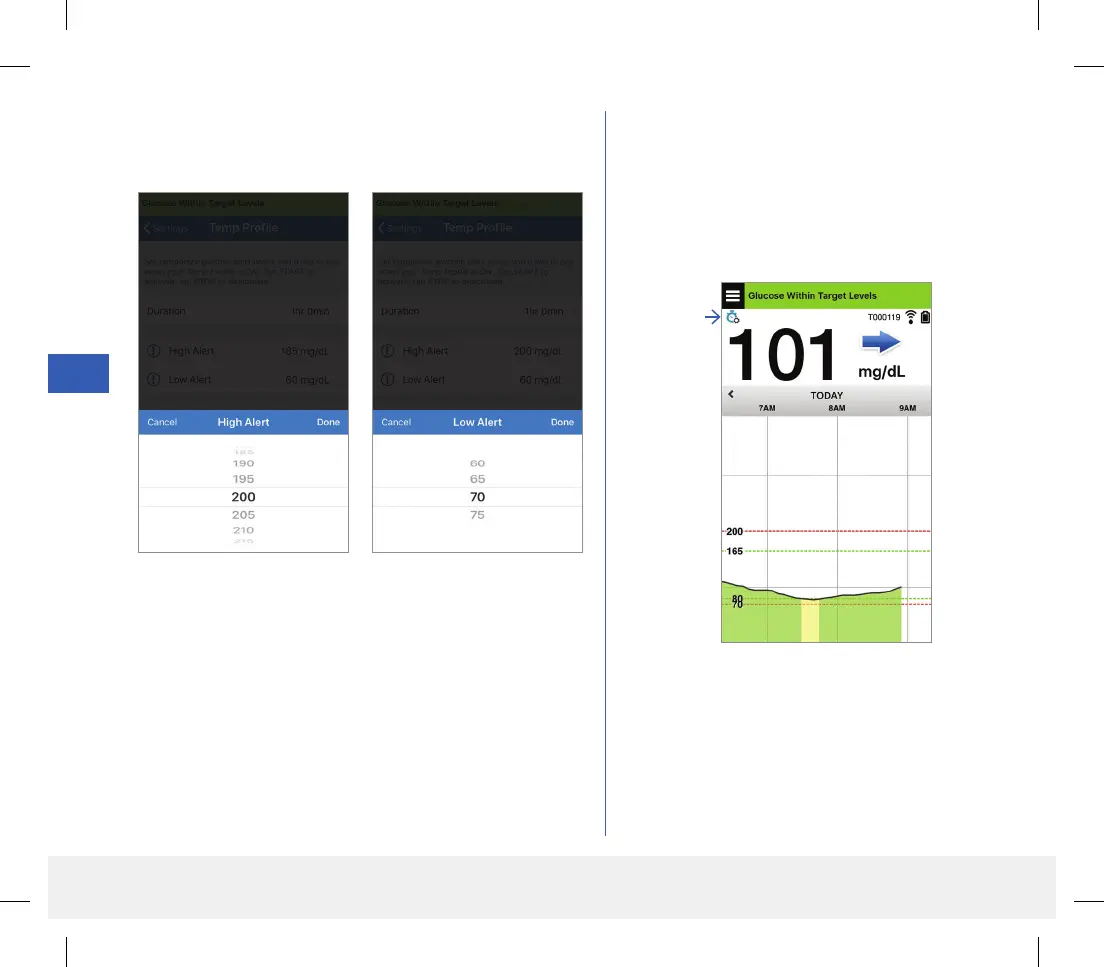
While a Temp Profile is active, the Temp Profile
icon will be displayed on the MY GLUCOSE
screen.
Temp
Profile
icon
3. Set the High and Low Alerts and High and Low Target
levels desired. Tap START.
LBL-1602-01-001 Rev N_Eversense User Guide_mgdL_R1.indd 86LBL-1602-01-001 Rev N_Eversense User Guide_mgdL_R1.indd 86 2/26/20 12:59 PM2/26/20 12:59 PM



 To Next Page