Cleaning
15
After performing a cleaning cycle, wait 2 minutes for the cleaning fluid
to evaporate completely before using the printer again.
IMPORTANT !
The print head is a fragile component.
To avoid damaging it:
Never put the print head in contact with pointed and/or metal objects.
Avoid touching the print head surface with the fingers.
Always unplug the printer from the power supply before cleaning the print head.
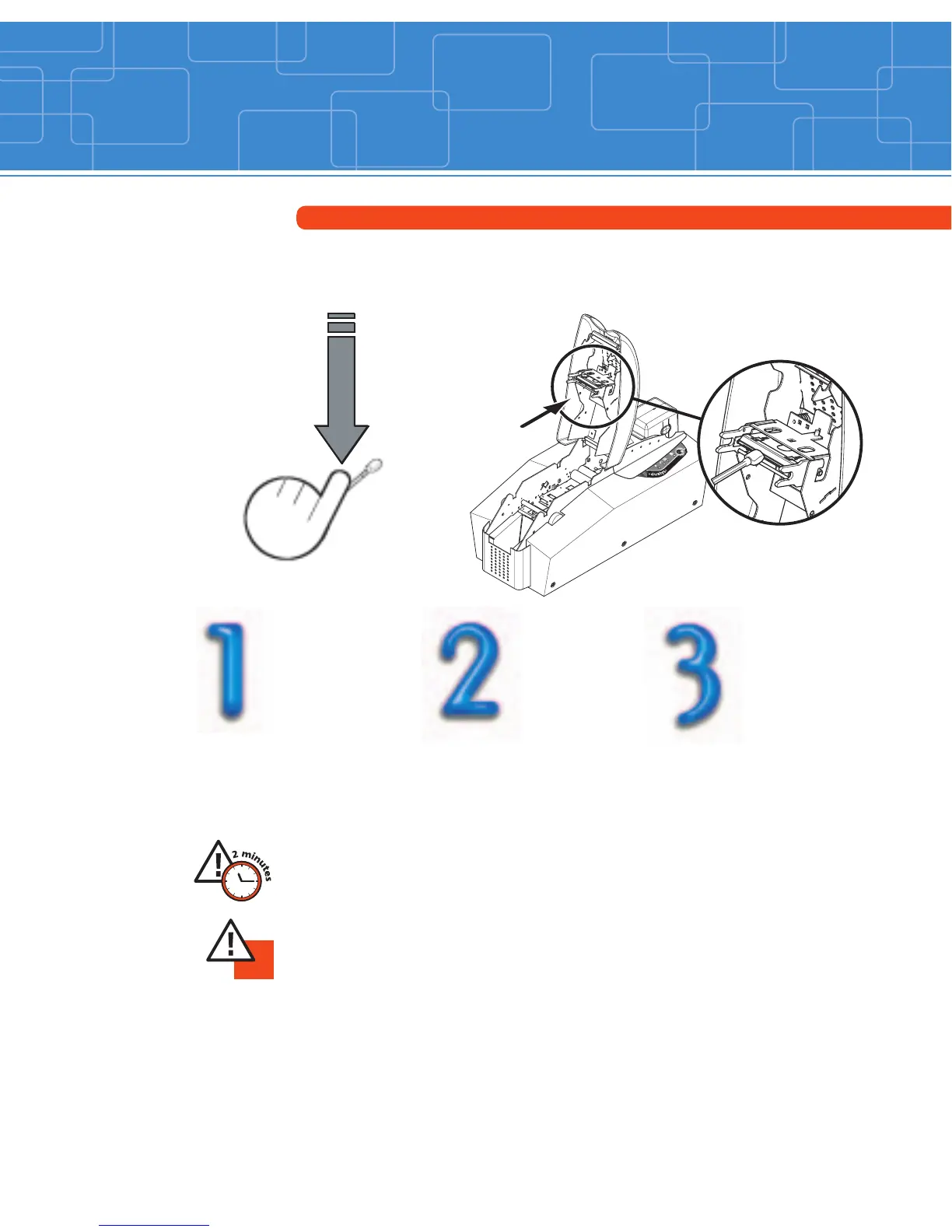
Cleaning of the print head
Use the swabs (UltraClean Cleaning Kit Part Number: A5011).
Cleaning cycle: before inserting every new ribbon.
Take a new swab
and press on the
stick to let the
liquid out.
Switch the printer off.
Then, gently rub the
swab along the print
head for a few seconds.



 To Next Page