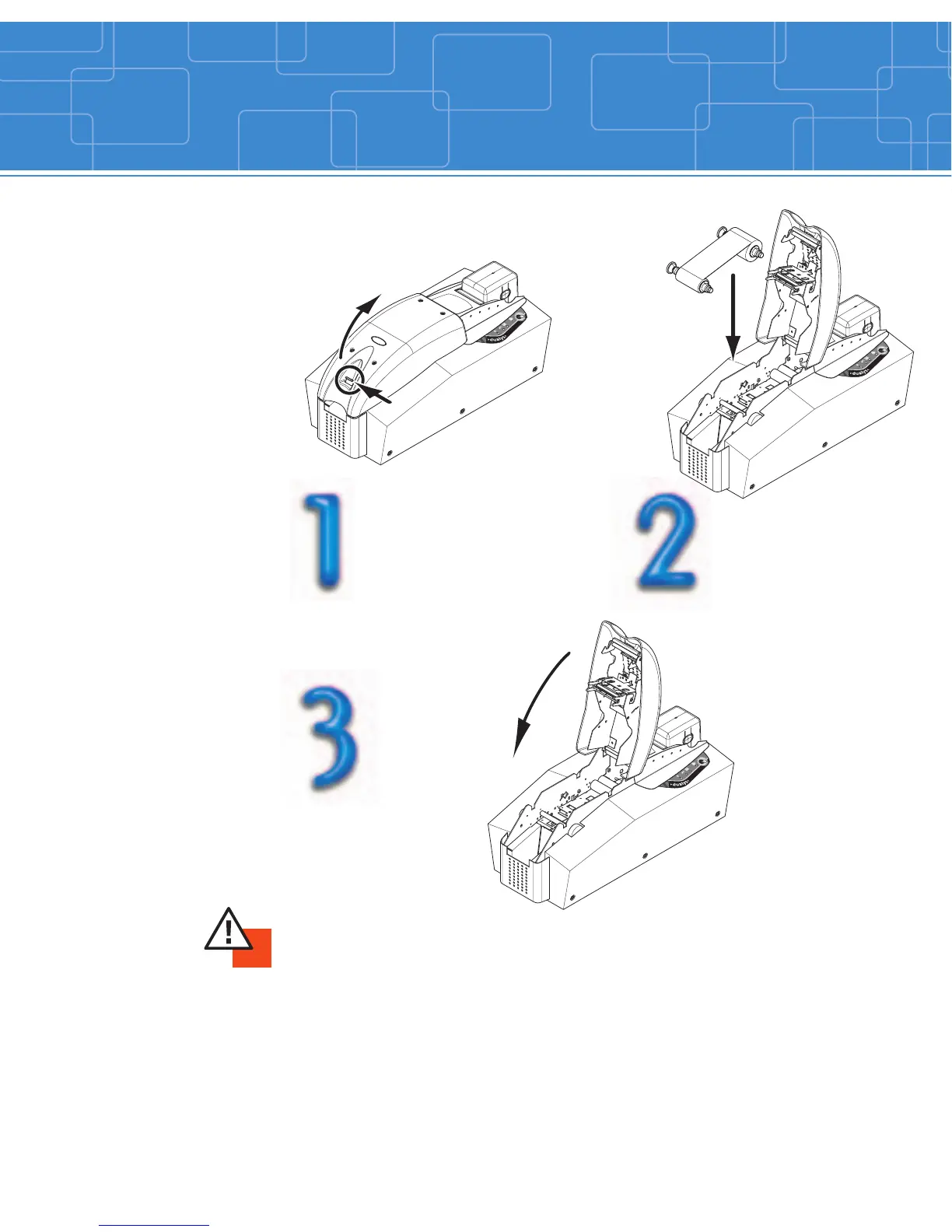
Ribbon loading
12
Open the printer cover
by pressing on the lever,
then pivoting it.
IMPORTANT !
The type of the ribbon is selectable through the printer driver in the “Main” tab.
The ribbon must be correctly installed for the printer to function. Only use Evolis
ribbons. Evolis accepts no responsibility if the printer is damaged following the
use of an unapproved ribbon.
The ribbon is automatically positioned each time the cover is closed.
Close the
printer cover.
Install the ribbon in
the printer as shown.



 To Next Page