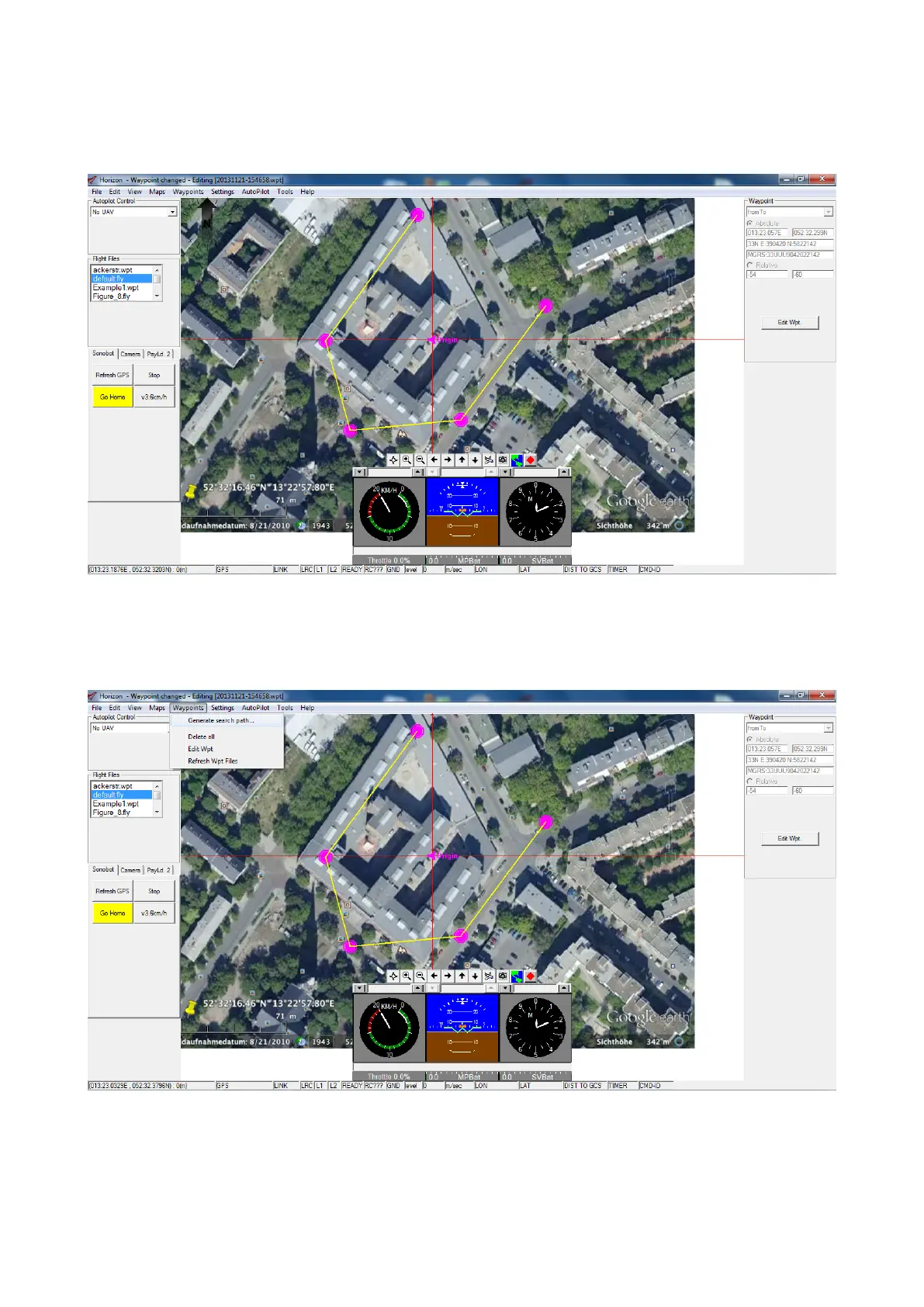
• Make an open perimeter around the operating area, placing at least three waypoints, as described above. Remember
to use the fromto command from the Append Waypoint menu when placing new waypoints to create a perimeter.
The image below provides an example of the perimeter, placed around an area on the map.
Figure 38: Horizon: creating a perimeter around the area
• Create a survey grid within the boundary, placed around the operating area on the previous step:
go to Menu → Waypints → Generate Search Path... to automatically create a grid within the perimeter.
Figure 39: Horizon: create a grid
33



 To Next Page