Functional characteristics
Key switch
82 Item No.: 099-004833-EWM01
5.6 Key switch
To protect against unauthorised or unintentional adjustment of the welding parameters on the machine,
the control input can be locked with the aid of a key switch.
In key switch position 1 all functions and parameters can be set without restriction.
In key switch position 0 the following functions and parameters cannot be changed:
• Job switching function, welding task selection
(block job mode possible with Power-control torch)
• Job Manager mode
• Program Steps mode
• Program A mode
• Job Info mode
• Super pulse function
When using a wire feed unit with control M3.70, the welding type and operating mode functions
cannot be changed if the key switch is in position "0". The parameters can be displayed in the
function sequence on the control, but not changed.
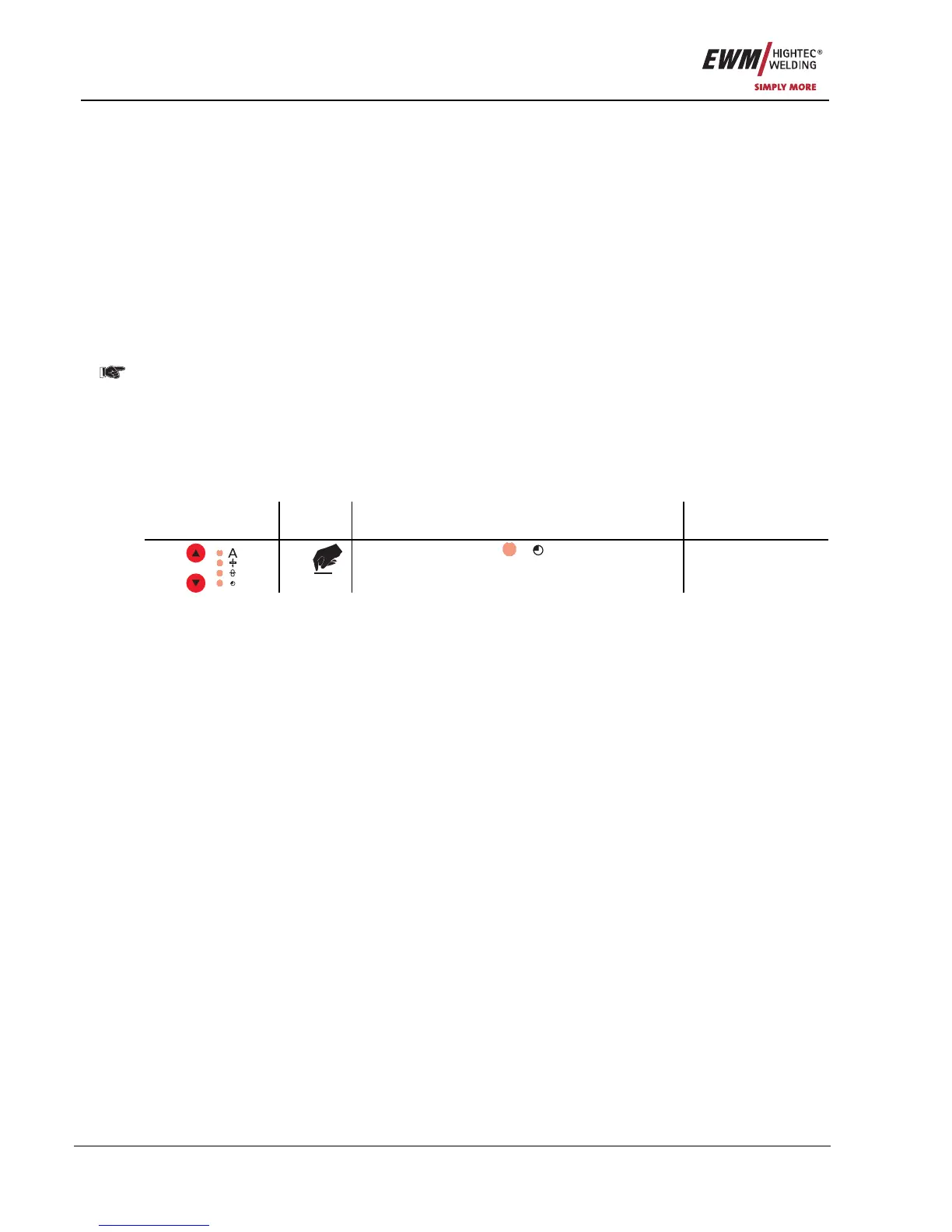
5.7 Operating time counter
The operating time is displayed in the format hhhh:mm:'h'. Four digits for the hours, two digits for the
minute, and a final 'h' symbol.
On the welding machine control
Operating
element
Action Result Display
X x
Press until signal light
comes on Operating time
display
The operating time is counted when current is flowing, and is written to non-volatile memory once per
minute.










 To Next Page