8
3.3 Enable/Disable C.O. Lines
You must use these commands according to the actual trunk lines before
using this product!!! If you don’t enable any C.O. line, the system will
consider there is no C.O. line and doesn’t auto detect C.O. line!!!
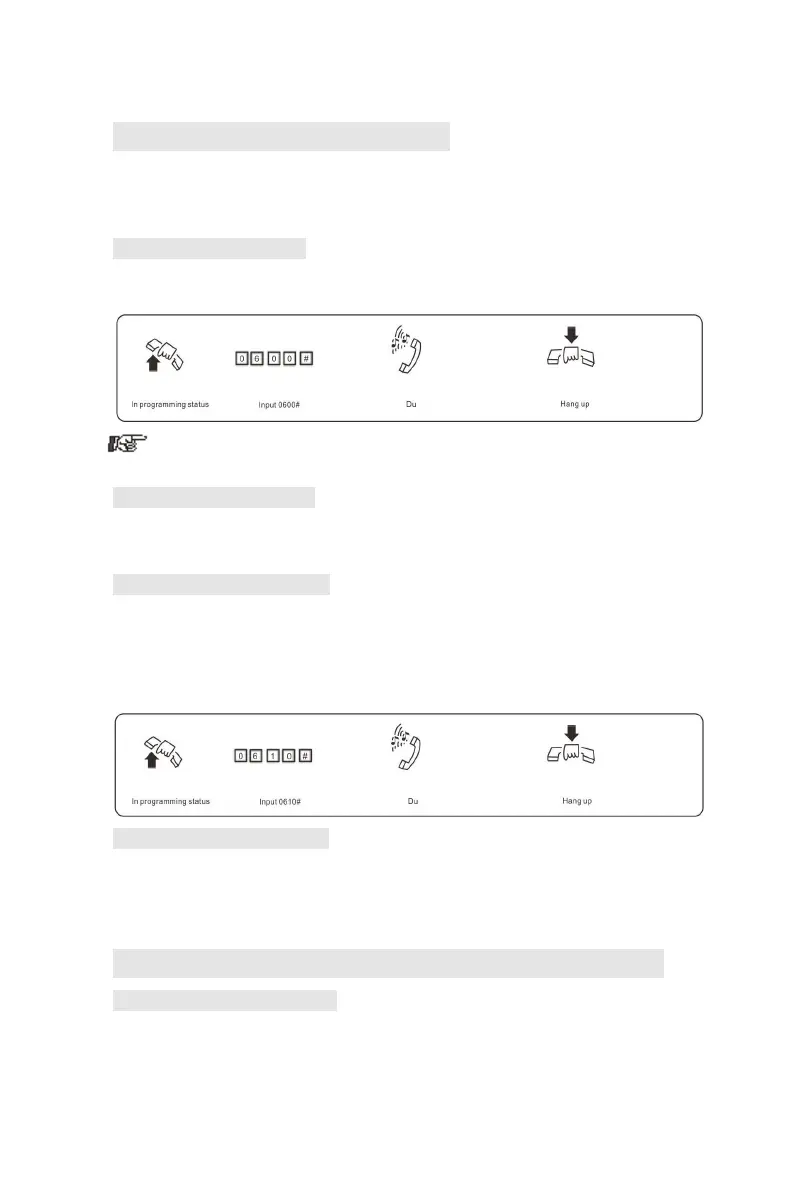
3.3.1 Enable All C.O. Lines
Format: 0600#
Description: Enable all C.O. lines
In default setting: 208/308 are in Disable status
3.3.2 Disable All C.O. Lines
Format: 0610#
Description: Disable all C.O. lines
3.3.3 Enable No. M C.O. Line
Format: 060M#
Explanation: M: C.O.line No.M=1-3
Description: Enable the M C.O. line
Example: You have 208/308 model product, you want use C.O. line 1
and C.O. line 2, and the line 3 is not in use.
3.3.4 Disable No.M C.O. Line
Format: 061M#
Explanation: M: C.O.line No.M=1-3
Description: Disable the M C.O. line
3.4 Day / night mode & weekend mode setting
3.4.1 System Date/Time setting
Format: 01YYMMDD# Set year/month/date of system
Explanation: YY: year, 00-99
MM: month, 01-12 DD: date, 01-31



 To Next Page