35
2、Answer incoming waiting call by # 9 and take back the first one by
# 9 again can be repeatable as long as the you like for CO.line, but for
doorphone you can only switch one time.
3、The waiting incoming call beep(prompt beep) are different for the
door phone call
4、and the CO.line call ; The doorphone calling prompt beep is two
beep(du du ),and the CO.line calling prompt beep is three brief beep(du du
du).
4.8 R key function
Format: Pat the hook and press # 8
Description: Use this to make a R key operation(As telephone's R key) in
C.O.Line, this is always used for switching the call waiting.
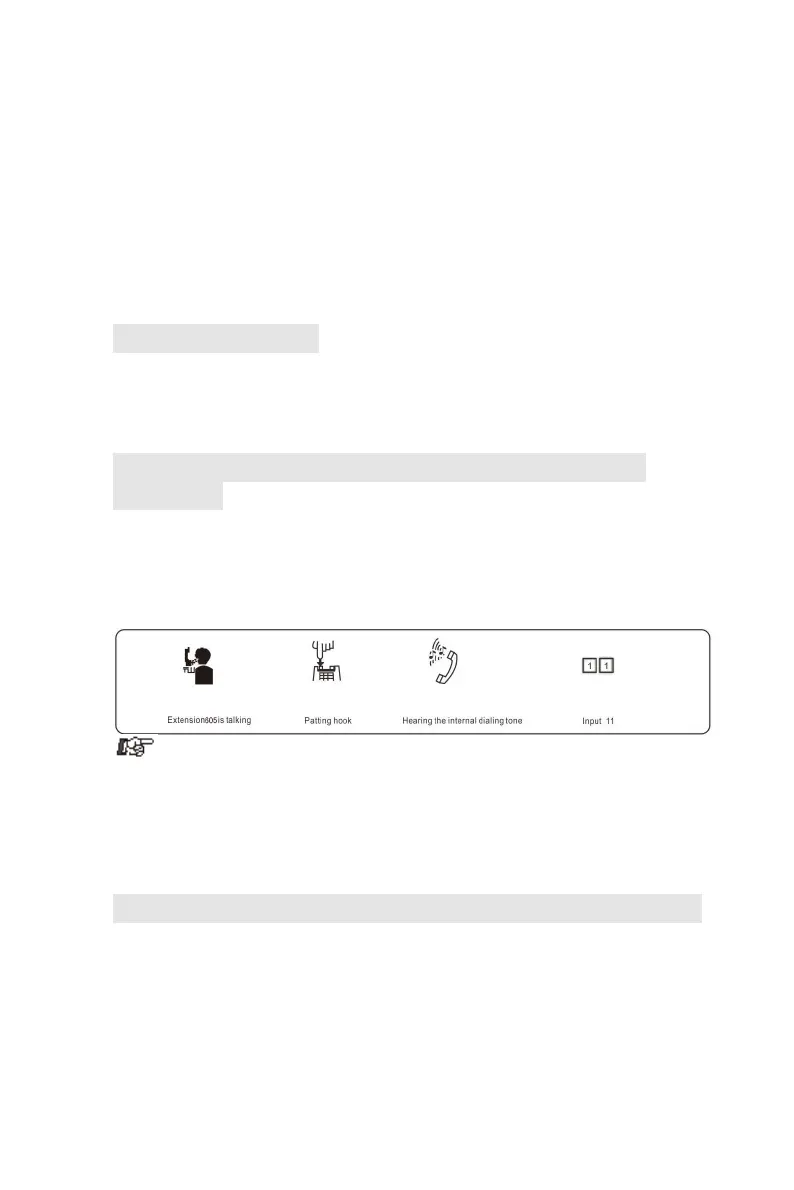
4.9 Secretary Function(Outgoing Call Transfer
Function)
Format: Pat the hook then dial the Ext number
Description: This function let you make an outgoing call from one Ext then
divert and connect other Ext. to C.O. line
Example: Ext .605 makes an outward call then transfers the call to Ext.
601.
1. You should input the Ext number within 5 seconds after patting the
hook ( or press FLASH button ) and hearing the internal dialing tone,
otherwise you’ll be came back to the C.O. line again .
2. You can uniform manage the system by using C.O. line Restriction
and Secretary Function, Such as: the operator uniform books the long
distance calls, then transfer to the needed.
4.10 Three Way Conference (1 C.O. Line and 2 Exts)
Format: Pat the hook (or press FLASH button) and # and Ext .number
Description: Allows you to add a third party to a two-party conversation
and make a three-party conference. You can have only two Ext. with one
C.O. line.
Example: Ext. 605 is talking to C.O. line caller and he want to transfer the
call to 607. Then 605, 607 and C.O. line can talk at the same time.



 To Next Page