Setting Up Your Chromatic Dispersion Analyzer
14 FTB-5800
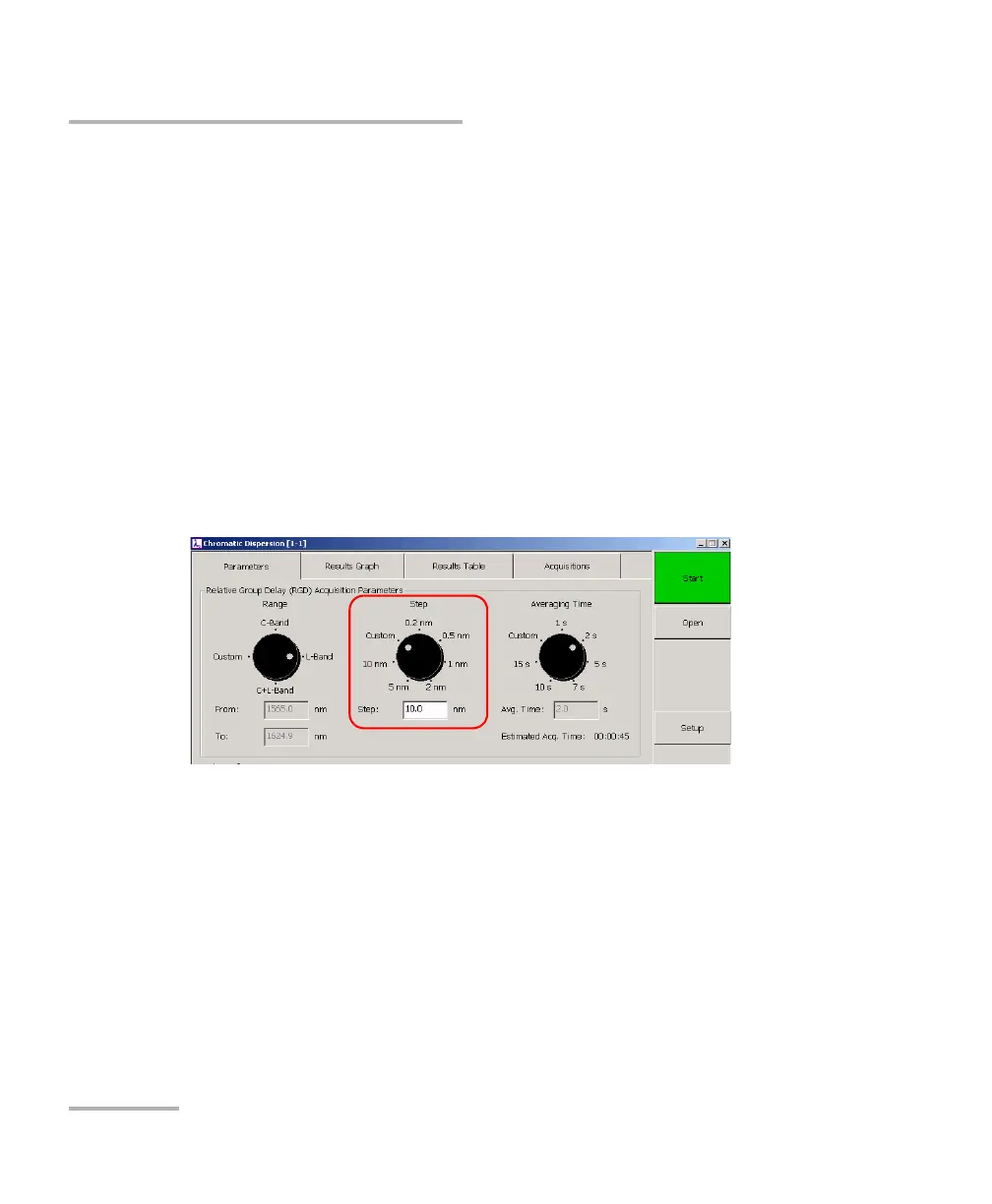
Setting the Wavelength Step
Setting the Wavelength Step
The wavelength step corresponds to the interval, in nanometers, at which
the system will take RGD measurements within the selected wavelength
range. You can either choose one of the preprogrammed step or specify
the desired value with the custom option.
Note: The smaller the step you choose, the higher the accuracy of your
measurement will be and the longer the acquisition will take. For unknown
fiber type or amplified links, EXFO strongly recommends selecting the
smallest step possible.
To select a predefined wavelength step:
On the Parameters tab, use the Step dial.



 To Next Page